#1
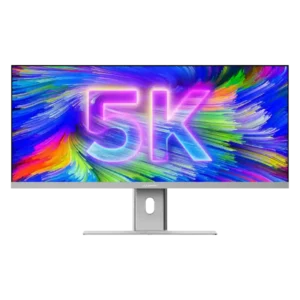
Best for a single, expansive Mac-friendly workspace with excellent color, sharp 5K2K detail, and one-cable docking. Skip it if you need strong HDR, competitive-gaming response, powerful speakers, or a stand...
Pros: productivity versatility, aspect ratio
Cons: HDR performance, HDMI 2.1 support
#2
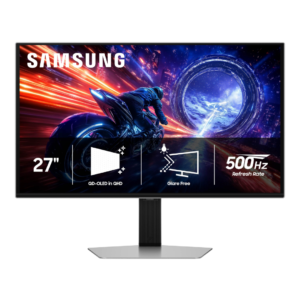
Best for elite 500Hz esports motion, OLED contrast, and strong matte glare control. Skip it if you want 4K sharpness, USB-C/KVM convenience, or better value from a lower-refresh or cheaper...
Pros: panel type, response time
Cons: curved screen immersion, built-in speakers
#3
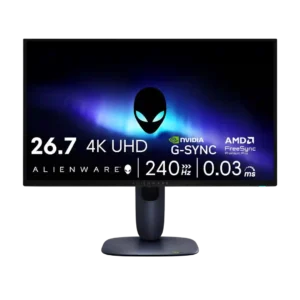
Choose the AW2725Q if you want a compact 27-inch 4K QD-OLED with elite sharpness, OLED contrast, and smooth 240Hz gaming. Skip it if you need high SDR brightness, KVM/USB-C display...
Pros: response time, contrast
Cons: built-in speakers, software support
#4
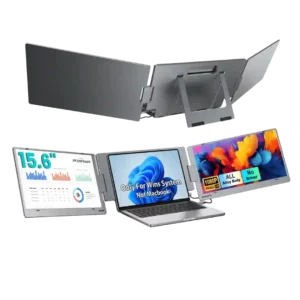
Choose the X90E if you want a fast, one-cable way to turn a compatible laptop into a three-screen workstation. Skip it if weight, strict device compatibility, color-critical work, or high-refresh...
Pros: screen size, sharpness
Cons: sleep and wake behavior, screen uniformity
#5
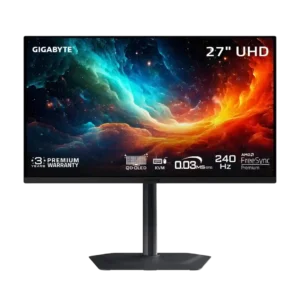
Best for razor-sharp 4K 240Hz OLED motion, excellent contrast, and a superb compact stand. Skip it at full price if you need accurate HDR, strong bright-room performance, or polished software.
Pros: input lag, viewing angles
Cons: color accuracy, software support
#6
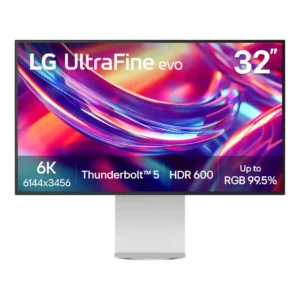
Best for razor-sharp 6K creative work, expansive desktop space, accurate color, and Thunderbolt-heavy setups. Skip it for serious gaming, strong HDR, glossy-screen preferences, or if premium metal construction and lower...
Pros: screen size, PC gaming compatibility
Cons: ghosting control, competitive gaming suitability