If you want better reliability over time
Choose AOC Q27G3XMN. It scores 4.0 vs 1.5 for reliability over time, with a 3.9 overall score.

Exceptional Mini LED brightness, smooth QHD gaming, and a fully adjustable stand make this a compelling value. Expect some calibration work, limited connections, and occasional blooming or scanlines.
Value-focused PC gamers who want bright HDR effects and smooth 1440p play, especially in single-player games. It also fits desk users who appreciate a fully adjustable stand and can calibrate colors.
Buyers seeking seamless USB-C docking or a KVM, dark-room movie purists sensitive to blooming, and anyone unwilling to troubleshoot color or refresh-rate quirks.
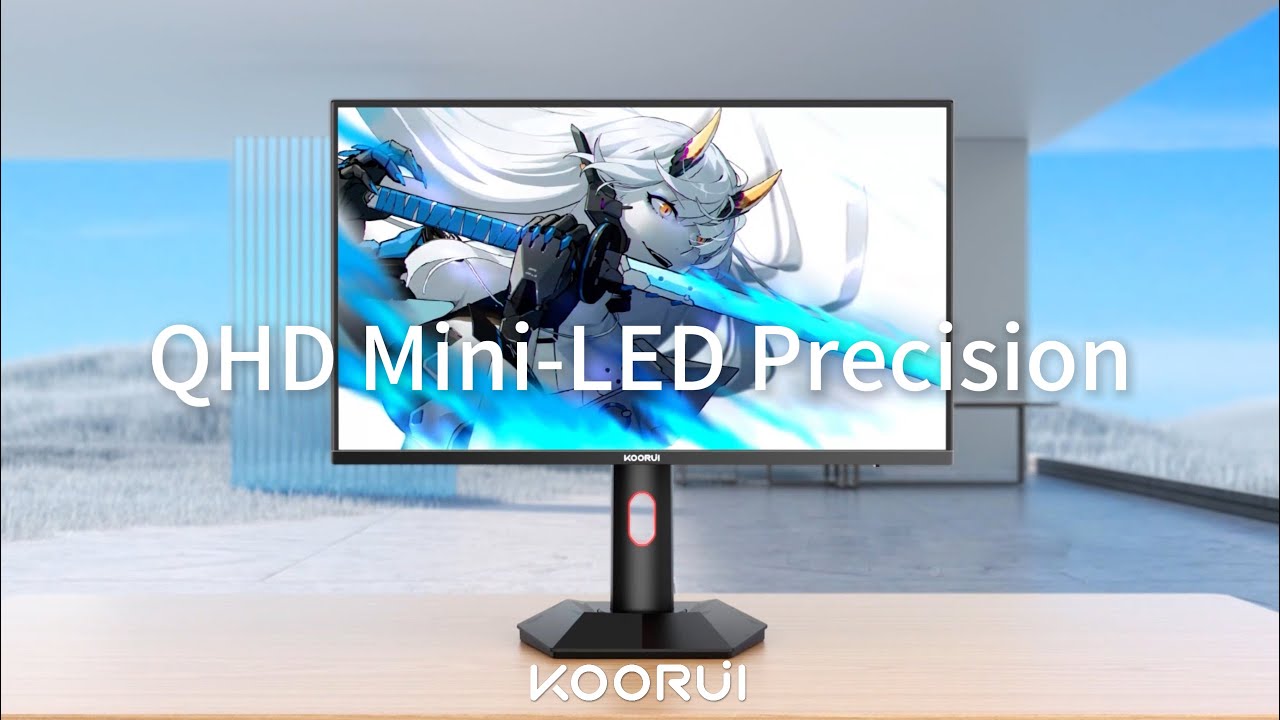
The KOORUI S2721PM makes a strong case for affordable HDR gaming. Its 27-inch QHD IPS panel combines a 200Hz refresh rate with unusually bright Mini LED highlights, broad color coverage, and an adjustable stand. It can look dramatically better in HDR than a typical budget IPS screen, and its responsive motion makes it an appealing PC gaming display. But it is not a plug-and-play all-rounder. Factory color requires tuning, the best results favor HDR Auto, and local dimming can create halos around bright details. HDMI 2.0 and the lack of USB or KVM features limit convenience, even though independent testing found PS5 VRR works at supported resolutions. Reports of scanline artifacts at certain refresh rates and occasional software quirks are worth taking seriously. It is easiest to recommend at a discount to gamers who prioritize HDR picture quality over workstation connectivity.
Compared with other Monitors, this product is above average in HDR performance, VRR flicker, value for money, near average in sharpness, PC gaming compatibility, below average in USB hub functionality, USB-C power delivery, HDMI 2.1 support.
| Attribute | This product | Category average | Difference |
|---|---|---|---|
| USB hub functionality | 1.3 | 3.7 | -2.4 |
| USB-C power delivery | 1.3 | 3.7 | -2.4 |
| HDMI 2.1 support | 1.8 | 4.1 | -2.3 |
| heat management | 2.2 | 4.3 | -2.1 |
| Firmware updateability | 1.0 | 3.1 | -2.1 |
| reliability over time | 1.5 | 3.6 | -2.1 |
| port selection | 2.3 | 4.1 | -1.8 |
| ease of use | 2.5 | 4.3 | -1.8 |
Choose AOC Q27G3XMN. It scores 4.0 vs 1.5 for reliability over time, with a 3.9 overall score.
Choose ASUS ROG Swift OLED PG27UCDM. It scores 5.0 vs 1.0 for Firmware updateability, with a 4.4 overall score.
Choose Dell S2725QS. It scores 4.4 vs 1.8 for HDMI 2.1 support, with a 3.8 overall score.
Choose ASUS ROG Swift OLED PG32UCDM Gen3. It scores 4.9 vs 1.3 for USB-C power delivery, with a 4.2 overall score.
Products reviewers directly compared with this model, grouped into quick takeaways.
Yes. Its Mini LED backlight and strong highlight brightness are particular strengths, especially in visually rich PC games. HDR Auto is generally the best-performing mode.
Yes, using DisplayPort 1.4 with the overclock setting enabled. HDMI 2.0 tops out at a lower refresh rate, and some owners use 144Hz to avoid scanline artifacts.
A detailed hands-on test confirmed 1440p/120Hz and PS5 VRR with FreeSync enabled. HDMI 2.0 does not provide 4K/120Hz, and some other console HDR combinations are limited.
Not consistently. Tests and owner reports describe white-point shifts or oversaturated SDR colors, so calibration or careful preset selection is recommended for critical work.
It can be, especially around subtitles, cursors, and bright objects against black. Turning down local dimming can reduce some artifacts but compromises contrast.
No. It has HDMI and DisplayPort video inputs but no USB-C docking, USB hub, or integrated KVM.
For ordinary office tasks, yes: QHD text, glare reduction, and a height-adjustable pivoting stand help. More advanced business connectivity is absent.
These are a few of the reviews included in our analysis.
Against the AOC Q27G40XMN, the nearest Mini LED rival at this size and resolution, the choice comes down to panel type. See its pros, cons...
The KOORUI S2721PM is a budget-friendly 27-inch monitor with a 1440p resolution and 200Hz max refresh rate. Featuring Mini LED backlighting...
KOORUI S2721PMの評価をまとめました。27インチWQHD・Fast IPS・200Hzに1152ゾーンMini LEDとDisplayHDR 1000を載せた異例のコスパ機。ブルーミングとHDMI 2.1非搭載という弱点も正直に検証します。
「KOORUI S2721PM」は、あの名作「P275MS(無印版)」に対する、ほぼ完全な上位互換モデルです。わずか3万円台の価格ながら、最大200 Hz対応のFast IPSパネルに、量子ドット + Mini...

The 27-inch 4K OLED picture is exceptionally crisp and responsive, with useful USB-C and KVM extras. Its high price, oversized stand, and bright-room compromises limit its appeal.
Pros: sharpness, overall satisfaction
Cons: value for money, VRR flicker

Best for exceptional 4K HDR, accurate color, fast 240Hz gaming, and strong work connectivity. Skip it if you need built-in speakers, ultrawide immersion, television-level HDR brightness, or a budget-friendly upgrade.
Pros: brightness, reflection handling
Cons: cable management

Best for class-leading 360Hz ultrawide motion, spectacular HDR, deep blacks, and unusually strong work-and-play connectivity. Skip it if you want 4K-like text sharpness, a matte screen, or the best value...
Pros: overall satisfaction, sharpness
Cons: Resolution, cable management

Choose the RD280UG for coding, trading, writing, or creative work that benefits from a tall, sharp 3:2 screen and strong eye-care features. Skip it for serious HDR, color-critical creation, esports,...
Pros: productivity versatility, aspect ratio
Cons: value for money, competitive gaming suitability