Best overall
MSI MPG 322UR QD-OLED X24
4.4 overall score
Highest ranked product in this category by consolidated review score.

Highest ranked product in this category by consolidated review score.
Balances a strong score with broader review coverage.
Leads this category on a matching scored feature.
Leads this category on a matching scored feature.
Most common complaint: documentation quality (1.7 category average)

Best for exceptional 4K HDR, accurate color, fast 240Hz gaming, and strong work connectivity. Skip it if you need built-in speakers, ultrawide immersion, television-level HDR brightness, or a budget-friendly upgrade.
Pros: brightness, reflection handling
Cons: cable management

Best for class-leading 360Hz ultrawide motion, spectacular HDR, deep blacks, and unusually strong work-and-play connectivity. Skip it if you want 4K-like text sharpness, a matte screen, or the best value...
Pros: overall satisfaction, sharpness
Cons: Resolution, cable management

Choose the RD280UG for coding, trading, writing, or creative work that benefits from a tall, sharp 3:2 screen and strong eye-care features. Skip it for serious HDR, color-critical creation, esports,...
Pros: productivity versatility, aspect ratio
Cons: value for money, competitive gaming suitability

Best for fast 1440p OLED gaming, deep blacks, and a flexible stand at a bargain sale price. Skip it for bright rooms, USB-C/KVM productivity, or the reassurance of a three-year...
Pros: color gamut, overall picture quality
Cons: brightness, HDR performance
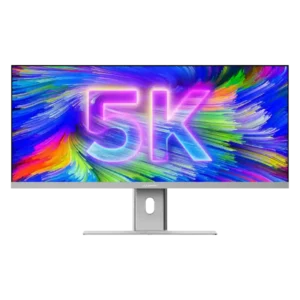
Best for a single, expansive Mac-friendly workspace with excellent color, sharp 5K2K detail, and one-cable docking. Skip it if you need strong HDR, competitive-gaming response, powerful speakers, or a stand...
Pros: productivity versatility, aspect ratio
Cons: built-in speakers, competitive gaming suitability
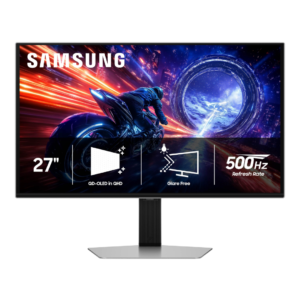
Best for elite 500Hz esports motion, OLED contrast, and strong matte glare control. Skip it if you want 4K sharpness, USB-C/KVM convenience, or better value from a lower-refresh or cheaper...
Pros: overall satisfaction, competitive gaming suitability
Cons: value for money, screen size
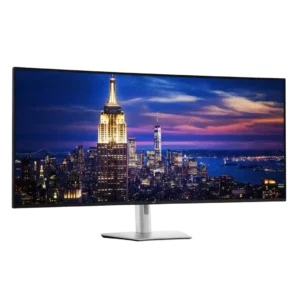
Best for a seamless 6K command center that replaces several displays and docks a laptop through one cable. Skip it if you lack desk space or prioritize price, HDR, fast...
Pros: productivity versatility, overall satisfaction
Cons: value for money, response time
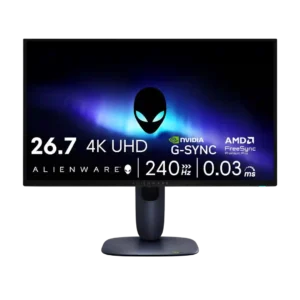
Choose the AW2725Q if you want a compact 27-inch 4K QD-OLED with elite sharpness, OLED contrast, and smooth 240Hz gaming. Skip it if you need high SDR brightness, KVM/USB-C display...
Pros: value for money, sharpness
Cons: brightness, USB hub functionality
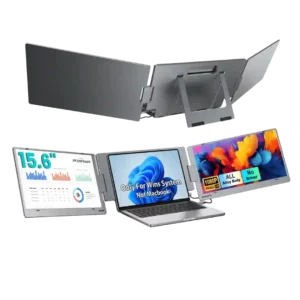
Choose the X90E if you want a fast, one-cable way to turn a compatible laptop into a three-screen workstation. Skip it if weight, strict device compatibility, color-critical work, or high-refresh...
Pros: overall satisfaction, portability and weight
Cons: reliability over time
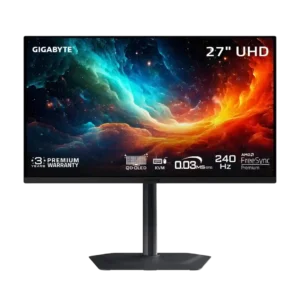
Best for razor-sharp 4K 240Hz OLED motion, excellent contrast, and a superb compact stand. Skip it at full price if you need accurate HDR, strong bright-room performance, or polished software.
Pros: motion clarity, PC gaming compatibility
Cons: color accuracy, software support
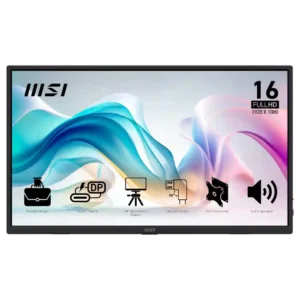
Best for an inexpensive, lightweight second screen with easy USB-C/HDMI setup and flexible mounting. Skip it for color-critical work, competitive gaming, or if speaker quality matters.
Pros: value for money, portability and weight
Cons: built-in speakers, color gamut
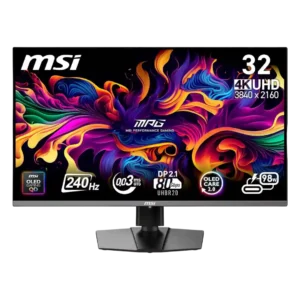
Best for breathtaking 4K OLED contrast, color, and 240Hz speed—especially with a high-end PC. Skip it at full price if bright-room use, effortless reliability, or proven DisplayPort durability matters most.
Pros: color accuracy, value for money
Cons: reliability over time, brightness
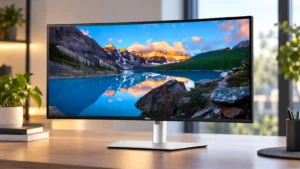
Best for a polished single-monitor workspace with excellent multitasking, KVM, USB hub, and laptop connectivity. Skip it if competitive gaming, strong HDR, maximum pixel density, or the safest value at...
Pros: overall satisfaction, productivity versatility
Cons: value for money, reliability over time
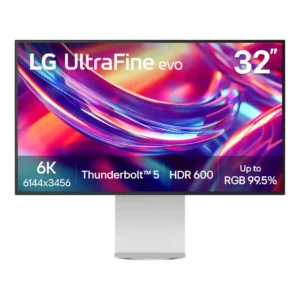
Best for razor-sharp 6K creative work, expansive desktop space, accurate color, and Thunderbolt-heavy setups. Skip it for serious gaming, strong HDR, glossy-screen preferences, or if premium metal construction and lower...
Pros: port selection, overall satisfaction
Cons: value for money, cable management