
Upscaling is one of the S90H’s clearest strengths, making HD and even DVD material look cleaner and more detailed without excessive artificial sharpening.
Pros: glare resistance, black levels
Cons: Dolby Vision support, color gamut

Upscaling is one of the S90H’s clearest strengths, making HD and even DVD material look cleaner and more detailed without excessive artificial sharpening.
Pros: glare resistance, black levels
Cons: Dolby Vision support, color gamut
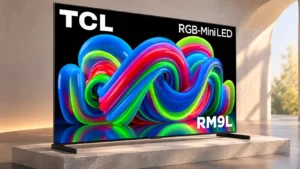
High-definition and lower-resolution sources upscale to a clean, detailed image, making even older shows convincing at 85 inches.
Pros: picture quality, overall satisfaction
Cons: color crosstalk, value for money
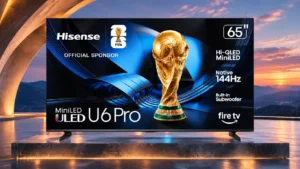
Lower-resolution footage appears sharp and relatively clean without strong oversharpening artifacts.
Pros: overall satisfaction, value for money
Cons: Smart TV platform, advertising intrusiveness
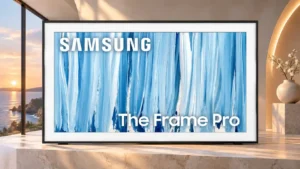
Older HD and DVD material gains clear, natural-looking detail without harsh over-sharpening.
Pros: cable management, design and appearance
Cons: value for money, Dolby Vision support
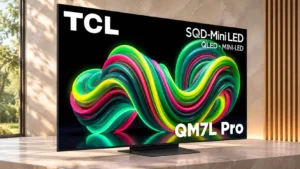
Upscaling is one of the stronger areas, keeping HD-to-4K edges smooth and improving lower-quality feeds.
Pros: picture quality, black levels
Cons: viewing angles, motion clarity
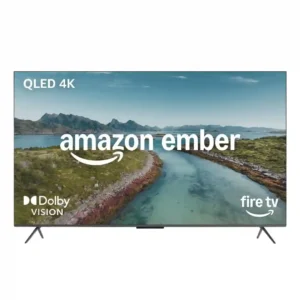
Upscaling impressed in the detailed test, preserving strong sharpness and texture from lower-resolution Blu-ray material. That is particularly useful for a streaming-focused TV.
Pros: picture quality, overall satisfaction
Cons: value for money, reliability
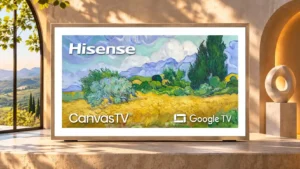
HD and lower-resolution material is enlarged cleanly, preserving outlines and fine details without obvious jaggies.
Pros: picture quality, color accuracy
Cons: HDR performance, sound quality
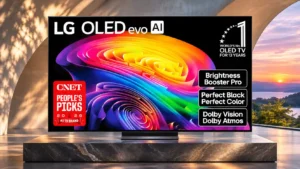
DVDs, lower-resolution TV channels and HD streams are handled with impressively natural detail, although optional sharpening can become aggressive.
Pros: gaming performance, HDR brightness
Cons: reflection handling, glare resistance
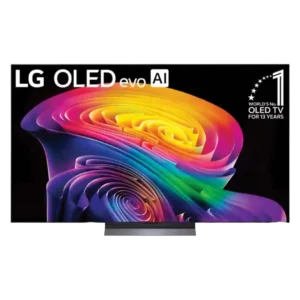
HD, 1080p, and even DVD material look cleaner, sharper, and more dimensional than expected. The new processor improves edges and textures without usually making content look artificial.
Pros: picture quality, gaming performance
Cons: value for money, sound quality
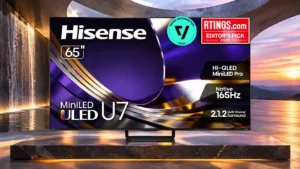
Older HD and lower-bitrate sources receive sharper detail with minimal artificial edge enhancement.
Pros: overall satisfaction, glare resistance
Cons: motion handling, viewing angles
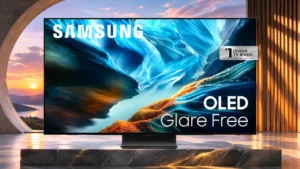
Standard-definition and HD sources look cleaner and smoother after conversion to the native 4K display.
Pros: black levels, contrast ratio
Cons: Dolby Vision support, stutter handling
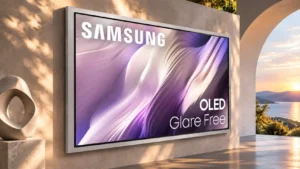
HD and lower-resolution programs gain convincing sharpness without much oversharpening. The best competitors may still extract slightly more from poor-quality feeds.
Pros: picture quality, overall satisfaction
Cons: design and appearance, Dolby Vision support
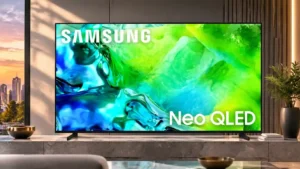
HD material is typically upgraded into a sharp 4K presentation, though low-bitrate streaming can reveal artifacts and softened detail.
Pros: picture quality, contrast ratio
Cons: blooming control, glare resistance

Older HD and cable sources look cleaner, sharper, and more detailed than expected without excessive artificial sharpening. TCL’s processing now approaches the better upscalers in the category.
Pros: picture quality, value for money
Cons: stand quality, judder handling

DVD and HD material often gains crisp texture and careful detail, especially from cleaner sources. The weakest compressed broadcasts can still expose overprocessing.
Pros: picture quality, peak brightness
Cons: value for money, sound quality
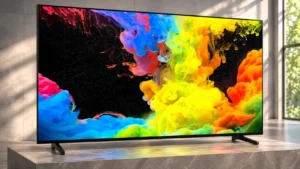
HD and even older low-resolution content scales with pleasing clarity and few obvious artifacts, although very demanding scenes can look a little soft.
Pros: picture quality, black levels
Cons: bass performance, HDR brightness
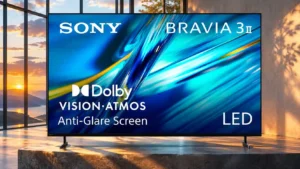
Low-resolution broadcasts, older videos and DVDs come out surprisingly sharp and well controlled. This is one of the strongest reasons to choose the Sony over less expensive alternatives.
Pros: HDMI 2.1 port count, overall satisfaction
Cons: HDR performance, bass performance
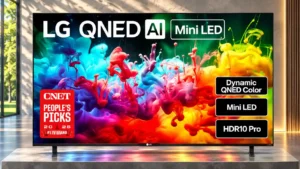
DVDs and 1080p sources are enlarged cleanly, avoiding obvious jagged edges and harsh sharpening.
Pros: picture quality, color accuracy
Cons: remote control quality, black levels
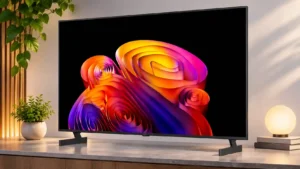
DVDs and HD streams gain clear, natural-looking detail without aggressive edge sharpening.
Pros: contrast ratio, black levels
Cons: reflection handling, color accuracy
Lower-resolution DVDs and older streams gain clarity without conspicuous over-sharpening.
Pros: peak brightness, picture quality
Cons: value for money, viewing angles
Low-resolution DVDs and similar sources are enlarged cleanly without obvious oversharpening. This strength does not extend fully to compressed-stream cleanup.
Pros: HDMI 2.1 port count, Video input versatility
Cons: value for money, overall satisfaction
Low-resolution material looks clear and free of major processing artifacts.
Pros: value for money, overall satisfaction
Cons: HDR brightness
Lower-resolution films, shows and video streams become impressively clear on the 4K panel. Cleanup can sacrifice a little fine texture in difficult sources.
Pros: color volume, overall satisfaction
Cons: value for money, color accuracy
Upscaling is among the TV’s strongest processing tricks, making HD and even DVD material look cleaner without obvious over-sharpening.
Pros: overall satisfaction, overall image accuracy
Cons: value for money, bass performance
Upscaling has improved into a genuine TCL strength and can look close to higher-tier models. Results still depend heavily on the quality and bitrate of the original signal.
Pros: peak brightness, picture quality
Cons: color accuracy, viewing angles
Standard-definition and HD material can look clear and lively, but heavy compression is much harder for the processor to fix.
Pros: overall satisfaction, color gamut
Cons: value for money, local dimming performance

Low-resolution sources gain sharpness without obvious edge enhancement, making older video much easier to watch.
Pros: art display mode, design and appearance
Cons: overall satisfaction, HDMI port accessibility

HD content generally sharpens impressively on the big 4K panel, though results are less consistent for rough lower-resolution sources.
Pros: peak brightness, blooming control
Cons: value for money, motion clarity
Upscaling is generally a Sony strength and can rescue low-resolution or compressed sources impressively. A few tests found Reality Creation too aggressive on weaker material.
Pros: overall satisfaction, picture quality
Cons: HDMI 2.1 port count, reflection handling
Older movies and low-resolution streams generally look clear and well defined. Some competing models preserve more sharpness and texture from weaker sources.
Pros: black levels, picture quality
Cons: glare resistance, reflection handling
Lower-resolution content often gains crisp detail and less noise, although some comparisons favor rival upscalers.
Pros: peak brightness, picture quality
Cons: value for money, color accuracy
HD streams and online videos become sharper and more colorful, though processed low-resolution content still cannot match native 4K.
Pros: value for money, peak brightness
Cons: color accuracy, stand quality

HD material can upscale cleanly with smooth edges, but DVDs and other low-resolution material remain noticeably soft. Source quality makes a major difference.
Pros: design and appearance, maximum volume
Cons: picture quality, value for money
Results are mixed: a stronger processor can improve HD feeds over entry-level TVs, but small text and weak source details can stay soft.
Pros: gaming performance, color accuracy
Cons: value for money, overall satisfaction
Upconversion is mixed: HD edges look excellent in one assessment, while others notice softness with older or low-resolution sources.
Pros: sound quality, picture quality
Cons: value for money, local dimming performance
Processing is praised on some HD material but can look soft and leave text indistinct in other tests.
Pros: picture quality, overall satisfaction
Cons: sound quality, black levels
Upscaling makes some everyday broadcasts look better, while controlled tests find soft fine detail and weak reconstruction.
Pros: white balance accuracy, design and appearance
Cons: overall satisfaction, value for money
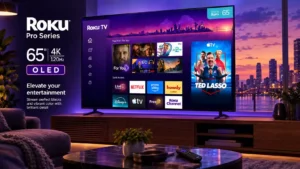
The lack of exposed upscaling adjustments is a drawback for users who want to tune processing themselves.
Pros: contrast ratio, value for money
Cons: peak brightness, HDR brightness
Low-resolution material may look soft, with small details difficult to recover. Other testing liked its HD-to-4K edge treatment, so assessments are not unanimous.
Pros: art display mode, picture quality
Cons: contrast ratio, high-refresh-rate gaming
Upscaled picture detail is only fair. Low-resolution upscaling looks badly blurred.
Pros: value for money, picture quality
Cons: account requirements, gaming performance