Calibration is accessible and effective, although accurate factory presets leave relatively little correction necessary.
Pros: picture quality, overall satisfaction
Cons: design and appearance, Dolby Vision support

Calibration is accessible and effective, although accurate factory presets leave relatively little correction necessary.
Pros: picture quality, overall satisfaction
Cons: design and appearance, Dolby Vision support

The picture controls offer extensive adjustments, and calibration can bring the already capable image very close to reference accuracy.
Pros: overall satisfaction, value for money
Cons: Smart TV platform, advertising intrusiveness
Significant calibration can correct the cool color temperature and deliver excellent accuracy, but the default picture requires meaningful work.
Pros: picture quality, color accuracy
Cons: HDR performance, sound quality
Calibration is relatively easy and can produce very accurate colors, although a little shadow crush remains.
Pros: sound quality, picture quality
Cons: value for money, local dimming performance
The TV is straightforward to calibrate and can achieve excellent SDR and HDR accuracy with suitable settings.
Pros: picture quality, contrast ratio
Cons: blooming control, glare resistance
Calibration is relatively straightforward and makes a substantial improvement to color fidelity.
Pros: art display mode, design and appearance
Cons: overall satisfaction, HDMI port accessibility
Picture accuracy is already strong out of the box and can be made even better, although most owners will gain little from calibration.
Pros: cable management, design and appearance
Cons: value for money, Dolby Vision support

White-balance controls and picture adjustments allow the QM8L to reach excellent measured accuracy after calibration.
Pros: picture quality, value for money
Cons: stand quality, judder handling
The C6 offers deep manual controls, AutoCal support, multiple accurate presets, and reset options. Enthusiasts can fine-tune grayscale, tone mapping, and white balance extensively.
Pros: picture quality, gaming performance
Cons: value for money, sound quality
The picture can be dialed in very accurately, and the settings are reasonably approachable. Filmmaker Mode is a useful starting point.
Pros: picture quality, black levels
Cons: bass performance, HDR brightness
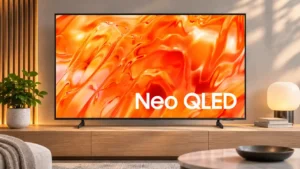
Proper calibration can deliver exceptionally accurate SDR colors, though panel-specific values should not be blindly copied to another unit.
Pros: picture quality, overall satisfaction
Cons: sound quality, black levels
Calibration is straightforward and can refine accuracy, although the default image is already strong enough that gains may be subtle.
Pros: contrast ratio, black levels
Cons: reflection handling, color accuracy

SDR adjustment is straightforward and can produce an almost flawless result. HDR remains less cooperative even after a full calibration.
Pros: design and appearance, maximum volume
Cons: picture quality, value for money

The TV is straightforward to calibrate, and the adjusted picture looks close to ideal despite lingering blue errors.
Pros: value for money, overall satisfaction
Cons: HDR brightness
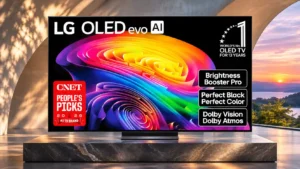
Expert controls and AutoCal can dial in very accurate images, but HDR color adjustments are finicky on some tested units.
Pros: gaming performance, HDR brightness
Cons: reflection handling, glare resistance
Calibration is easy but changes little for SDR.
Pros: black levels, picture quality
Cons: glare resistance, reflection handling
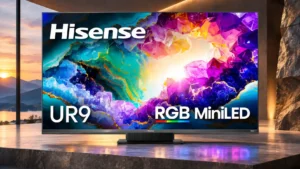
Picture calibration can bring color and grayscale much closer to reference targets, but getting there may require careful setup.
Pros: peak brightness, picture quality
Cons: value for money, color accuracy

Filmmaker Mode and Calman support can deliver reference-grade accuracy with extensive adjustment. One firmware version’s broken HDR color controls created a notable exception.
Pros: picture quality, peak brightness
Cons: value for money, sound quality
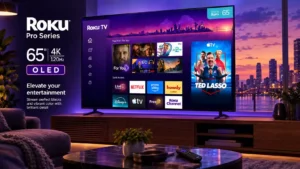
Granular picture controls are available on the TV itself. Requiring active content before opening some deeper settings makes fine-tuning less convenient.
Pros: contrast ratio, value for money
Cons: peak brightness, HDR brightness
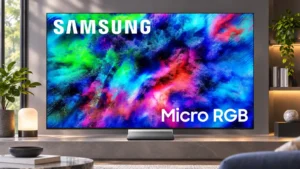
The controls can correct an obvious cool or overly vivid image, particularly in SDR. Reaching a neutral result may require more work than buyers expect at this price.
Pros: color volume, overall satisfaction
Cons: value for money, color accuracy
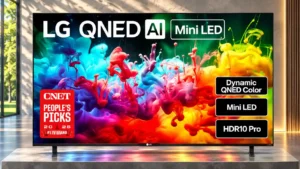
A full calibration can make the image exceptionally accurate, and the settings offer useful adjustments rather than a universal one-size-fits-all recipe.
Pros: picture quality, color accuracy
Cons: remote control quality, black levels

Phone-assisted Smart Calibration is convenient for quick tuning, though it is not a substitute for a full professional calibration.
Pros: glare resistance, black levels
Cons: Dolby Vision support, color gamut
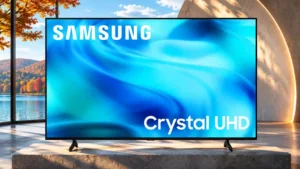
Careful calibration greatly improves white balance and general accuracy, though stubborn shadow crush and saturated color errors remain.
Pros: white balance accuracy, design and appearance
Cons: overall satisfaction, value for money
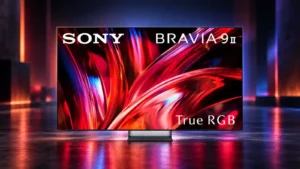
Professional mode is the strongest starting point for accurate viewing, while the other presets give useful flexibility for brighter or punchier presentation.
Pros: overall satisfaction, overall image accuracy
Cons: value for money, bass performance
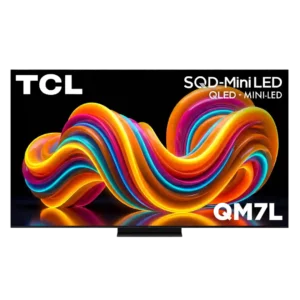
The QM7L offers many presets and picture controls, making it easy to tailor SDR, HDR, Dolby Vision, and gaming. Default accuracy varies enough that some owners may need significant adjustment.
Pros: peak brightness, picture quality
Cons: color accuracy, viewing angles
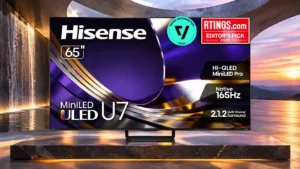
Careful calibration can yield excellent accuracy, although the absence of a familiar automatic calibration option is disappointing.
Pros: overall satisfaction, glare resistance
Cons: motion handling, viewing angles
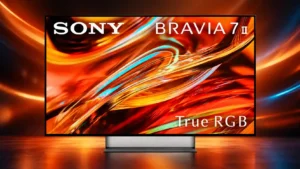
Sony provides useful picture modes and calibrated presets, but the lack of a full color-management system frustrates enthusiasts. Some settings are also less intuitive than they should be.
Pros: overall satisfaction, picture quality
Cons: HDMI 2.1 port count, reflection handling

Careful calibration can transform color accuracy into one of the TV's strengths. The process is awkward because menus and local dimming interfere with measurements.
Pros: picture quality, overall satisfaction
Cons: color crosstalk, value for money
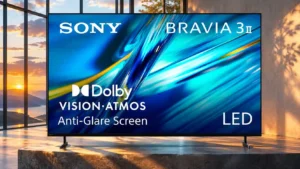
Color is already accurate in the preferred presets and can be refined further, with Calman support available. Missing granular color-management controls limit a full professional adjustment.
Pros: HDMI 2.1 port count, overall satisfaction
Cons: HDR performance, bass performance
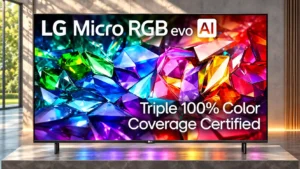
Extensive picture settings can substantially improve SDR accuracy, but reaching a good balance takes effort and HDR accuracy remains problematic.
Pros: peak brightness, picture quality
Cons: value for money, viewing angles

Calibration is fairly approachable and can correct much of the warm cast, but adjustment limits remain and very bright scenes may still look too dark.
Pros: art display mode, picture quality
Cons: contrast ratio, high-refresh-rate gaming
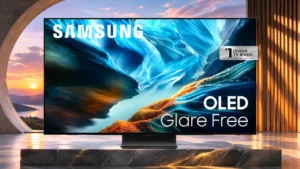
SDR is easy to dial in with excellent results; HDR calibration yields little further improvement.
Pros: black levels, contrast ratio
Cons: Dolby Vision support, stutter handling
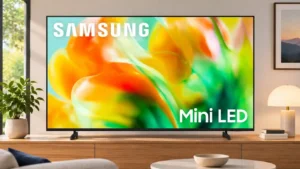
Careful calibration yields excellent accuracy, but the white balance changes with brightness, making all-day consistency difficult.
Pros: gaming performance, color accuracy
Cons: value for money, overall satisfaction

Picture controls are inconsistent: useful local dimming, tone mapping, EQ, and motion adjustments exist, but some advanced options are greyed out or poorly tuned by default. Owners may need hands-on...
Pros: picture quality, overall satisfaction
Cons: value for money, reliability
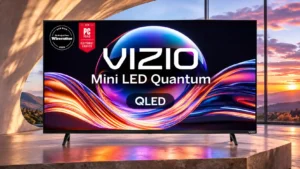
SDR can be tuned very accurately, but HDR calibration has little effect and some sizes may not expose the controls.
Pros: value for money, picture quality
Cons: account requirements, gaming performance
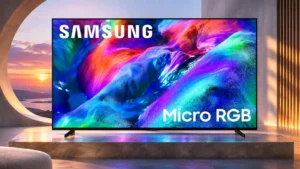
Professional calibration is awkward because RGB backlight interactions alter test colors, but a careful setup can substantially improve accuracy.
Pros: overall satisfaction, color gamut
Cons: value for money, local dimming performance
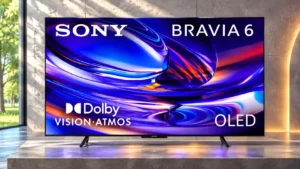
A full calibration can improve accuracy dramatically, but the controls are limited. In particular, there is no full color management system for nuanced corrections.
Pros: HDMI 2.1 port count, Video input versatility
Cons: value for money, overall satisfaction
Limited color controls make the occasional green cast harder to correct fully.
Pros: value for money, peak brightness
Cons: color accuracy, stand quality
HDR picture adjustments are limited, which matters because some scenes appear too bright or too dark. Careful buyers should not assume every imbalance can be corrected.
Pros: picture quality, black levels
Cons: viewing angles, motion clarity

Calibration is a notable weak spot: some controls cannot fully correct color and HDR errors, even though a few presets look good.
Pros: peak brightness, blooming control
Cons: value for money, motion clarity