
Older and lower-resolution sources hold up surprisingly well, with processing that preserves texture while avoiding heavy-handed cleanup.
Pros: glare resistance, black levels
Cons: Dolby Vision support, color gamut

Older and lower-resolution sources hold up surprisingly well, with processing that preserves texture while avoiding heavy-handed cleanup.
Pros: glare resistance, black levels
Cons: Dolby Vision support, color gamut
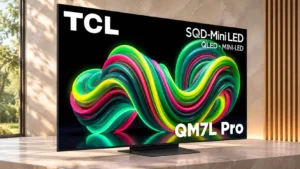
Older HD broadcasts are cleaned up effectively, with smooth upconverted edges and strong 1080i deinterlacing.
Pros: picture quality, black levels
Cons: viewing angles, motion clarity
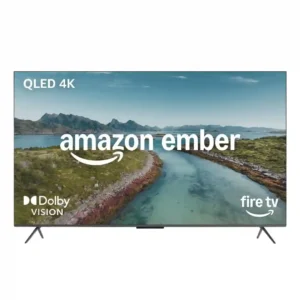
Lower-resolution sources can look unexpectedly sharp and detailed. One side-by-side review even found the Ember crisper than its Mini-LED comparison in this use case.
Pros: picture quality, overall satisfaction
Cons: value for money, reliability
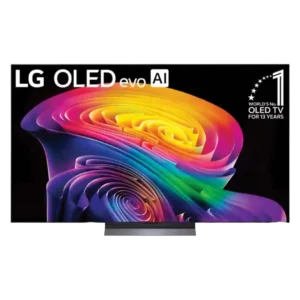
Lower-resolution streams and discs receive useful cleanup and added clarity, though very soft or low-bitrate sources still cannot be made to look truly 4K.
Pros: picture quality, gaming performance
Cons: value for money, sound quality
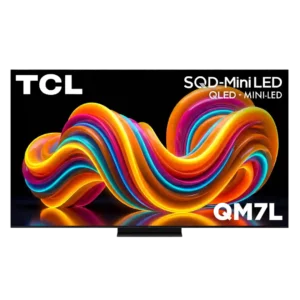
Lower-resolution material benefits from strong upscaling, though the cleanest results still require a reasonably good input signal.
Pros: peak brightness, picture quality
Cons: color accuracy, viewing angles

Even 720p material can look surprisingly good, with useful cleanup and detail enhancement that makes older content more watchable on a large 4K screen.
Pros: picture quality, value for money
Cons: stand quality, judder handling
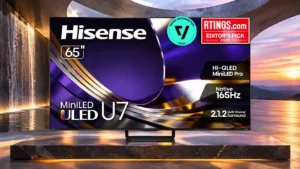
Compressed streams and older HD material get cleaner edges and reduced macroblocking without excessive over-sharpening.
Pros: overall satisfaction, glare resistance
Cons: motion handling, viewing angles
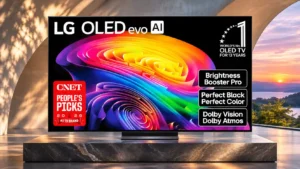
Weak streams look much cleaner thanks to effective scaling and compression cleanup; the very softest sources still show their limitations.
Pros: gaming performance, HDR brightness
Cons: reflection handling, glare resistance
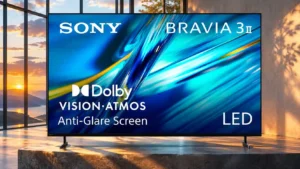
DVDs, 720p video and compressed streams are cleaned up well without heavy sharpening halos. Very low-resolution 480p images still have unavoidable softness.
Pros: HDMI 2.1 port count, overall satisfaction
Cons: HDR performance, bass performance
Older TV, DVDs, and compressed streams look cleaner than expected, making the screen versatile beyond pristine 4K material.
Pros: picture quality, black levels
Cons: bass performance, HDR brightness
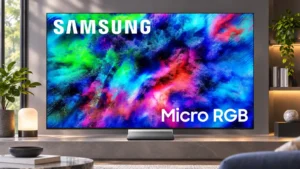
HD, SD and older streams generally remain watchable and surprisingly detailed. Compression cleanup is effective, although extremely poor sources cannot become genuinely native 4K.
Pros: color volume, overall satisfaction
Cons: value for money, color accuracy
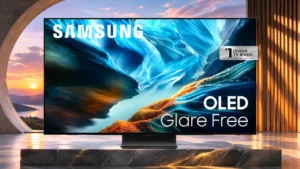
DVD and lower-quality video remain surprisingly detailed after scaling, though visible compression artifacts can persist.
Pros: black levels, contrast ratio
Cons: Dolby Vision support, stutter handling
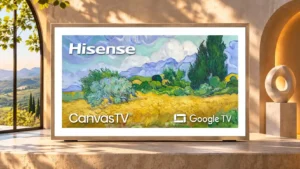
Compressed streams and lower-resolution sources clean up nicely, but aggressive smoothing can erase small details.
Pros: picture quality, color accuracy
Cons: HDR performance, sound quality
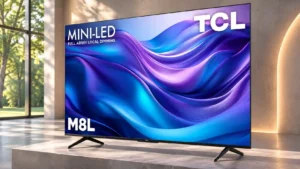
DVD-resolution sources upscale cleanly without obvious artifacts, making old material surprisingly watchable.
Pros: value for money, overall satisfaction
Cons: HDR brightness
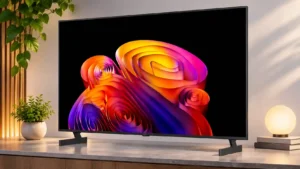
Compression cleanup and texture enhancement help older or low-quality video look cleaner without excessive sharpening.
Pros: contrast ratio, black levels
Cons: reflection handling, color accuracy
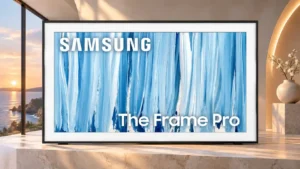
HD, DVD and compressed video benefit from competent upscaling and artifact cleanup, preserving respectable detail.
Pros: cable management, design and appearance
Cons: value for money, Dolby Vision support
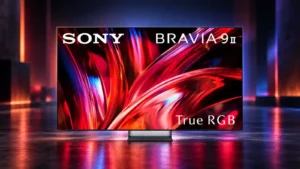
Lower-resolution sources are cleaned up impressively, often looking detailed and natural without excessive artificial sharpening.
Pros: overall satisfaction, overall image accuracy
Cons: value for money, bass performance

DVDs and lower-quality streams are handled competently, with intelligible fine detail and little oversharpening.
Pros: art display mode, design and appearance
Cons: overall satisfaction, HDMI port accessibility
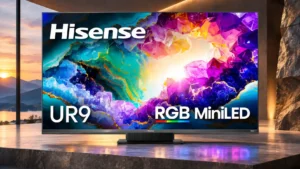
Ordinary streams are smoothed effectively, though the poorest low-bitrate or old video still exposes limits.
Pros: peak brightness, picture quality
Cons: value for money, color accuracy
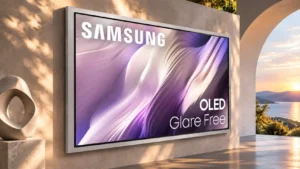
Older programs, HD broadcasts, and standard-definition material remain comfortably watchable thanks to effective upscaling and cleanup.
Pros: picture quality, overall satisfaction
Cons: design and appearance, Dolby Vision support
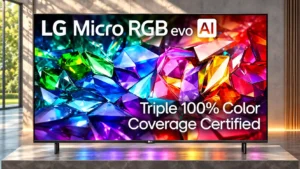
Old DVDs and softer streaming video clean up well, with reduced compression artifacts and an acceptably detailed picture.
Pros: peak brightness, picture quality
Cons: value for money, viewing angles
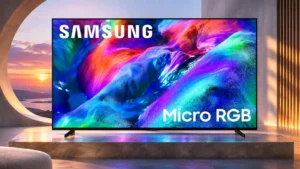
DVDs and other older material are easier to watch after upscaling, without becoming truly native 4K.
Pros: overall satisfaction, color gamut
Cons: value for money, local dimming performance
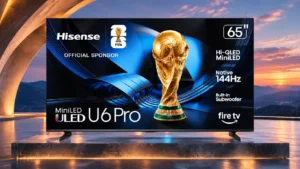
Older DVDs and low-definition sources upscale cleanly, with sharp edges and little obvious artificial sharpening.
Pros: overall satisfaction, value for money
Cons: Smart TV platform, advertising intrusiveness

Compression noise and blockiness from older cable channels or low-bitrate streams are reduced effectively, though some fine texture disappears.
Pros: design and appearance, maximum volume
Cons: picture quality, value for money

Good DVDs and HD sources can look crisp and detailed, but heavily compressed broadcasts expose ringing, artifacts, and inconsistent processing.
Pros: picture quality, peak brightness
Cons: value for money, sound quality

Clean high-definition sources upscale well, while heavily compressed or very low-quality feeds can still look soft on a huge screen.
Pros: peak brightness, blooming control
Cons: value for money, motion clarity
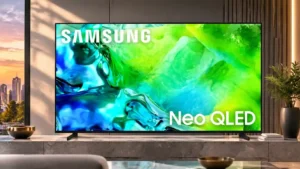
Upscaling older sources works well, and useful zoom controls help with small-format programs; poor compressed streams may still show artifacts.
Pros: picture quality, contrast ratio
Cons: blooming control, glare resistance
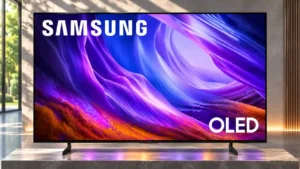
DVDs and standard-definition streams remain watchable, though the picture can be somewhat soft and fine details may disappear.
Pros: black levels, picture quality
Cons: glare resistance, reflection handling
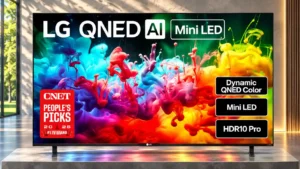
HD streaming and older sources generally look tidy after processing, but extremely low-resolution material can remain soft.
Pros: picture quality, color accuracy
Cons: remote control quality, black levels
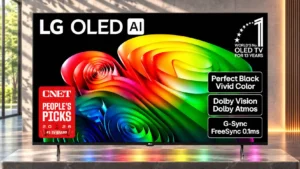
DVD and other lower-resolution material generally stays watchable, with decent texture and grain control but some softness and limited final sharpness.
Pros: value for money, peak brightness
Cons: color accuracy, stand quality
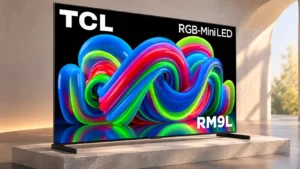
Compressed streams lose much of their blockiness, though aggressive cleanup can soften tiny details and make textures seem waxy.
Pros: picture quality, overall satisfaction
Cons: color crosstalk, value for money
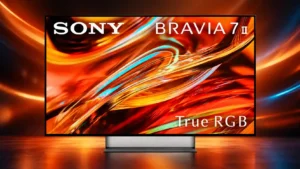
Sony can make DVDs and weak sources look impressively clean, but not every source benefits; some tests found older video overprocessed or artificial.
Pros: overall satisfaction, picture quality
Cons: HDMI 2.1 port count, reflection handling
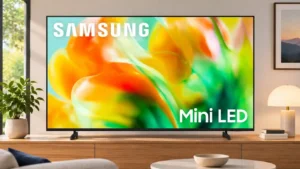
Handling weak streams is inconsistent: some lower-resolution video looks cleaner, while macroblocking and pixelation often remain.
Pros: gaming performance, color accuracy
Cons: value for money, overall satisfaction
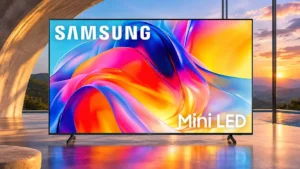
Old or compressed video is watchable, but blockiness and softness often remain visible.
Pros: sound quality, picture quality
Cons: value for money, local dimming performance
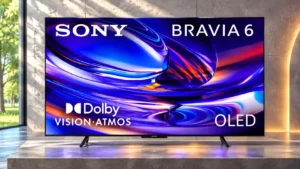
Standard-resolution material scales sharply, but compression smoothing is less convincing. Poor-quality streams can lose texture and appear waxy.
Pros: HDMI 2.1 port count, Video input versatility
Cons: value for money, overall satisfaction
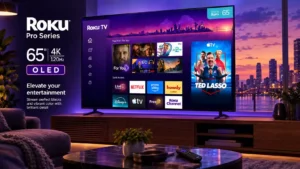
Limited access to scaling adjustments frustrates a reviewer looking for more control over lower-resolution content.
Pros: contrast ratio, value for money
Cons: peak brightness, HDR brightness
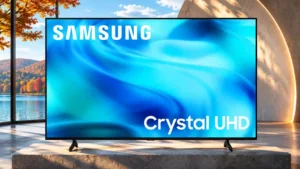
Lower-quality material can look soft, with artifacts from compressed feeds still prominent.
Pros: white balance accuracy, design and appearance
Cons: overall satisfaction, value for money
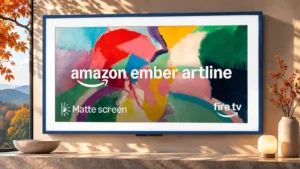
Older streams and heavily compressed cable channels can look rough, with limited cleanup and soft fine details.
Pros: art display mode, picture quality
Cons: contrast ratio, high-refresh-rate gaming
480p and 720p material becomes blurry or grainy, and compression cleanup is ineffective.
Pros: value for money, picture quality
Cons: account requirements, gaming performance
Older or low-quality sources can look soft, with fine text and small features harder to resolve.
Pros: picture quality, overall satisfaction
Cons: sound quality, black levels