
OLED pixel response is nearly instantaneous, producing crisp motion and exceptionally responsive gaming.
Pros: picture quality, peak brightness
Cons: value for money, sound quality

OLED pixel response is nearly instantaneous, producing crisp motion and exceptionally responsive gaming.
Pros: picture quality, peak brightness
Cons: value for money, sound quality
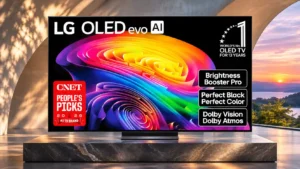
Nearly instantaneous pixel transitions minimize trailing and keep fast games remarkably clear.
Pros: gaming performance, HDR brightness
Cons: reflection handling, glare resistance
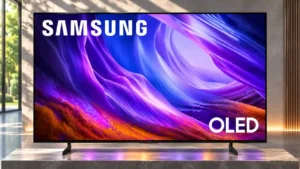
OLED pixels transition almost instantly, leaving fast objects with very little trailing blur. Minor overshoot is generally hard to see.
Pros: black levels, picture quality
Cons: glare resistance, reflection handling
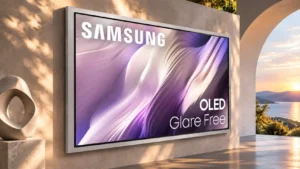
Nearly instantaneous pixel response keeps fast-moving game objects sharp with minimal trailing.
Pros: picture quality, overall satisfaction
Cons: design and appearance, Dolby Vision support
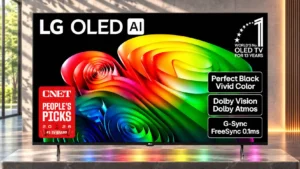
Fast OLED pixel transitions keep rapid movements crisp, giving games an immediate, blur-free feel.
Pros: value for money, peak brightness
Cons: color accuracy, stand quality
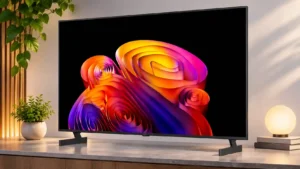
OLED pixel transitions are nearly instantaneous, keeping fast game movement exceptionally crisp.
Pros: contrast ratio, black levels
Cons: reflection handling, color accuracy
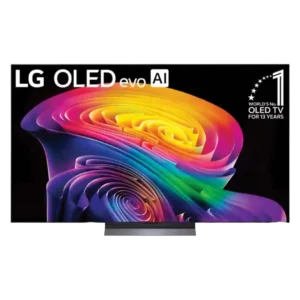
Near-instant OLED response keeps gaming motion exceptionally clean and responsive, though it can make low-frame-rate stutter more visible.
Pros: picture quality, gaming performance
Cons: value for money, sound quality
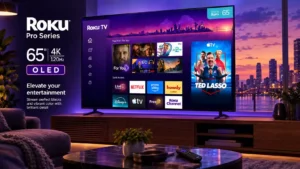
Fast OLED response makes moving targets easier to follow than on the mini-LED alternatives discussed in testing.
Pros: contrast ratio, value for money
Cons: peak brightness, HDR brightness
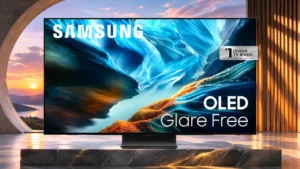
Almost instantaneous pixel changes sharply reduce the blur behind moving objects.
Pros: black levels, contrast ratio
Cons: Dolby Vision support, stutter handling

Pixel response is extremely fast, giving fast-paced games an immediate, clean feel with little blur.
Pros: glare resistance, black levels
Cons: Dolby Vision support, color gamut
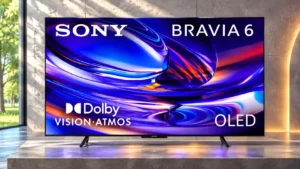
OLED pixels change almost instantly, preventing noticeable trails behind fast-moving objects. This helps both games and sports.
Pros: HDMI 2.1 port count, Video input versatility
Cons: value for money, overall satisfaction
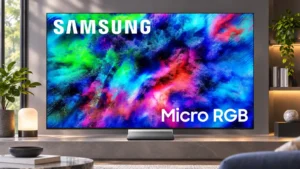
The screen responds quickly enough for enjoyable gaming, with clear improvements after firmware changes. Dark transitions still show more trailing than bright ones.
Pros: color volume, overall satisfaction
Cons: value for money, color accuracy
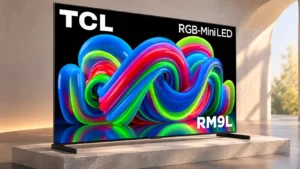
Motion response is generally respectable, but transitions between dark and bright shades can be slow enough to create light trails.
Pros: picture quality, overall satisfaction
Cons: color crosstalk, value for money
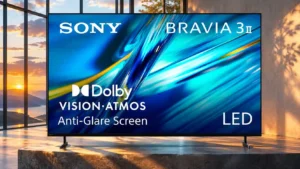
120Hz motion is usable but shows some pixel-transition overshoot; at 60Hz motion is substantially blurrier. Other evaluations of gaming response are more upbeat.
Pros: HDMI 2.1 port count, overall satisfaction
Cons: HDR performance, bass performance
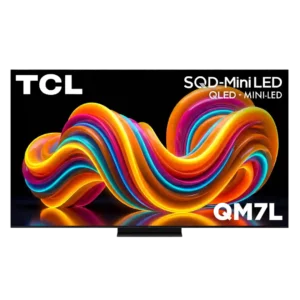
Pixel response ranges from very good for Mini-LED to extremely slow in fast games. Buyers sensitive to trailing or smearing should treat this as a major concern.
Pros: peak brightness, picture quality
Cons: color accuracy, viewing angles
Pixel-response assessments conflict: some measured transitions appear adequate, while others show long smearing trails that reduce clarity during fast action.
Pros: picture quality, black levels
Cons: bass performance, HDR brightness
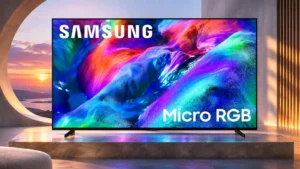
Fast-moving objects can leave long blur trails, particularly at 60Hz; 120Hz helps somewhat without entirely fixing it.
Pros: overall satisfaction, color gamut
Cons: value for money, local dimming performance
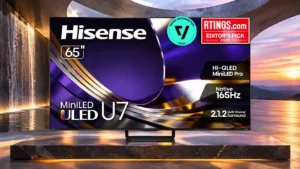
Pixel transitions are slower than the refresh-rate label suggests, leaving dark smearing and blur in fast scenes.
Pros: overall satisfaction, glare resistance
Cons: motion handling, viewing angles
Slow pixel changes smear action even at 120Hz and 144Hz, undermining motion clarity despite the low input lag.
Pros: picture quality, black levels
Cons: viewing angles, motion clarity
Pixel transitions are slow in darker scenes, leaving blurred trails especially around 60Hz motion.
Pros: picture quality, contrast ratio
Cons: blooming control, glare resistance
Pixel transitions in Game Mode can be slow enough to create visible motion blur in fast titles, despite otherwise low input lag.
Pros: overall satisfaction, picture quality
Cons: HDMI 2.1 port count, reflection handling
Pixel transitions are much slower than OLED, creating visible smear at both high and lower refresh rates.
Pros: peak brightness, picture quality
Cons: value for money, color accuracy
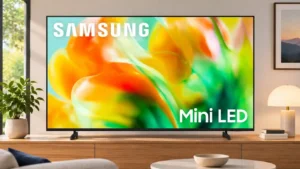
Slow pixel changes cause visible smearing that undercuts its high-refresh capabilities.
Pros: gaming performance, color accuracy
Cons: value for money, overall satisfaction
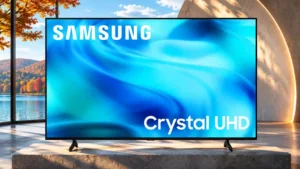
Slow pixel changes blur moving detail and contribute to weak sports and gaming performance.
Pros: white balance accuracy, design and appearance
Cons: overall satisfaction, value for money
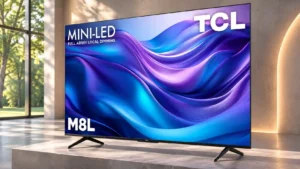
Slow pixel transitions cause pronounced blur and occasional edge artifacts around moving objects.
Pros: value for money, overall satisfaction
Cons: HDR brightness
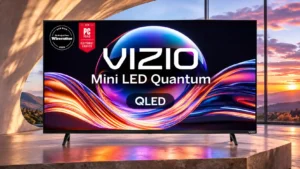
Slow pixel changes leave fast-moving objects conspicuously blurry, with little inverse ghosting to compensate.
Pros: value for money, picture quality
Cons: account requirements, gaming performance
Pixel transitions are unusually slow, producing ghosting and blur that faster OLED and gaming monitor panels avoid.
Pros: overall satisfaction, value for money
Cons: Smart TV platform, advertising intrusiveness
Pixel transitions are slower than OLED, causing blur in fast action; low latency does not entirely solve that limitation.
Pros: peak brightness, blooming control
Cons: value for money, motion clarity
Slow pixel transitions cause pronounced motion smearing, even when the content itself is relatively sharp.
Pros: art display mode, picture quality
Cons: contrast ratio, high-refresh-rate gaming
Pixel transitions are unusually slow in demanding tests, producing blur and soft edges, despite much better impressions from some casual viewing.
Pros: picture quality, color accuracy
Cons: HDR performance, sound quality

Slow pixel changes cause visible blur and uneven transitions during fast action, making this one of the set's weaker technical areas.
Pros: design and appearance, maximum volume
Cons: picture quality, value for money
Slow LCD pixel transitions create obvious motion smearing, particularly at 120Hz and 165Hz.
Pros: peak brightness, picture quality
Cons: value for money, viewing angles
Slow pixel transitions leave moving subjects blurry rather than sharply resolved.
Pros: picture quality, color accuracy
Cons: remote control quality, black levels
Slow, uneven pixel transitions leave moving objects blurry and hard to distinguish.
Pros: sound quality, picture quality
Cons: value for money, local dimming performance
Very slow pixel transitions make fast movement visibly blurry even with low input lag.
Pros: picture quality, overall satisfaction
Cons: sound quality, black levels

Cinematic movement is surprisingly blurry, and dark transitions are slower than the high refresh-rate specification suggests.
Pros: art display mode, design and appearance
Cons: overall satisfaction, HDMI port accessibility
Slow pixel changes cause visible blur in both video and games.
Pros: cable management, design and appearance
Cons: value for money, Dolby Vision support
One test found unusually poor pixel response and backlight speed at high refresh rates, a serious weakness for demanding gaming.
Pros: overall satisfaction, overall image accuracy
Cons: value for money, bass performance

Pixel response is relatively slow for a premium gaming display, producing more blur than OLEDs and stronger gaming-focused competitors.
Pros: picture quality, value for money
Cons: stand quality, judder handling