Best for operating system speed
Samsung S90H
5.0 attribute score
Highest scored product for this attribute based on supporting review evidence.

Highest scored product for this attribute based on supporting review evidence.
Balances the attribute score, supporting reviews, and overall product strength.
Has the broadest review evidence for this attribute.
Strongest overall product among items with scored evidence for this attribute.

Overall: 4.5/5
The updated Tizen interface feels quick, with fast app launches and fluid navigation through major sections.
Pros: glare resistance, black levels
Cons: Dolby Vision support, color gamut

Overall: 4.2/5
Menus and app navigation usually feel snappy, although one owner experienced temporary freezes.
Pros: picture quality, overall satisfaction
Cons: design and appearance, Dolby Vision support

Overall: 4.0/5
webOS 26 moves quickly between apps and menus, a welcome improvement even if the layout is not universally loved.
Pros: peak brightness, picture quality
Cons: value for money, viewing angles

Overall: 3.8/5
The current Tizen interface feels quick, with applications launching readily and little sustained lag.
Pros: picture quality, contrast ratio
Cons: blooming control, glare resistance

Overall: 3.8/5
Google TV loads apps promptly and moves between services without much friction.
Pros: picture quality, color accuracy
Cons: HDR performance, sound quality
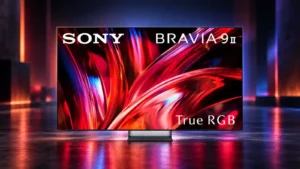
Overall: 4.3/5
Google TV feels quick and familiar in operation, with responsive navigation during everyday use.
Pros: overall satisfaction, overall image accuracy
Cons: value for money, bass performance

Overall: 3.8/5
Google TV feels fast and responsive when opening menus and moving through the interface.
Pros: picture quality, overall satisfaction
Cons: color crosstalk, value for money
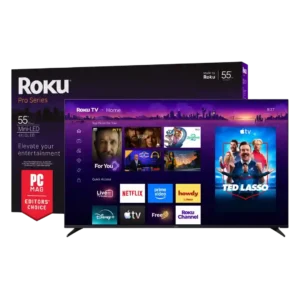
Overall: 4.4/5
The 2025 Pro Series is consistently described as extremely fast, with little to no interface lag and a clear performance jump over older Roku TVs.
Pros: overall satisfaction, picture quality
Cons: reliability, portability and versatility

Overall: 4.4/5
Menus, scrolling, and app launches are consistently quick, with little lag or hesitation during normal use.
Pros: picture quality, value for money
Cons: stand quality, judder handling

Overall: 3.8/5
Tizen is consistently praised for smooth app switching and navigation, even when advanced AI voice responses take longer.
Pros: overall satisfaction, color gamut
Cons: value for money, local dimming performance
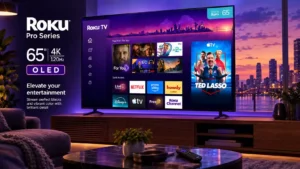
Overall: 4.1/5
Fast interface operation keeps everyday navigation straightforward and responsive.
Pros: contrast ratio, value for money
Cons: peak brightness, HDR brightness

Overall: 4.0/5
Google TV is consistently quick to open menus and switch apps, with little of the sluggishness associated with weaker smart TVs.
Pros: picture quality, black levels
Cons: HDR brightness, value for money

Overall: 4.1/5
webOS 26 generally runs quickly and reliably even when its interface is busy.
Pros: gaming performance, HDR brightness
Cons: reflection handling, glare resistance

Overall: 3.9/5
Menus and apps feel snappy and responsive, with no major slowdowns reported during normal use.
Pros: peak brightness, picture quality
Cons: color accuracy, viewing angles

Overall: 4.1/5
Google TV generally keeps up with browsing and streaming, though a few reviewers noticed small delays in settings navigation.
Pros: peak brightness, HDR brightness
Cons: sound quality, viewing angles

Overall: 3.9/5
Menus and apps usually feel quick, though isolated freezes and setup delays keep the software from feeling completely seamless.
Pros: peak brightness, overall satisfaction
Cons: value for money, shadow detail

Overall: 4.1/5
Menus and apps are generally quick and smooth once the TV is running. One large model took 20 to 30 seconds to complete a cold boot.
Pros: picture quality, gaming performance
Cons: value for money, sound quality

Overall: 3.8/5
Tizen navigation generally responds quickly and feels polished, including on app and gaming screens.
Pros: overall satisfaction, picture quality
Cons: value for money, local dimming performance
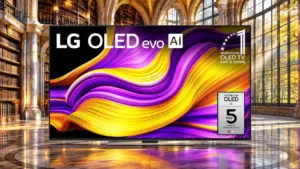
Overall: 4.2/5
webOS feels quick in many tests, although menu and input-switching responsiveness are not uniformly praised.
Pros: overall satisfaction, picture quality
Cons: banding control, remote control quality

Overall: 4.0/5
Navigation feels brisk. Tizen improves organization rather than raw speed.
Pros: black levels, picture quality
Cons: glare resistance, reflection handling

Overall: 3.8/5
The MediaTek-powered Google TV interface feels quick and responsive in normal use. Startup and occasional heavy-use stutters are less polished.
Pros: HDMI 2.1 port count, overall satisfaction
Cons: HDR performance, bass performance

Overall: 4.0/5
Fire TV is generally quick and smooth, even if not everyone enjoys its screen layout.
Pros: overall satisfaction, picture quality
Cons: size options, value for money

Overall: 3.8/5
Tizen responds quickly to commands and launches apps smoothly, although speed does not solve the complaints about its busy layout.
Pros: glare resistance, overall satisfaction
Cons: input lag, value for money

Overall: 4.0/5
Google TV generally responds fluidly, an advantage for people switching frequently between apps and settings.
Pros: color accuracy, picture quality
Cons: HDR brightness, peak brightness
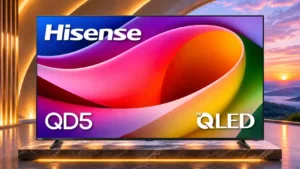
Overall: 3.9/5
One owner felt the system operated quickly, adding to the impression of a responsive smart-TV interface.
Pros: overall satisfaction, picture quality
Cons: Weight and handling, black levels

Overall: 4.1/5
The Google TV interface is generally quick and fluid on properly functioning units.
Pros: peak brightness, picture quality
Cons: value for money, color accuracy
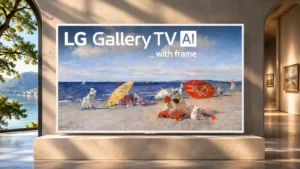
Overall: 3.1/5
The smart platform feels prompt when finding and opening a movie, with little waiting in normal use.
Pros: design and appearance, maximum volume
Cons: picture quality, value for money

Overall: 3.9/5
webOS generally navigates smoothly with responsive menus and apps.
Pros: gaming performance, overall satisfaction
Cons: sound quality, value for money
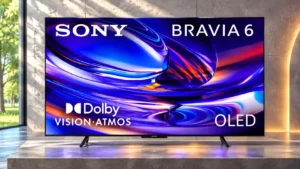
Overall: 3.8/5
Google TV's normal navigation is fast and direct, although that responsiveness does not guarantee freedom from occasional system faults.
Pros: HDMI 2.1 port count, Video input versatility
Cons: value for money, overall satisfaction
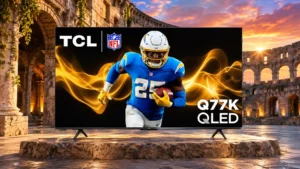
Overall: 3.4/5
The Google TV interface scrolls smoothly for most interactions and generally feels quicker than expected for a low-cost set.
Pros: picture quality, value for money
Cons: viewing angles, HDR performance

Overall: 3.9/5
Several reports describe quick menus and app launching, while one tester encountered intermittent freezes needing a reboot.
Pros: color volume, black levels
Cons: Inconsistent panel and coating by size, sound quality

Overall: 3.6/5
Several users find Google TV responsive after it loads, though slower launches and crashes make software speed less consistent than premium models.
Pros: picture quality, overall satisfaction
Cons: sound quality, reliability

Overall: 4.2/5
Google TV generally feels snappy and responsive, although it is not always as fast as premium rivals.
Pros: overall satisfaction, glare resistance
Cons: motion handling, viewing angles

Overall: 4.4/5
webOS feels swift and snappy in most use, with only occasional hesitation in deeper settings.
Pros: picture quality, peak brightness
Cons: value for money, sound quality

Overall: 3.9/5
Day-to-day operation is usually quick and responsive, with only occasional slowdowns around startup.
Pros: value for money, overall satisfaction
Cons: Dolby Vision support, sound quality

Overall: 3.9/5
Google TV is usually smooth, responsive and fluid, though one assessment still found it reliable rather than genuinely fast.
Pros: gaming performance, peak brightness
Cons: HDMI 2.1 support, HDMI 2.1 port count

Overall: 4.0/5
The current Tizen version feels responsive in routine use, with occasional navigation stutters.
Pros: reflection handling, overall satisfaction
Cons: Dolby Vision support, bass performance

Overall: 3.7/5
The 2026 Tizen interface generally feels responsive and smoother than earlier versions. A few source-switching delays remain.
Pros: color volume, overall satisfaction
Cons: value for money, color accuracy

Overall: 3.9/5
Menu and app navigation often feels notably snappy for the price, though a reported software experience was much slower.
Pros: peak brightness, value for money
Cons: reflection handling, glare resistance
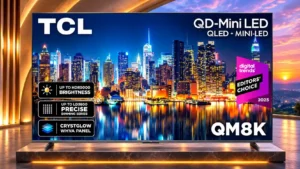
Overall: 4.0/5
The interface generally feels quick and responsive, making navigation between entertainment apps straightforward.
Pros: peak brightness, picture quality
Cons: HDMI 2.1 port count, reflection handling

Overall: 4.2/5
Tizen feels snappy to some viewers but sluggish or cluttered to others, especially while navigating content hubs.
Pros: picture quality, glare resistance
Cons: value for money, bass performance

Overall: 4.3/5
The Fire TV platform feels relatively quick for a budget model, with a few brief pauses on app changes.
Pros: picture quality, black levels
Cons: bass performance, HDR brightness

Overall: 4.0/5
Navigation and app launching are usually quick, with a few software complaints in longer-term use.
Pros: peak brightness, blooming control
Cons: value for money, motion clarity

Overall: 4.0/5
Google TV is usually described as snappy and responsive, although a minority of owners encounter lag, freezes, or delayed input switching.
Pros: overall satisfaction, picture quality
Cons: reliability, build quality
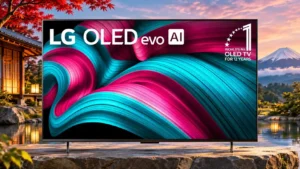
Overall: 4.0/5
Navigation is smooth for many viewers, but some report slow startup and sluggish menus.
Pros: value for money, overall satisfaction
Cons: Remote control usability, sound quality
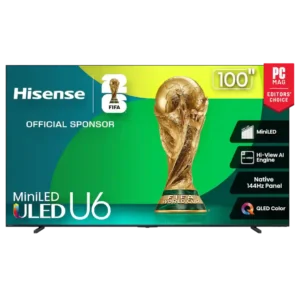
Overall: 4.2/5
Operating-system speed is mixed by source. Some testers find Fire TV or the described smart platform fast and snappy, while others warn that Fire TV feels slower outside Amazon content...
Pros: overall satisfaction, value for money
Cons: smart TV platform, blooming control

Overall: 4.2/5
Menus can feel very quick and polished, but intermittent slowdowns have also been observed.
Pros: high-refresh-rate gaming, gaming performance
Cons: value for money, bass performance
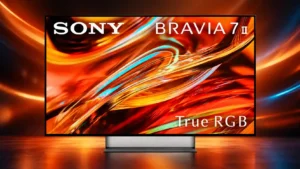
Overall: 4.2/5
Google TV is generally smooth and polished once running, but occasional app stutters and slow cold starts keep it from feeling uniformly fast.
Pros: overall satisfaction, picture quality
Cons: HDMI 2.1 port count, reflection handling

Overall: 3.0/5
Tizen felt brisk to some reviewers and frustratingly sluggish to others, especially when opening apps or changing settings.
Pros: color gamut, smart TV platform
Cons: value for money, overall satisfaction

Overall: 3.8/5
Some testers found webOS 26 fast and stable; another noticed it occasionally lagging under heavier software.
Pros: value for money, peak brightness
Cons: color accuracy, stand quality