Best for operating system speed
TCL RM9L
5.0 attribute score
Highest scored product for this attribute based on supporting review evidence.

Highest scored product for this attribute based on supporting review evidence.
Balances the attribute score, supporting reviews, and overall product strength.
Has the broadest review evidence for this attribute.
Strongest overall product among items with scored evidence for this attribute.

Overall: 3.8/5
Google TV feels fast and responsive when opening menus and moving through the interface.
Pros: picture quality, overall satisfaction
Cons: color crosstalk, value for money

Overall: 4.4/5
Menus, scrolling, and app launches are consistently quick, with little lag or hesitation during normal use.
Pros: picture quality, value for money
Cons: stand quality, judder handling

Overall: 3.9/5
Menus and apps feel snappy and responsive, with no major slowdowns reported during normal use.
Pros: peak brightness, picture quality
Cons: color accuracy, viewing angles

Overall: 3.9/5
Menus and apps usually feel quick, though isolated freezes and setup delays keep the software from feeling completely seamless.
Pros: peak brightness, overall satisfaction
Cons: value for money, shadow detail

Overall: 4.0/5
Google TV generally responds fluidly, an advantage for people switching frequently between apps and settings.
Pros: color accuracy, picture quality
Cons: HDR brightness, peak brightness
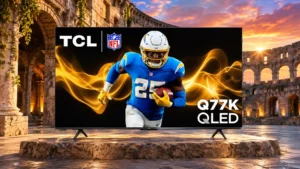
Overall: 3.4/5
The Google TV interface scrolls smoothly for most interactions and generally feels quicker than expected for a low-cost set.
Pros: picture quality, value for money
Cons: viewing angles, HDR performance

Overall: 3.9/5
Menu and app navigation often feels notably snappy for the price, though a reported software experience was much slower.
Pros: peak brightness, value for money
Cons: reflection handling, glare resistance
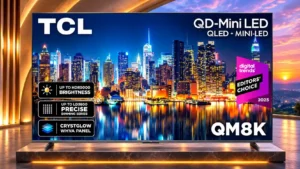
Overall: 4.0/5
The interface generally feels quick and responsive, making navigation between entertainment apps straightforward.
Pros: peak brightness, picture quality
Cons: HDMI 2.1 port count, reflection handling
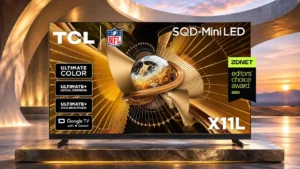
Overall: 4.0/5
Navigation and app launching are usually quick, with a few software complaints in longer-term use.
Pros: peak brightness, blooming control
Cons: value for money, motion clarity
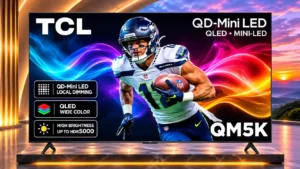
Overall: 3.6/5
Google TV is usable but shows a small amount of lag while moving around the interface.
Pros: black levels, picture quality
Cons: HDR performance, blooming control