If you want better gaming dashboard
Choose TCL QM8L. It scores 5.0 vs 1.8 for gaming dashboard, with a 4.4 overall score.

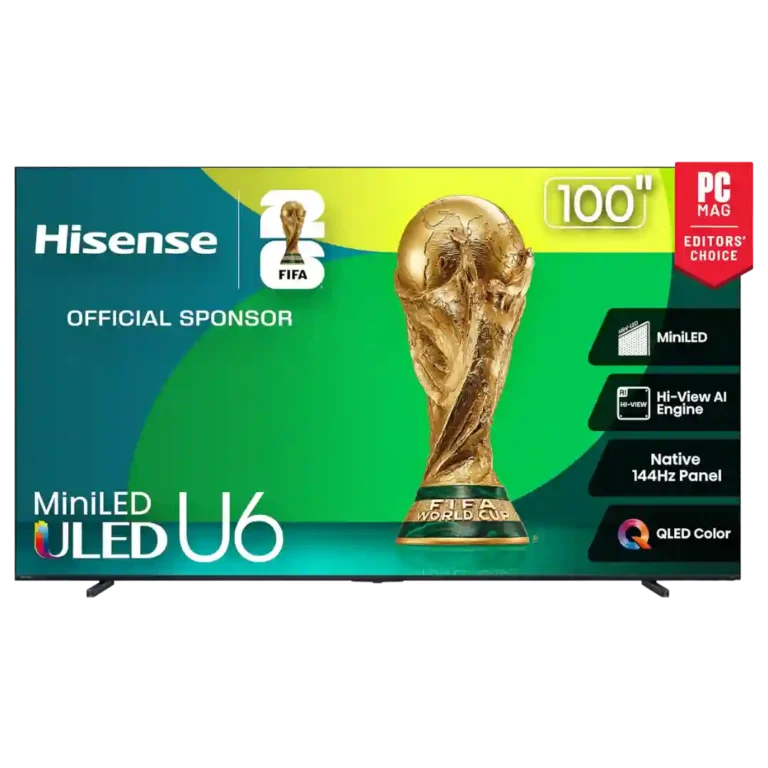
Choose it for bright mini-LED picture, low-lag high-refresh gaming, strong value, and surprisingly capable sound. Skip it if you prioritize a cleaner smart-TV interface, wide seating angles, or consistently pristine blooming and reflection control.
Budget-focused buyers who want a bright mini-LED picture, low-lag gaming, large screen choices, and strong value; Alexa users also benefit from the Fire TV smart-home integration.
Buyers who want a clean ad-light smart interface, consistently wide viewing angles, or premium-level blooming and reflection control should consider alternatives or step-up models.
The Hisense U65QF stands out because it delivers unusually strong picture and gaming performance for budget-oriented pricing. Across the supplied reviews, brightness, contrast, color, low input lag, high-refresh gaming, and value receive the most consistent praise, while built-in sound often performs better than expected. The tradeoff is polish rather than core performance: Fire TV draws repeated criticism for ads, clutter, and Amazon-heavy recommendations, and several reviewers warn about off-angle fading or blooming. There are also conflicting source claims around HDMI 2.1, 120/144Hz support, tuner hardware, and reflection handling, so those specific capabilities are less unanimous than the broader consensus. Overall, the U65QF is positioned as a high-value mini-LED TV whose picture and gaming strengths outweigh its interface and viewing-angle compromises for most budget-focused buyers.
Compared with other TVs, this product is above average in Wi-Fi performance, stutter handling, HDR10+ support, near average in viewing angles, picture quality, below average in casting support, gaming dashboard, cable management.
| Attribute | This product | Category average | Difference |
|---|---|---|---|
| casting support | 2.0 | 4.9 | -2.9 |
| gaming dashboard | 1.8 | 4.6 | -2.8 |
| cable management | 2.0 | 4.5 | -2.5 |
| content recommendations | 2.2 | 4.1 | -2.0 |
| Wi-Fi performance | 5.0 | 3.1 | +1.9 |
| stutter handling | 5.0 | 3.3 | +1.7 |
| HDR10+ support | 5.0 | 3.4 | +1.6 |
| banding control | 5.0 | 3.5 | +1.5 |
Choose TCL QM8L. It scores 5.0 vs 1.8 for gaming dashboard, with a 4.4 overall score.
Choose TCL QM7L. It scores 5.0 vs 2.0 for casting support, with a 3.9 overall score.
Choose LG C6. It scores 5.0 vs 2.0 for cable management, with a 4.1 overall score.
Choose LG G6. It scores 4.8 vs 3.1 for smart TV platform, with a 4.4 overall score.
Products reviewers directly compared with this model, grouped into quick takeaways.
Yes. The strongest agreement is around its bright mini-LED image, strong contrast, vivid color, and unusually good value, although blooming and off-angle performance can vary.
Most sources rate it very highly for gaming because of low input lag, high refresh rates, VRR/FreeSync features, and responsive play. One supplied article reports conflicting 60Hz and HDMI 2.0 limitations, so the highest-end gaming specifications are not unanimous across the material.
Generally yes: brightness is repeatedly praised and several reviewers found daytime viewing strong. Reflection handling is more mixed, ranging from well controlled to highly reflective depending on the source and screen size.
Opinions are split. Some find it fast, familiar, and easy to navigate, while several others call it cluttered, Amazon-heavy, and burdened by ads.
Not necessarily for casual viewing. Many reviewers are surprised by the built-in sound and bass, but one detailed test finds the audio merely passable with distortion at high levels, so demanding listeners may still prefer a soundbar.
This is one of the least consistent areas. A few sources find off-angle viewing quite good, but most warn that color, contrast, black levels, or blooming get worse as you move away from center.
These are a few of the reviews included in our analysis.
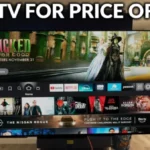

The Hisense U65QF is a good-quality budget mini-LED TV that separates itself from the pack with its Fire TV smart TV platform and Alexa...
One of the best TV values you’ll find.
The Hisense U65QF is easily the brightest and most colorful budget-friendly TV we've tested.
The Hisense U65QF is easily the brightest and most colorful budget-friendly TV we've tested.
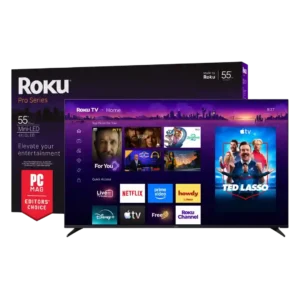
Best for bright Mini-LED picture, excellent built-in audio, easy Roku navigation, and responsive 4K/120 gaming. Skip it if you want ad-free menus, premium motion consistency, or stronger confidence in long-term...
Pros: resolution, display technology
Cons: customer support, optical audio output
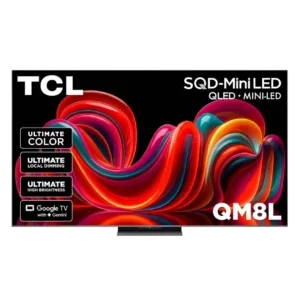
Choose the QM8L for a big, brilliantly bright TV with vivid HDR, deep mini-LED blacks, low input lag, and four HDMI 2.1 ports. Skip it if you need OLED-clean motion,...
Pros: overall image accuracy, resolution
Cons: motion clarity, response time
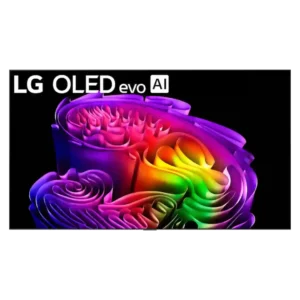
Choose the G6 for class-leading bright-room OLED picture, rich color, deep blacks and elite gaming. Skip it if you want strong built-in audio, polished launch firmware, no account sign-in, or...
Pros: panel type, display technology
Cons: account requirements, DTS support
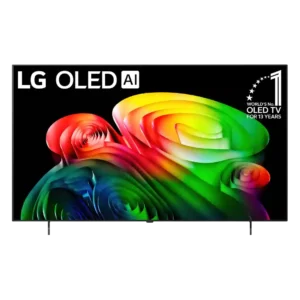
Best for excellent OLED gaming, deep blacks, and a polished smart platform. Skip it at full launch pricing if the cheaper B5 remains available, or if you need strong bright-room...
Pros: display technology, response time
Cons: setup ease, account requirements