
Overall: 4.4/5
The RGWB subpixel arrangement makes desktop text noticeably clearer, with less fringing and blur than the G5.
Pros: picture quality, peak brightness
Cons: value for money, sound quality

Overall: 4.4/5
The RGWB subpixel arrangement makes desktop text noticeably clearer, with less fringing and blur than the G5.
Pros: picture quality, peak brightness
Cons: value for money, sound quality
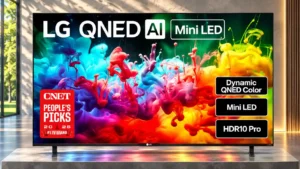
Overall: 3.4/5
Proper 4:4:4 chroma and an RGB layout keep computer text crisp.
Pros: picture quality, color accuracy
Cons: remote control quality, black levels
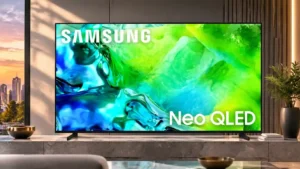
Overall: 3.8/5
Proper chroma 4:4:4 support keeps fine computer text legible across supported signal formats.
Pros: picture quality, contrast ratio
Cons: blooming control, glare resistance
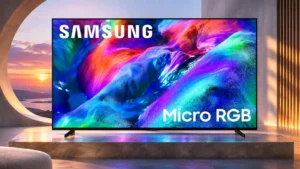
Overall: 3.8/5
Proper 4:4:4 chroma keeps desktop text crisp at supported resolutions and refresh rates.
Pros: overall satisfaction, color gamut
Cons: value for money, local dimming performance
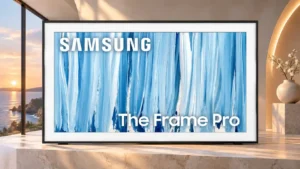
Overall: 3.8/5
Correct chroma rendering keeps desktop lettering crisp across supported PC signal modes.
Pros: cable management, design and appearance
Cons: value for money, Dolby Vision support
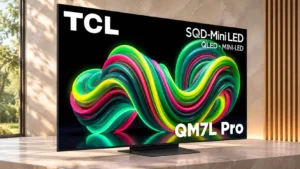
Overall: 4.1/5
Full chroma 4:4:4 and an RGB subpixel layout help desktop lettering stay legible.
Pros: picture quality, black levels
Cons: viewing angles, motion clarity
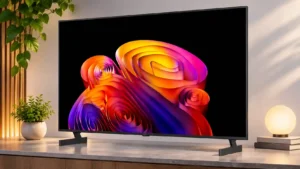
Overall: 4.0/5
A revised subpixel structure improves the sharpness of computer text compared with less PC-friendly OLED arrangements.
Pros: contrast ratio, black levels
Cons: reflection handling, color accuracy
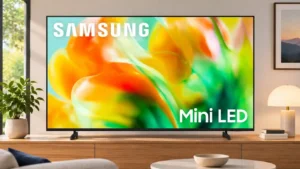
Overall: 3.1/5
RGB subpixels and correctly displayed chroma signals help computer text stay clear at supported resolutions.
Pros: gaming performance, color accuracy
Cons: value for money, overall satisfaction
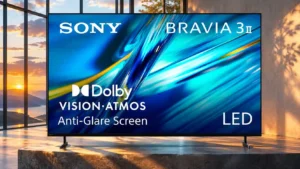
Overall: 3.8/5
Proper RGB and chroma 4:4:4 rendering keep Windows or PC interface text readable at both 1080p and 4K.
Pros: HDMI 2.1 port count, overall satisfaction
Cons: HDR performance, bass performance
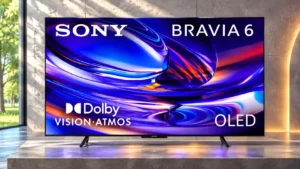
Overall: 3.8/5
The RGWB subpixel arrangement improves compatibility with PC text rendering, helping text appear crisp. Static desktop interfaces still warrant careful long-term use.
Pros: HDMI 2.1 port count, Video input versatility
Cons: value for money, overall satisfaction
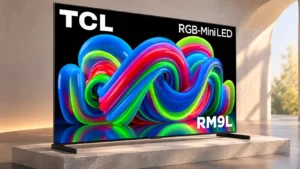
Overall: 3.8/5
Full chroma support and an RGB subpixel layout keep desktop text well defined, making occasional PC display use practical.
Pros: picture quality, overall satisfaction
Cons: color crosstalk, value for money
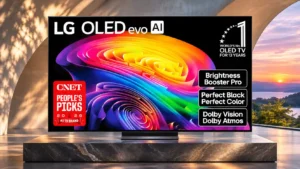
Overall: 4.1/5
Full chroma support helps PC images, but the non-RGB subpixel arrangement can slightly soften or fringe fine Windows text.
Pros: gaming performance, HDR brightness
Cons: reflection handling, glare resistance
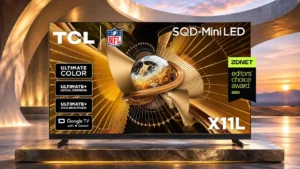
Overall: 4.0/5
Full chroma support and a crisp glossy panel keep computer text relatively clear on a very large screen.
Pros: peak brightness, blooming control
Cons: value for money, motion clarity
Overall: 3.1/5
Proper 4:4:4 chroma reproduction makes desktop text look crisp even when connected to a PC.
Pros: design and appearance, maximum volume
Cons: picture quality, value for money
Overall: 4.0/5
Proper chroma 4:4:4 handling keeps lettering legible when the screen is used with a desktop computer.
Pros: peak brightness, picture quality
Cons: value for money, viewing angles
Overall: 3.7/5
Proper 4:4:4 rendering and RGB subpixels make fine computer text look sharp.
Pros: color volume, overall satisfaction
Cons: value for money, color accuracy
Overall: 4.0/5
The RGWB arrangement improves computer text rendering.
Pros: black levels, picture quality
Cons: glare resistance, reflection handling
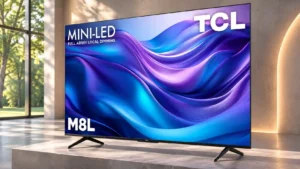
Overall: 4.1/5
Proper chroma reproduction keeps text clear across supported PC signal modes.
Pros: value for money, overall satisfaction
Cons: HDR brightness
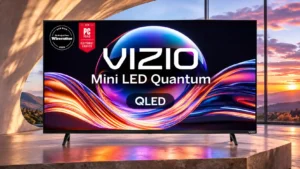
Overall: 2.9/5
4:4:4 chroma reproduction and the RGB subpixel structure help keep letters and interface elements legible.
Pros: value for money, picture quality
Cons: account requirements, gaming performance
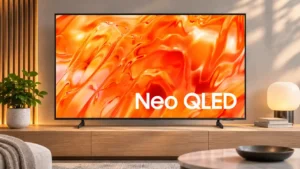
Overall: 3.1/5
4K/60Hz PC mode can reproduce full-color detail, while 1080p/120Hz has reduced chroma and visibly softer lettering.
Pros: picture quality, overall satisfaction
Cons: sound quality, black levels
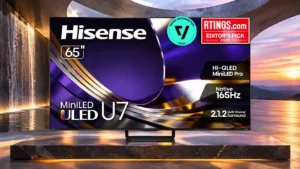
Overall: 4.2/5
Full chroma support helps desktop detail, yet the BGR subpixel layout can cause text fringing on a PC.
Pros: overall satisfaction, glare resistance
Cons: motion handling, viewing angles
Overall: 4.1/5
Standard 4:4:4 support helps, but the BGR pixel structure can make fine text appear less crisp on a computer desktop.
Pros: peak brightness, picture quality
Cons: value for money, color accuracy
Overall: 4.1/5
A revised subpixel pattern helps text somewhat, but Windows ClearType is not optimized for it.
Pros: black levels, contrast ratio
Cons: Dolby Vision support, stutter handling

Overall: 3.5/5
Chroma is handled properly in supported modes, but the blue-green-red subpixel layout can make some small desktop text look less clean.
Pros: art display mode, design and appearance
Cons: overall satisfaction, HDMI port accessibility
Overall: 4.2/5
Text may show faint color fringing or softness because of the QD-OLED subpixel structure and matte finish, especially up close.
Pros: picture quality, overall satisfaction
Cons: design and appearance, Dolby Vision support
Overall: 3.8/5
BGR subpixels can make desktop text less clean than on typical RGB displays, though the issue may be subtle for some users.
Pros: picture quality, color accuracy
Cons: HDR performance, sound quality
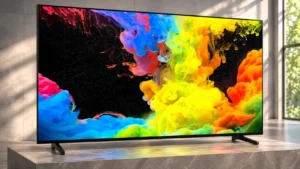
Overall: 4.3/5
The BGR subpixel layout can affect fine desktop text even though video and games are not similarly affected.
Pros: picture quality, black levels
Cons: bass performance, HDR brightness
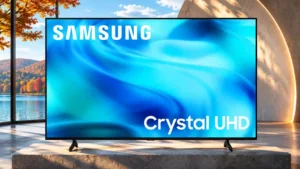
Overall: 2.7/5
Normal 4K/60Hz signals can show clear text, while BGR subpixels and 1080p/120Hz chroma issues cause problems in some applications.
Pros: white balance accuracy, design and appearance
Cons: overall satisfaction, value for money
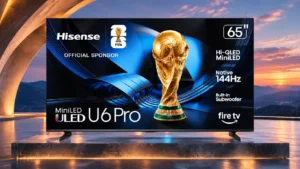
Overall: 4.1/5
Chroma support is good, but the BGR subpixel order can make text look less clean than on a conventional desktop monitor.
Pros: overall satisfaction, value for money
Cons: Smart TV platform, advertising intrusiveness
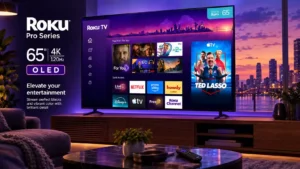
Overall: 4.1/5
Windows text and certain interface elements look less clear than desired, making this a weaker choice for desktop work.
Pros: contrast ratio, value for money
Cons: peak brightness, HDR brightness
Overall: 2.6/5
The BGR subpixel pattern may make small text less sharp when the TV is used as a computer monitor.
Pros: sound quality, picture quality
Cons: value for money, local dimming performance

Overall: 4.5/5
Text rendering on tandem-panel sizes has drawn complaints about reduced sharpness, a concern most relevant to close-up PC or monitor use.
Pros: glare resistance, black levels
Cons: Dolby Vision support, color gamut
Overall: 3.4/5
Incorrect chroma reproduction makes small desktop text blurry, even though this does not noticeably affect console gaming.
Pros: art display mode, picture quality
Cons: contrast ratio, high-refresh-rate gaming