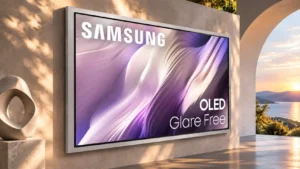
Little dirty-screen effect keeps broad surfaces and camera pans clean, although very dark gray can show subtle unevenness.
Pros: picture quality, overall satisfaction
Cons: design and appearance, Dolby Vision support

Little dirty-screen effect keeps broad surfaces and camera pans clean, although very dark gray can show subtle unevenness.
Pros: picture quality, overall satisfaction
Cons: design and appearance, Dolby Vision support
Uniformity testing found little to no dirty-screen effect during normal viewing, which helps sports and panning shots look clean.
Pros: picture quality, gaming performance
Cons: value for money, sound quality

The tested panel showed no visible dirty-screen effect on full-field gray slides.
Pros: picture quality, peak brightness
Cons: value for money, sound quality

Test patterns showed no distracting dirty-screen effect, vertical banding or vignetting on the evaluated sample.
Pros: glare resistance, black levels
Cons: Dolby Vision support, color gamut
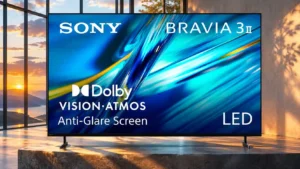
Uniform areas are relatively clean, with little obvious blotching or vertical banding in the screen tests. Slight edge darkening remains visible on some patterns.
Pros: HDMI 2.1 port count, overall satisfaction
Cons: HDR performance, bass performance

Dirty-screen effect was minimal in sports and test patterns, with only small variations that should not distract in normal viewing.
Pros: picture quality, value for money
Cons: stand quality, judder handling
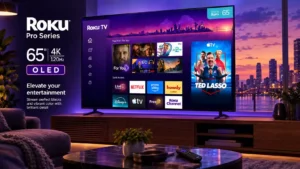
Sports and anime viewing do not reveal the distracting dirty-screen patterns associated with many LCD panels.
Pros: contrast ratio, value for money
Cons: peak brightness, HDR brightness
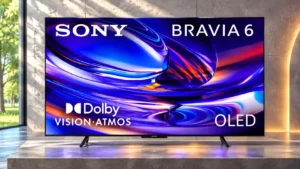
Mid-gray screens show little central mottling, a benefit during sports and large camera pans. Slight edge darkening remains but is usually minor.
Pros: HDMI 2.1 port count, Video input versatility
Cons: value for money, overall satisfaction
The central picture stays fairly clean on gray fields, with only minor patchiness that is unlikely to stand out at normal distances.
Pros: contrast ratio, black levels
Cons: reflection handling, color accuracy
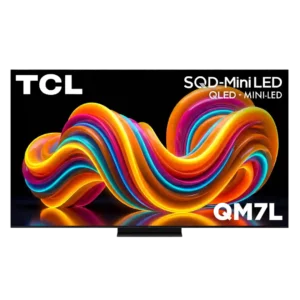
Dirty-screen artifacts are usually minor or invisible during normal content, but some panels show noticeable uneven areas during uniform-screen checks.
Pros: peak brightness, picture quality
Cons: color accuracy, viewing angles
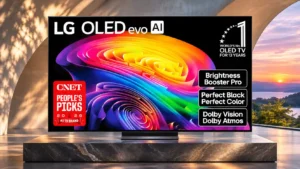
Bright scenes are often impressively uniform, but some units show darker edges or uneven gray patches.
Pros: gaming performance, HDR brightness
Cons: reflection handling, glare resistance
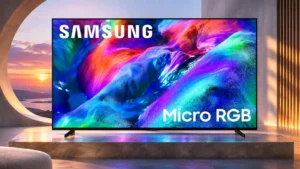
Screen uniformity is respectable through the center, which helps sports, although some edge darkening can be seen.
Pros: overall satisfaction, color gamut
Cons: value for money, local dimming performance

Sports fields and bright backgrounds usually stay remarkably clean, with little dirty-screen distraction.
Pros: peak brightness, blooming control
Cons: value for money, motion clarity
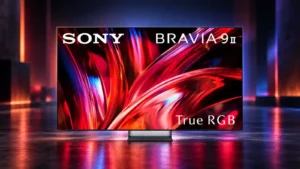
Screen cleanliness is strong, with minimal dirty-screen effect noted on full-field test patterns.
Pros: overall satisfaction, overall image accuracy
Cons: value for money, bass performance
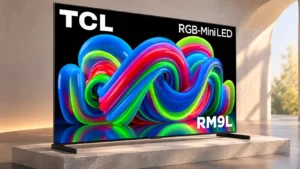
The center of the screen stays relatively clean during sports, but darker edges can be distracting on large, uniform fields.
Pros: picture quality, overall satisfaction
Cons: color crosstalk, value for money
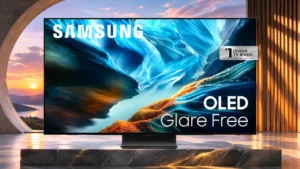
Central-screen dirtiness is limited, though some darker vertical bands can still be seen across the panel.
Pros: black levels, contrast ratio
Cons: Dolby Vision support, stutter handling
Some panel variations are difficult to notice from normal distance.
Pros: black levels, picture quality
Cons: glare resistance, reflection handling
Subtle patches or a dirty-screen effect can show during sports and uniform backgrounds, though other impressions find it unobtrusive.
Pros: peak brightness, picture quality
Cons: value for money, color accuracy
The middle of the panel is relatively clean, but wide pans and bright backgrounds may reveal dirty-screen patches and darkening near the sides.
Pros: peak brightness, picture quality
Cons: value for money, viewing angles
A broad uneven patch is distracting in one test, whereas another sample's dirty-screen effect is barely noticeable.
Pros: picture quality, overall satisfaction
Cons: sound quality, black levels
The middle is mostly clean, but subtle netting and darkened corners are visible, especially on uniform fields.
Pros: value for money, picture quality
Cons: account requirements, gaming performance
Fast gaming scenes can occasionally look muddied by a dirty-screen-like effect, but it does not appear constantly.
Pros: overall satisfaction, picture quality
Cons: HDMI 2.1 port count, reflection handling
A little screen unevenness appears near the center and the edges look dimmer, though the dirty-screen pattern is not severe.
Pros: picture quality, black levels
Cons: viewing angles, motion clarity
Some tests found clean sports fields, while others exposed blotchy patches and darker screen edges on uniform backgrounds.
Pros: overall satisfaction, glare resistance
Cons: motion handling, viewing angles
Uneven screen patches and darkened edges are visible, most noticeably against uniform backgrounds such as sports fields.
Pros: gaming performance, color accuracy
Cons: value for money, overall satisfaction
The center of the picture tends to stay clean, but darker edges and occasional magenta-tinted blotches can be visible on uniform backgrounds.
Pros: picture quality, contrast ratio
Cons: blooming control, glare resistance
The screen can show uneven shading in broad, uniform areas despite excellent near-black performance. A fast-moving camera across a field may make this more noticeable.
Pros: color volume, overall satisfaction
Cons: value for money, color accuracy
Gray backgrounds and sports fields can reveal blotches, center smudges and darker edges.
Pros: white balance accuracy, design and appearance
Cons: overall satisfaction, value for money
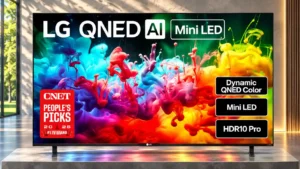
Sports and uniform backgrounds can reveal mild-to-noticeable blotches, particularly toward the edges.
Pros: picture quality, color accuracy
Cons: remote control quality, black levels

The outer portion of the panel can look darker than the center, creating visible unevenness even in ordinary video.
Pros: art display mode, picture quality
Cons: contrast ratio, high-refresh-rate gaming
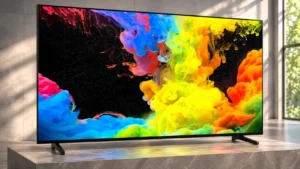
Uneven patches across the panel can become especially conspicuous on a sports field or other broad, similarly colored scene.
Pros: picture quality, black levels
Cons: bass performance, HDR brightness

Uneven gray-field brightness creates blotches that can follow the eye during camera pans across playing fields.
Pros: design and appearance, maximum volume
Cons: picture quality, value for money
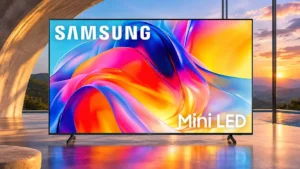
The center stays relatively clean, but darker edges and uneven gray fields can intrude on regular programs.
Pros: sound quality, picture quality
Cons: value for money, local dimming performance
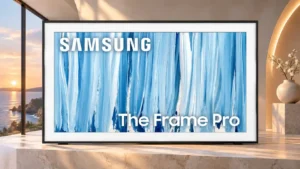
Patchy gray uniformity can distract during bright, evenly colored scenes, particularly sports broadcasts.
Pros: cable management, design and appearance
Cons: value for money, Dolby Vision support

Dark and bright bands across the panel can be quite visible during camera pans, especially against uniform sports backgrounds.
Pros: art display mode, design and appearance
Cons: overall satisfaction, HDMI port accessibility

The middle of the screen can show obvious dirty-screen patches, which may be noticeable during uniform backgrounds or panning shots.
Pros: picture quality, color accuracy
Cons: HDR performance, sound quality
Patchy grays and uneven light backgrounds can stand out during sports pans, with similar complaints reported on replacement units.
Pros: overall satisfaction, value for money
Cons: Smart TV platform, advertising intrusiveness