Best for calibration options
TCL QM8L
5.0 attribute score
Highest scored product for this attribute based on supporting review evidence.

Highest scored product for this attribute based on supporting review evidence.
Balances the attribute score, supporting reviews, and overall product strength.
Has the broadest review evidence for this attribute.
Strongest overall product among items with scored evidence for this attribute.
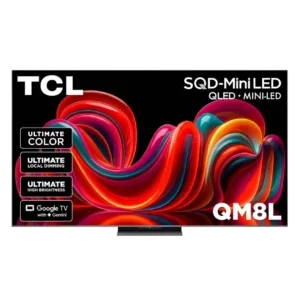
White-balance controls and picture adjustments allow the QM8L to reach excellent measured accuracy after calibration.
Pros: picture quality, value for money
Cons: stand quality, judder handling
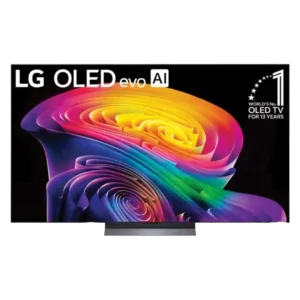
The C6 offers deep manual controls, AutoCal support, multiple accurate presets, and reset options. Enthusiasts can fine-tune grayscale, tone mapping, and white balance extensively.
Pros: picture quality, gaming performance
Cons: value for money, sound quality
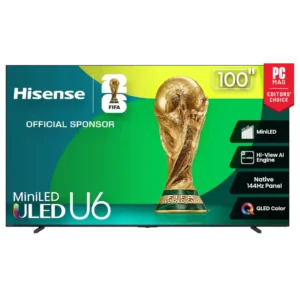
Calibration and picture adjustment options are strong, with granular controls, multiple presets, motion tuning, local-dimming adjustment, and tone-mapping flexibility available to enthusiasts.
Pros: overall satisfaction, value for money
Cons: smart TV platform, blooming control

Sony’s presets are unusually accurate and easy to use, while deeper picture controls still leave room for enthusiasts to fine-tune the image.
Pros: gaming performance, peak brightness
Cons: HDMI 2.1 support, HDMI 2.1 port count
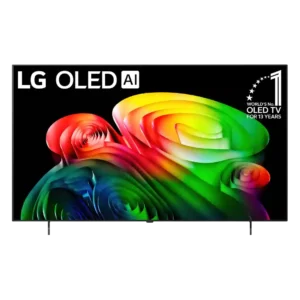
Picture and audio customization is flexible, and LG’s guided options make it easy to choose a preferred presentation.
Pros: picture quality, value for money
Cons: stand quality, daytime viewing performance
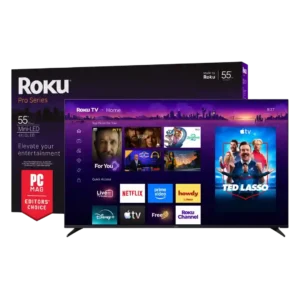
There are extensive picture and audio adjustments, including per-input controls and EQ. Some reviewers still find color management confusing or less complete than they would like.
Pros: overall satisfaction, picture quality
Cons: reliability, portability and versatility

Filmmaker Mode and Calman support can deliver reference-grade accuracy with extensive adjustment. One firmware version’s broken HDR color controls created a notable exception.
Pros: picture quality, peak brightness
Cons: value for money, sound quality
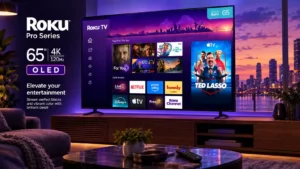
Granular picture controls are available on the TV itself. Requiring active content before opening some deeper settings makes fine-tuning less convenient.
Pros: contrast ratio, value for money
Cons: peak brightness, HDR brightness
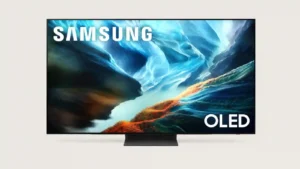
Phone-assisted Smart Calibration is convenient for quick tuning, though it is not a substitute for a full professional calibration.
Pros: glare resistance, black levels
Cons: Dolby Vision support, color gamut
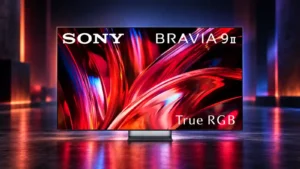
Professional mode is the strongest starting point for accurate viewing, while the other presets give useful flexibility for brighter or punchier presentation.
Pros: overall satisfaction, overall image accuracy
Cons: value for money, bass performance

The QM7L offers many presets and picture controls, making it easy to tailor SDR, HDR, Dolby Vision, and gaming. Default accuracy varies enough that some owners may need significant adjustment.
Pros: peak brightness, picture quality
Cons: color accuracy, viewing angles
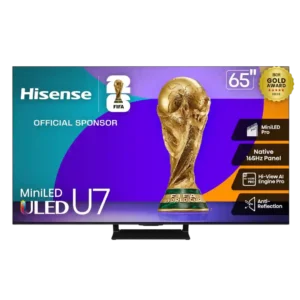
There are extensive picture controls and calibration options, but several reviewers needed them to tame color temperature, HDR, or brightness behavior.
Pros: overall satisfaction, picture quality
Cons: reliability, build quality
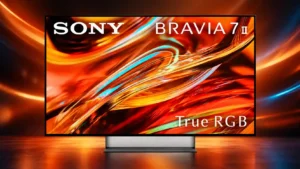
Sony provides useful picture modes and calibrated presets, but the lack of a full color-management system frustrates enthusiasts. Some settings are also less intuitive than they should be.
Pros: overall satisfaction, picture quality
Cons: HDMI 2.1 port count, reflection handling
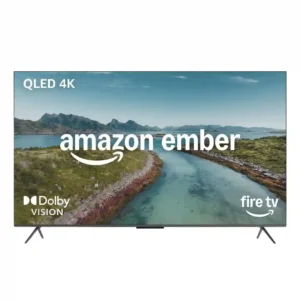
Picture controls are inconsistent: useful local dimming, tone mapping, EQ, and motion adjustments exist, but some advanced options are greyed out or poorly tuned by default. Owners may need hands-on...
Pros: picture quality, overall satisfaction
Cons: value for money, reliability

There are useful picture presets, but the lack of Filmmaker Mode and Dolby Vision Filmmaker modes disappointed an expert reviewer. Enthusiasts get less calibration-oriented flexibility than on LG’s higher-end TVs.
Pros: overall satisfaction, portability and versatility
Cons: value for money, menu responsiveness