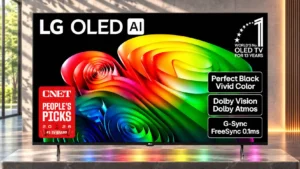
Game Optimizer improves latency and gives straightforward access to relevant settings, making modern games feel smoother.
Pros: value for money, peak brightness
Cons: color accuracy, stand quality

Game Optimizer improves latency and gives straightforward access to relevant settings, making modern games feel smoother.
Pros: value for money, peak brightness
Cons: color accuracy, stand quality
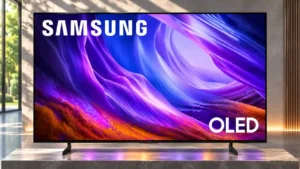
Game Mode offers useful tools and responsiveness.
Pros: black levels, picture quality
Cons: glare resistance, reflection handling
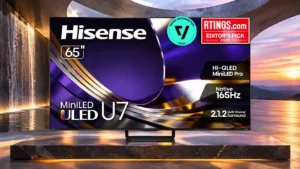
Game Mode keeps HDR brightness strong and latency low, though it cannot eliminate the screen's slower response times.
Pros: overall satisfaction, glare resistance
Cons: motion handling, viewing angles
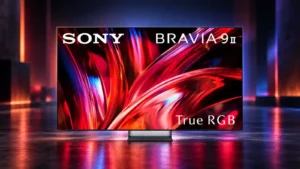
Game mode is responsive and can look excellent, particularly with PlayStation 5, even though the TV is not the strongest option for every kind of gamer.
Pros: overall satisfaction, overall image accuracy
Cons: value for money, bass performance

Game Mode stays highly responsive and preserves strong picture quality, making it suitable for competitive and cinematic games alike.
Pros: glare resistance, black levels
Cons: Dolby Vision support, color gamut
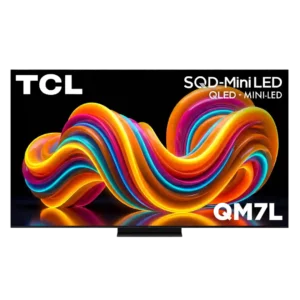
Game presets retain bright color and strong contrast while leaving many picture controls available for customization.
Pros: peak brightness, picture quality
Cons: color accuracy, viewing angles
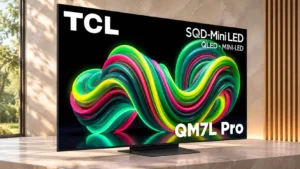
Game Master mode delivers exceptionally low lag and responsive control. Motion interpolation can make play appear smoother without adding much delay.
Pros: picture quality, black levels
Cons: viewing angles, motion clarity
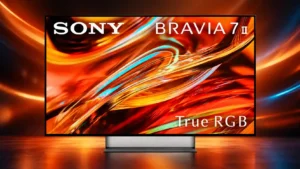
Game Mode keeps brightness high while minimizing latency, and PlayStation-specific automation makes the experience especially seamless.
Pros: overall satisfaction, picture quality
Cons: HDMI 2.1 port count, reflection handling
Game Optimizer delivers excellent responsiveness, while ordinary picture modes can add noticeable input delay.
Pros: contrast ratio, black levels
Cons: reflection handling, color accuracy
Game Mode produces very low input lag and makes high-refresh play easy, even though it cannot correct the panel's slow transitions.
Pros: overall satisfaction, value for money
Cons: Smart TV platform, advertising intrusiveness
Game mode delivers an attractive, accurate picture with little adjustment. Automatic switching also makes it easy to start playing.
Pros: contrast ratio, value for money
Cons: peak brightness, HDR brightness
Game Optimizer preserves strong HDR impact and provides quick access to useful controls. Some samples needed tuning, and one 48-inch unit showed reduced color saturation.
Pros: picture quality, gaming performance
Cons: value for money, sound quality
Game mode is an important setting for responsive play, helping deliver the lowest lag without compromising HDR peak brightness.
Pros: picture quality, black levels
Cons: bass performance, HDR brightness
Game Optimizer responds automatically to consoles and can improve contrast, although the most vivid game colors sometimes require other picture presets.
Pros: peak brightness, picture quality
Cons: value for money, viewing angles
PlayStation-oriented tuning produces a polished image and automatically selects low-latency settings. Custom picture controls are more limited than on higher-end Sony sets.
Pros: HDMI 2.1 port count, overall satisfaction
Cons: HDR performance, bass performance
Entering Game Mode preserves peak brightness while unlocking exceptionally responsive gameplay.
Pros: black levels, contrast ratio
Cons: Dolby Vision support, stutter handling
Automatic game detection and intuitive settings reduce friction, although the most accurate HDR Game Mode can look dimmer than other modes.
Pros: picture quality, overall satisfaction
Cons: color crosstalk, value for money
Game Mode is bright, fast and feature-rich, although color balance and shadow rendering may need adjustment. Firmware improvements have helped its motion performance.
Pros: color volume, overall satisfaction
Cons: value for money, color accuracy
Game Optimizer reduces input delay and makes gaming controls easily accessible.
Pros: picture quality, color accuracy
Cons: remote control quality, black levels
Game Mode gets positive marks for making colors pop and producing an attractive image. The mode itself is good even though the 60Hz hardware limits performance.
Pros: picture quality, overall satisfaction
Cons: value for money, reliability
Game Mode keeps ghosting tolerable for some players, especially outside very dark, fast-moving scenes.
Pros: sound quality, picture quality
Cons: value for money, local dimming performance
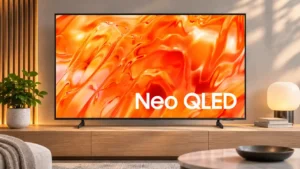
Game Mode prioritizes responsiveness and offers the lowest input lag without requiring extensive extra adjustments.
Pros: picture quality, overall satisfaction
Cons: sound quality, black levels
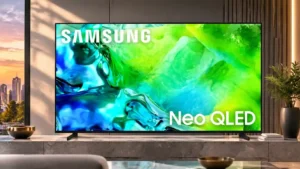
Game Mode offers pleasing brightness and responsive play, although tiny HDR highlights can lack the impact of stronger TVs.
Pros: picture quality, contrast ratio
Cons: blooming control, glare resistance

Game Mode stays responsive but offers little improvement in HDR impact; bright game highlights still appear subdued.
Pros: art display mode, design and appearance
Cons: overall satisfaction, HDMI port accessibility

Game Mode retains decent HDR brightness, but highlights remain muted and motion still blurs at high refresh rates.
Pros: cable management, design and appearance
Cons: value for money, Dolby Vision support

Game mode preserves much of the TV’s punchy picture while reducing latency, so speed does not require a severe loss in image quality.
Pros: picture quality, value for money
Cons: stand quality, judder handling
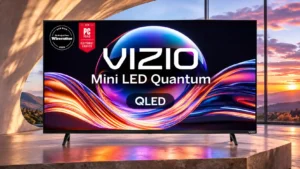
Game Mode retains the TV’s dark detail and contrast without a noticeable image penalty.
Pros: value for money, picture quality
Cons: account requirements, gaming performance

Game Optimizer is feature-rich and responsive, but firmware-dependent HGiG, color, and high-refresh accuracy issues keep it from being flawless.
Pros: picture quality, peak brightness
Cons: value for money, sound quality
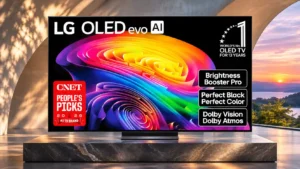
Game Optimizer is feature-rich and fast, though some high-refresh or Dolby Vision modes can alter shadows and color accuracy.
Pros: gaming performance, HDR brightness
Cons: reflection handling, glare resistance

Game Mode offers strong HDR visuals and useful picture controls, though some processing and clarity drawbacks remain.
Pros: peak brightness, blooming control
Cons: value for money, motion clarity
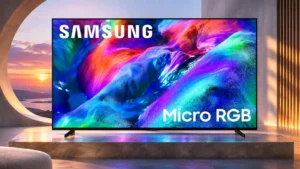
AI gaming settings can be convenient but are taste-dependent, and additional motion processing may add delay.
Pros: overall satisfaction, color gamut
Cons: value for money, local dimming performance
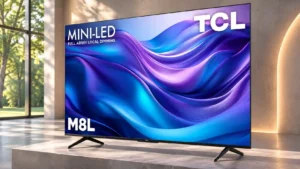
Dedicated gaming controls are convenient, but Game Master mode cannot make dim HDR highlights look impactful. Its features are more impressive than its HDR results.
Pros: value for money, overall satisfaction
Cons: HDR brightness

Game Optimizer keeps input response reasonably snappy and activates automatically, but the screen remains stuck at 60Hz with blurry motion.
Pros: design and appearance, maximum volume
Cons: picture quality, value for money

Low input lag and useful console features help Game Mode, but flat HDR and slow transitions hold back overall gaming quality.
Pros: picture quality, color accuracy
Cons: HDR performance, sound quality
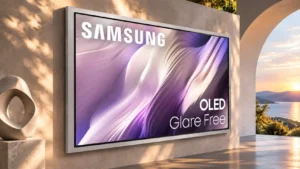
Gaming remains fluid and bright, but out-of-box color and gamma can be overprocessed until adjusted.
Pros: picture quality, overall satisfaction
Cons: design and appearance, Dolby Vision support
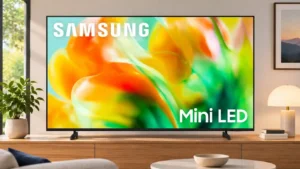
Basic modes can look fine, but pushing optional HDR/game processing too hard produces exaggerated, unnatural contrast.
Pros: gaming performance, color accuracy
Cons: value for money, overall satisfaction