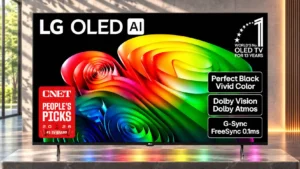
Game Optimizer improves latency and gives straightforward access to relevant settings, making modern games feel smoother.
Pros: value for money, peak brightness
Cons: color accuracy, stand quality

Game Optimizer improves latency and gives straightforward access to relevant settings, making modern games feel smoother.
Pros: value for money, peak brightness
Cons: color accuracy, stand quality
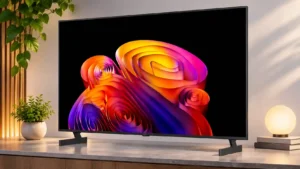
Game Optimizer delivers excellent responsiveness, while ordinary picture modes can add noticeable input delay.
Pros: contrast ratio, black levels
Cons: reflection handling, color accuracy
Game Optimizer preserves strong HDR impact and provides quick access to useful controls. Some samples needed tuning, and one 48-inch unit showed reduced color saturation.
Pros: picture quality, gaming performance
Cons: value for money, sound quality
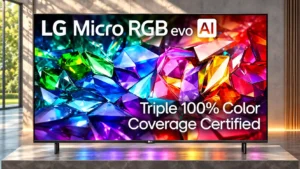
Game Optimizer responds automatically to consoles and can improve contrast, although the most vivid game colors sometimes require other picture presets.
Pros: peak brightness, picture quality
Cons: value for money, viewing angles
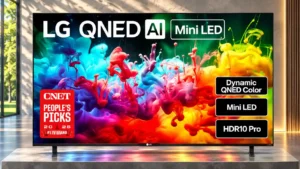
Game Optimizer reduces input delay and makes gaming controls easily accessible.
Pros: picture quality, color accuracy
Cons: remote control quality, black levels

Game Optimizer is feature-rich and responsive, but firmware-dependent HGiG, color, and high-refresh accuracy issues keep it from being flawless.
Pros: picture quality, peak brightness
Cons: value for money, sound quality
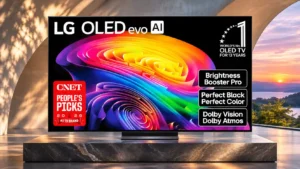
Game Optimizer is feature-rich and fast, though some high-refresh or Dolby Vision modes can alter shadows and color accuracy.
Pros: gaming performance, HDR brightness
Cons: reflection handling, glare resistance

Game Optimizer keeps input response reasonably snappy and activates automatically, but the screen remains stuck at 60Hz with blurry motion.
Pros: design and appearance, maximum volume
Cons: picture quality, value for money