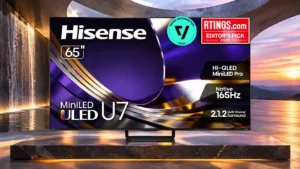
Thin bezels keep the picture visually prominent and give the set a clean, modern appearance.
Pros: overall satisfaction, glare resistance
Cons: motion handling, viewing angles

Thin bezels keep the picture visually prominent and give the set a clean, modern appearance.
Pros: overall satisfaction, glare resistance
Cons: motion handling, viewing angles
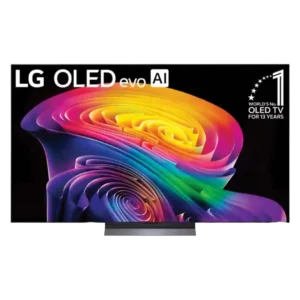
The panel is nearly bezel-free, giving the image most of the front surface and creating a clean, immersive look.
Pros: picture quality, gaming performance
Cons: value for money, sound quality

The almost borderless screen creates a clean, floating-picture effect that suits the Gallery design.
Pros: picture quality, peak brightness
Cons: value for money, sound quality
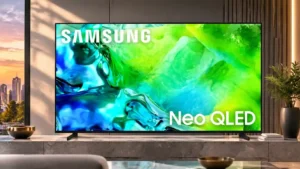
Thin borders keep attention on the image and give the panel a clean, screen-forward appearance.
Pros: picture quality, contrast ratio
Cons: blooming control, glare resistance
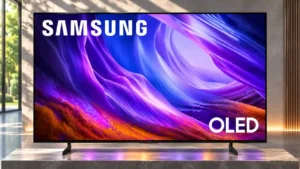
The thin borders keep attention on the image.
Pros: black levels, picture quality
Cons: glare resistance, reflection handling
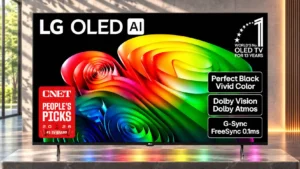
The nearly bezel-free front makes the image the focal point, giving this entry-level set an expensive appearance.
Pros: value for money, peak brightness
Cons: color accuracy, stand quality
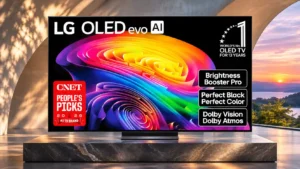
The ultra-thin border lets the huge picture dominate the front of the TV.
Pros: gaming performance, HDR brightness
Cons: reflection handling, glare resistance
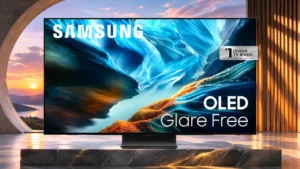
Narrow bezels help the large panel look clean and contemporary rather than bulky.
Pros: black levels, contrast ratio
Cons: Dolby Vision support, stutter handling

Bezels are thin enough to disappear during viewing, reinforcing the clean all-screen look.
Pros: glare resistance, black levels
Cons: Dolby Vision support, color gamut

The almost frame-free edges make the picture feel expansive and close to floating in the room.
Pros: picture quality, value for money
Cons: stand quality, judder handling
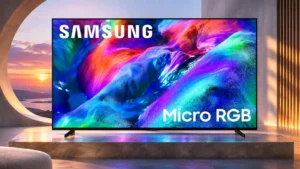
Very slim borders and restrained branding give the large panel an immersive, upscale appearance.
Pros: overall satisfaction, color gamut
Cons: value for money, local dimming performance
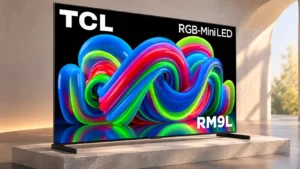
The fine border keeps the emphasis on the picture and makes the large display feel cleaner and more immersive.
Pros: picture quality, overall satisfaction
Cons: color crosstalk, value for money
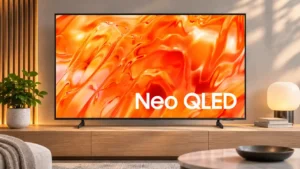
The narrow frame and slim enclosure are repeatedly praised for keeping attention on the image rather than the hardware.
Pros: picture quality, overall satisfaction
Cons: sound quality, black levels
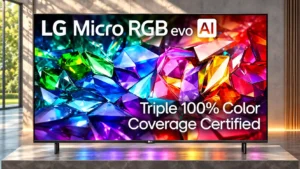
Narrow black borders frame the picture neatly and nearly vanish when the room is dim.
Pros: peak brightness, picture quality
Cons: value for money, viewing angles
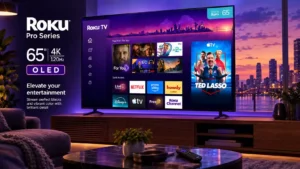
The thin frame keeps attention on the screen and suits the clean, minimalist design.
Pros: contrast ratio, value for money
Cons: peak brightness, HDR brightness
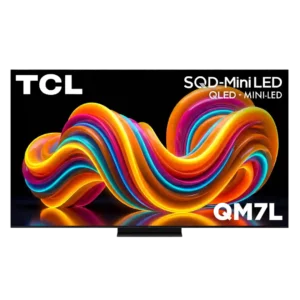
Slim or minimal bezels keep attention on the image and help the set look modern.
Pros: peak brightness, picture quality
Cons: color accuracy, viewing angles
The slim bezels reinforce the floating, screen-first look and help the set appear sleeker from the front.
Pros: overall satisfaction, picture quality
Cons: HDMI 2.1 port count, reflection handling
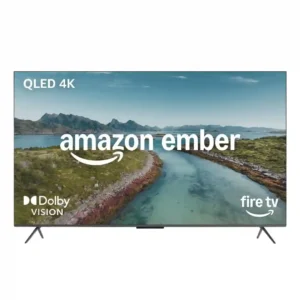
Thin or nearly borderless bezels are consistently praised. They help the TV look more modern than its budget-to-midrange positioning suggests.
Pros: picture quality, overall satisfaction
Cons: value for money, reliability
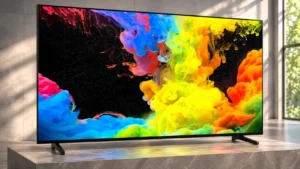
Slim screen borders give the U6SF a tidy, unobtrusive appearance.
Pros: picture quality, black levels
Cons: bass performance, HDR brightness

Nearly borderless edges let the screen dominate the view, especially at larger sizes.
Pros: peak brightness, blooming control
Cons: value for money, motion clarity
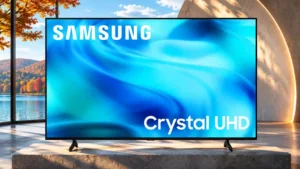
Thin bezels are a consistent design bright spot, keeping the affordable TV visually tidy.
Pros: white balance accuracy, design and appearance
Cons: overall satisfaction, value for money
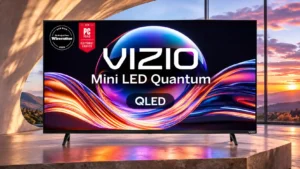
Minimal trim on three sides makes the screen appear more expansive than its budget build suggests.
Pros: value for money, picture quality
Cons: account requirements, gaming performance
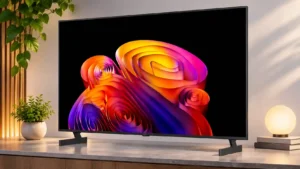
The screen has a clean, thin-edged appearance, although the B6E’s bezels are thicker than those on some premium OLEDs.
Pros: contrast ratio, black levels
Cons: reflection handling, color accuracy
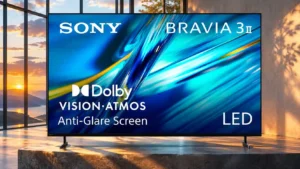
Some sizes and reviewers find the bezels pleasingly thin and unobtrusive, while the tested 65-inch unit has a thicker, dated-looking bottom edge.
Pros: HDMI 2.1 port count, overall satisfaction
Cons: HDR performance, bass performance
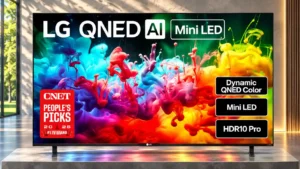
Slim borders help the screen blend into living-room and bedroom decor.
Pros: picture quality, color accuracy
Cons: remote control quality, black levels
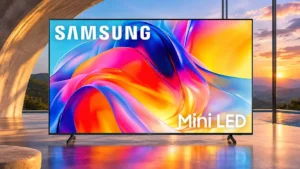
Thin bezels along the top and sides give the otherwise simple chassis a reasonably modern front.
Pros: sound quality, picture quality
Cons: value for money, local dimming performance

The thin bezel complements the art-frame design and helps it blend into a decorated room.
Pros: design and appearance, maximum volume
Cons: picture quality, value for money
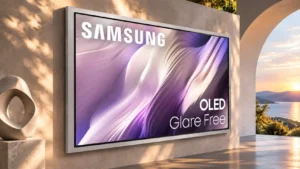
The wide frame adds visual presence and physical width, which can become a drawback in tighter spaces.
Pros: picture quality, overall satisfaction
Cons: design and appearance, Dolby Vision support
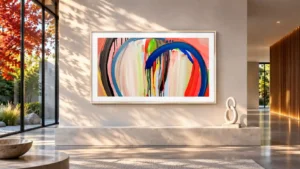
Evenly sized borders help the television resemble a picture frame rather than an ordinary screen.
Pros: art display mode, design and appearance
Cons: overall satisfaction, HDMI port accessibility
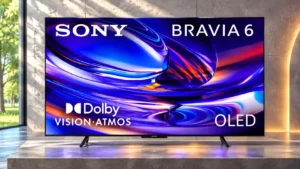
Thin framing on all four sides keeps the front unobtrusive and places visual attention on the picture.
Pros: HDMI 2.1 port count, Video input versatility
Cons: value for money, overall satisfaction
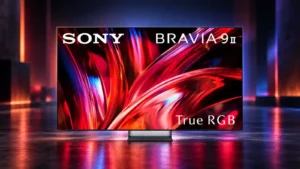
The bezel is slim and unobtrusive, keeping the front of the set focused on the picture.
Pros: overall satisfaction, overall image accuracy
Cons: value for money, bass performance
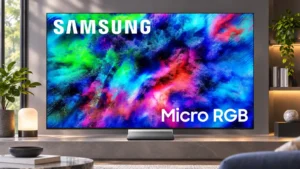
Slim borders keep attention on the picture, particularly on the larger models.
Pros: color volume, overall satisfaction
Cons: value for money, color accuracy

The decorative surround is attractive and symmetrical, but its thicker edges can look more like a bulky television bezel in certain finishes.
Pros: art display mode, picture quality
Cons: contrast ratio, high-refresh-rate gaming
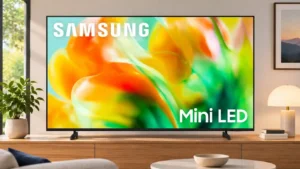
Surrounding bezels are fairly slim, but the visible panel gap looks less tidy and can trap packaging debris.
Pros: gaming performance, color accuracy
Cons: value for money, overall satisfaction