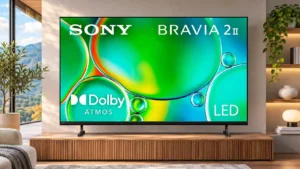
Slim framing makes the screen look expansive and helps the television blend into a room without bulky borders.
Pros: picture quality, overall satisfaction
Cons: sound quality, reliability

Slim framing makes the screen look expansive and helps the television blend into a room without bulky borders.
Pros: picture quality, overall satisfaction
Cons: sound quality, reliability
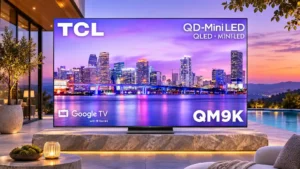
Thin, nearly invisible bezels create an immersive edge-to-edge picture that looks more premium than a typical LCD TV.
Pros: peak brightness, overall satisfaction
Cons: value for money, shadow detail
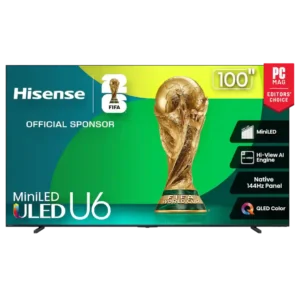
Bezels are consistently praised as thin or nearly edge-free, helping the picture dominate the front of the TV.
Pros: overall satisfaction, value for money
Cons: smart TV platform, blooming control
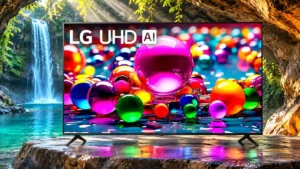
Relatively thin bezels give this affordable display a clean, modern look.
Pros: viewing angles, smart TV platform
Cons: overall satisfaction, refresh rate

The ultra-thin bezel helps the screen look chic and minimal without drawing attention away from the image.
Pros: gaming performance, peak brightness
Cons: HDMI 2.1 support, HDMI 2.1 port count
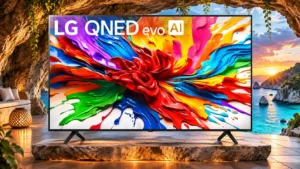
The narrow screen borders help put the focus on the image, though the frame remains slightly noticeable in some settings.
Pros: gaming performance, overall satisfaction
Cons: sound quality, value for money
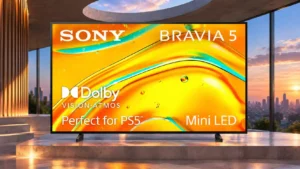
Most sizes have thin, unobtrusive borders; the 98-inch model is noticeably chunkier around the edges.
Pros: picture quality, black levels
Cons: HDR brightness, value for money
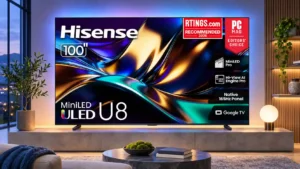
The slim frame helps the picture feel expansive, particularly at larger sizes, despite the cabinet's overall depth.
Pros: peak brightness, HDR brightness
Cons: sound quality, viewing angles
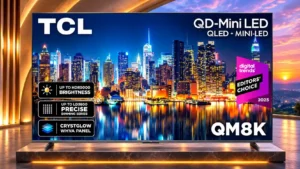
The exceptionally narrow border makes the picture seem to float, helping the 98-inch screen feel less bulky.
Pros: peak brightness, picture quality
Cons: HDMI 2.1 port count, reflection handling
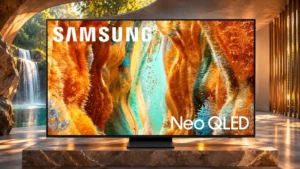
The borders look discreet to some owners, but one detailed comparison found them thicker than competing sets.
Pros: picture quality, 4K at 144 Hz support
Cons: sound quality, value for money
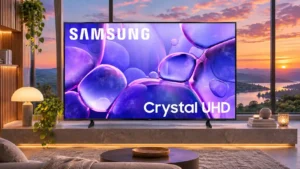
Narrow bezels make the screen look relatively modern, although a small inactive border remains visible on some versions.
Pros: color accuracy, upscaling quality
Cons: picture quality, sound quality
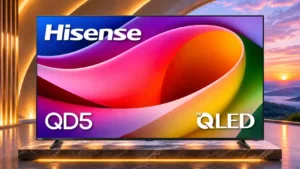
Thin bezels help the expansive screen look tidy despite the otherwise basic design.
Pros: overall satisfaction, picture quality
Cons: Weight and handling, black levels
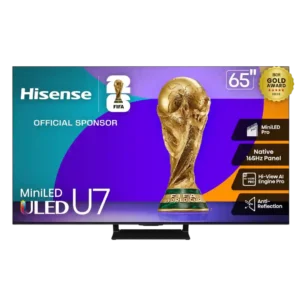
Thin borders help the screen feel larger and keep the front design clean.
Pros: overall satisfaction, picture quality
Cons: reliability, build quality
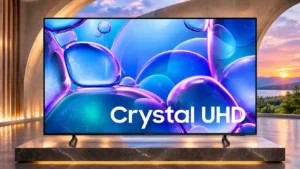
Three relatively narrow borders help the U7900F look modern, even though the bottom edge is thicker.
Pros: picture quality, smart TV platform
Cons: value for money, refresh rate
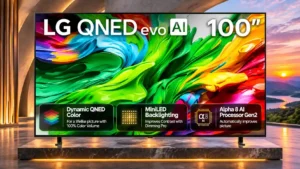
The frame divides opinion: one technical assessment finds its borders thick, while hands-on owners like the slim appearance.
Pros: picture quality, maximum volume
Cons: sound quality, bass performance

Bezels look slim at a glance, but the visible gap between the frame and first pixels reduces the premium effect.
Pros: picture quality, value for money
Cons: viewing angles, HDR performance
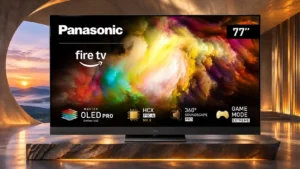
Thicker inactive space around the image gives the front a less modern appearance than many competing OLEDs.
Pros: overall satisfaction, picture quality
Cons: size options, value for money
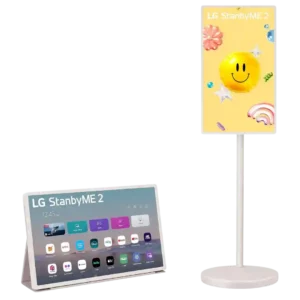
Thick bezels are one of the more visible design complaints. Reviewers say they make the 27-inch display look chunkier and more dated than a premium modern screen.
Pros: overall satisfaction, portability and versatility
Cons: value for money, menu responsiveness