Best for bezel size
Roku Pro Series (2025)
5.0 attribute score
Highest scored product for this attribute based on supporting review evidence.

Highest scored product for this attribute based on supporting review evidence.
Balances the attribute score, supporting reviews, and overall product strength.
Has the broadest review evidence for this attribute.
Strongest overall product among items with scored evidence for this attribute.
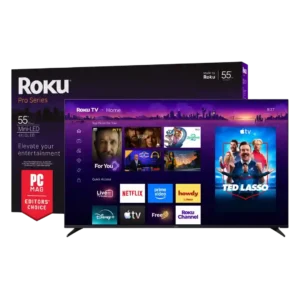
Bezels are consistently praised as very thin, giving the screen a clean, modern presentation.
Pros: overall satisfaction, picture quality
Cons: reliability, portability and versatility
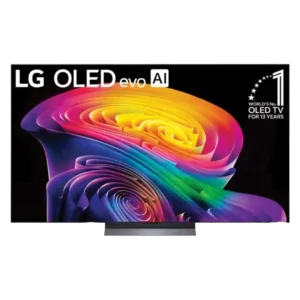
The panel is nearly bezel-free, giving the image most of the front surface and creating a clean, immersive look.
Pros: picture quality, gaming performance
Cons: value for money, sound quality

The almost borderless screen creates a clean, floating-picture effect that suits the Gallery design.
Pros: picture quality, peak brightness
Cons: value for money, sound quality
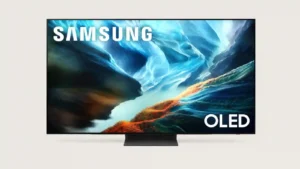
Bezels are thin enough to disappear during viewing, reinforcing the clean all-screen look.
Pros: glare resistance, black levels
Cons: Dolby Vision support, color gamut
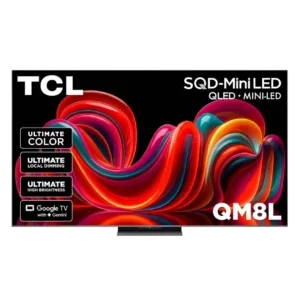
The almost frame-free edges make the picture feel expansive and close to floating in the room.
Pros: picture quality, value for money
Cons: stand quality, judder handling
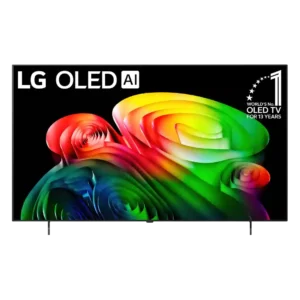
The trim, nearly bezel-less frame keeps attention focused on the picture.
Pros: picture quality, value for money
Cons: stand quality, daytime viewing performance
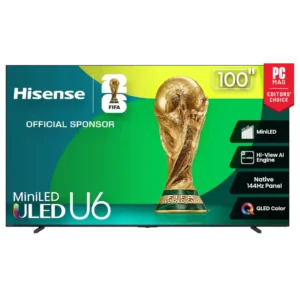
Bezels are consistently praised as thin or nearly edge-free, helping the picture dominate the front of the TV.
Pros: overall satisfaction, value for money
Cons: smart TV platform, blooming control
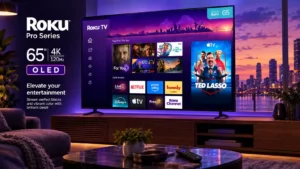
The thin frame keeps attention on the screen and suits the clean, minimalist design.
Pros: contrast ratio, value for money
Cons: peak brightness, HDR brightness
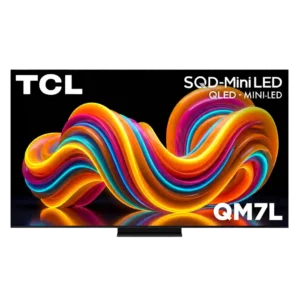
Slim or minimal bezels keep attention on the image and help the set look modern.
Pros: peak brightness, picture quality
Cons: color accuracy, viewing angles
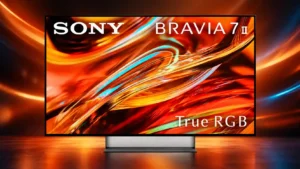
The slim bezels reinforce the floating, screen-first look and help the set appear sleeker from the front.
Pros: overall satisfaction, picture quality
Cons: HDMI 2.1 port count, reflection handling

The ultra-thin bezel helps the screen look chic and minimal without drawing attention away from the image.
Pros: gaming performance, peak brightness
Cons: HDMI 2.1 support, HDMI 2.1 port count
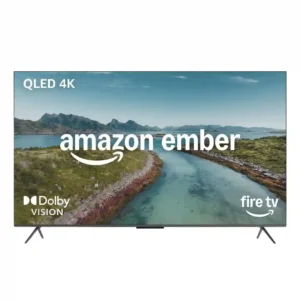
Thin or nearly borderless bezels are consistently praised. They help the TV look more modern than its budget-to-midrange positioning suggests.
Pros: picture quality, overall satisfaction
Cons: value for money, reliability
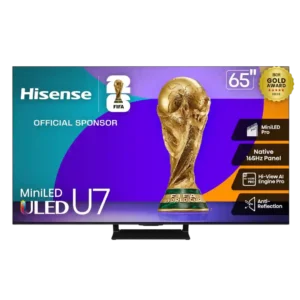
Thin borders help the screen feel larger and keep the front design clean.
Pros: overall satisfaction, picture quality
Cons: reliability, build quality
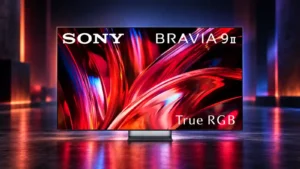
The bezel is slim and unobtrusive, keeping the front of the set focused on the picture.
Pros: overall satisfaction, overall image accuracy
Cons: value for money, bass performance
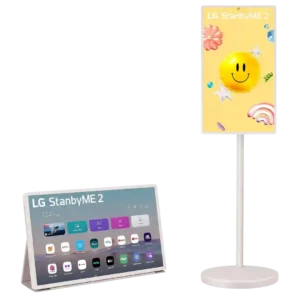
Thick bezels are one of the more visible design complaints. Reviewers say they make the 27-inch display look chunkier and more dated than a premium modern screen.
Pros: overall satisfaction, portability and versatility
Cons: value for money, menu responsiveness