
Overall: 3.8/5
VRR works over a broad range and helps reduce tearing, including when frame rates dip.
Pros: picture quality, 4K at 144 Hz support
Cons: sound quality, value for money

Overall: 3.8/5
VRR works over a broad range and helps reduce tearing, including when frame rates dip.
Pros: picture quality, 4K at 144 Hz support
Cons: sound quality, value for money

Overall: 4.2/5
VRR support keeps changing frame rates visually smooth by reducing screen tearing.
Pros: value for money, color accuracy
Cons: HDR brightness, reflection handling

Overall: 4.0/5
VRR operates smoothly over a broad frame-rate range, minimizing tearing with supported gaming hardware.
Pros: overall satisfaction, picture quality
Cons: size options, value for money

Overall: 3.8/5
Compatibility with major VRR systems is a gaming strength, helping maintain smoother frame pacing across changing loads.
Pros: glare resistance, overall satisfaction
Cons: input lag, value for money

Overall: 3.9/5
Broad VRR compatibility limits tearing even as frame rates fluctuate.
Pros: color volume, black levels
Cons: Inconsistent panel and coating by size, sound quality

Overall: 4.2/5
Variable refresh rate helps games stay fluid and largely tear-free even when the frame rate changes. It works across a broad range of sources.
Pros: high-refresh-rate gaming, gaming performance
Cons: value for money, bass performance
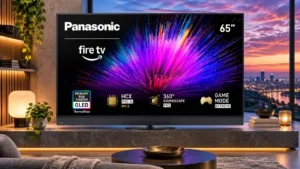
Overall: 4.3/5
Supported VRR modes keep fast play smooth across changing frame rates, including AMD and NVIDIA ecosystems.
Pros: picture quality, color accuracy
Cons: bass performance, HDMI 2.1 port count

Overall: 3.8/5
Broad VRR support and 144Hz operation reduce tearing, even if slow motion and wireless lag still restrict serious gaming.
Pros: Wireless One Connect compatibility, art display mode
Cons: value for money, input lag

Overall: 3.9/5
VRR across modern console and PC standards keeps compatible games in sync with the display and helps reduce tearing.
Pros: gaming performance, overall satisfaction
Cons: sound quality, value for money
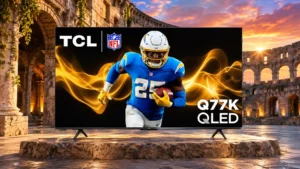
Overall: 3.4/5
Wide VRR format and range compatibility keep games nearly tear-free as frame rates fluctuate, especially on the full-speed inputs.
Pros: picture quality, value for money
Cons: viewing angles, HDR performance

Overall: 3.8/5
Broad VRR support keeps variable-frame-rate games smooth and reduces tearing, including at relatively low frame rates.
Pros: overall satisfaction, picture quality
Cons: value for money, local dimming performance

Overall: 4.0/5
VRR and FreeSync are valuable additions for tear-free gaming, with generally broad compatibility and consistency.
Pros: color accuracy, picture quality
Cons: HDR brightness, peak brightness

Overall: 4.1/5
HDMI VRR keeps games nearly tear-free across a wide range, but the USB-C connector lacks VRR and certain frame rates expose motion artifacts.
Pros: peak brightness, HDR brightness
Cons: sound quality, viewing angles

Overall: 3.7/5
HDMI Forum VRR allows compatible games to vary frame rate while maintaining smoother output.
Pros: picture quality, maximum volume
Cons: sound quality, bass performance

Overall: 4.0/5
VRR helps keep supported console games smooth and nearly tear-free, within the TV's 120Hz ceiling.
Pros: picture quality, black levels
Cons: HDR brightness, value for money
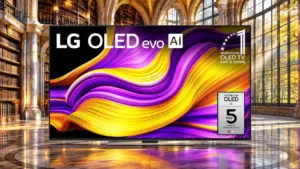
Overall: 4.2/5
VRR, FreeSync and G-SYNC support help accommodate changing game frame rates without distracting tearing.
Pros: overall satisfaction, picture quality
Cons: banding control, remote control quality
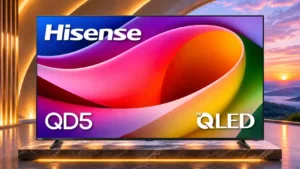
Overall: 3.9/5
Variable refresh helps prevent tearing, but occasional flicker near 53–54fps prevents flawless operation.
Pros: overall satisfaction, picture quality
Cons: Weight and handling, black levels
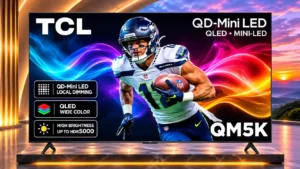
Overall: 3.6/5
VRR reduces screen tearing, especially at 1080p and 1440p, but the narrow 4K range limits how well it handles drops in frame rate.
Pros: black levels, picture quality
Cons: HDR performance, blooming control

Overall: 3.9/5
VRR helps keep games smooth as frame rates vary, although motion quality remains dependent on pixel response.
Pros: peak brightness, value for money
Cons: reflection handling, glare resistance

Overall: 4.2/5
A wide adaptive-refresh range greatly reduces tearing and supports fluid games, including low frame rates via compensation.
Pros: picture quality, glare resistance
Cons: value for money, bass performance

Overall: 3.9/5
Broad VRR compatibility helps keep fluctuating game frame rates smooth and free of tearing.
Pros: value for money, overall satisfaction
Cons: Dolby Vision support, sound quality

Overall: 4.0/5
VRR reduces tearing and adapts to varying frame rates for smoother console and PC play.
Pros: reflection handling, overall satisfaction
Cons: Dolby Vision support, bass performance

Overall: 3.9/5
VRR works well on most modern gaming devices, but there are reports of tearing with particular PC settings and high-motion gameplay.
Pros: peak brightness, overall satisfaction
Cons: value for money, shadow detail
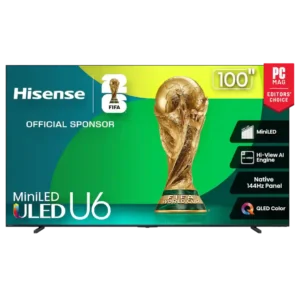
Overall: 4.2/5
VRR is mostly viewed positively and contributes to smooth, tear-free play. One source says it is unavailable, and another finds it can be finicky depending on the HDMI input used.
Pros: overall satisfaction, value for money
Cons: smart TV platform, blooming control
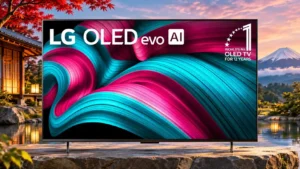
Overall: 4.0/5
VRR helps maintain smooth, nearly tear-free gameplay as frame rates change, including at lower frame rates.
Pros: value for money, overall satisfaction
Cons: Remote control usability, sound quality
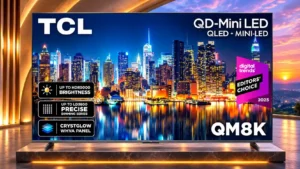
Overall: 4.0/5
VRR works well with consoles and AMD hardware, including low frame rates, but NVIDIA systems can tear in a locked 60Hz mode.
Pros: peak brightness, picture quality
Cons: HDMI 2.1 port count, reflection handling
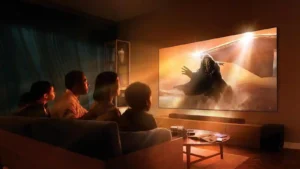
Overall: 3.9/5
VRR can deliver very smooth console gameplay, but the 120Hz cap and lack of low-frame-rate VRR below 60Hz limit flexibility for PC use.
Pros: gaming performance, peak brightness
Cons: HDMI 2.1 support, HDMI 2.1 port count

Overall: 4.0/5
VRR support is extensive and useful, but flicker, smearing, and frame-rate transition quirks prevent it from being flawless.
Pros: overall satisfaction, picture quality
Cons: reliability, build quality
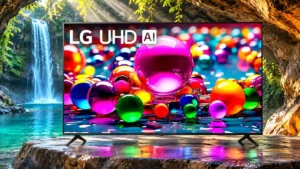
Overall: 3.0/5
VRR is a welcome addition over older entry-level models, but its narrow range cannot prevent tearing at lower frame rates.
Pros: viewing angles, smart TV platform
Cons: overall satisfaction, refresh rate
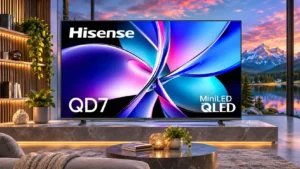
Overall: 3.9/5
VRR is available, yet the narrow usable range on smaller models can still permit tearing when frame rates fall.
Pros: picture quality, contrast ratio
Cons: HDR performance, motion handling

Overall: 3.3/5
Basic VRR is present on several models, but the narrow operating range means its practical improvement is limited.
Pros: color accuracy, upscaling quality
Cons: picture quality, sound quality
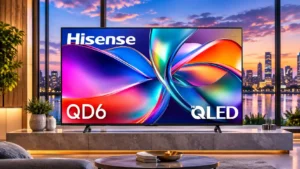
Overall: 3.0/5
VRR is present but less effective at 4K, where low frame rates still cause tearing.
Pros: color accuracy, Picture detail
Cons: HDR performance, motion clarity

Overall: 3.0/5
VRR is supported but its narrow operational window means tearing can persist at lower frame rates. Compatibility is better than effectiveness.
Pros: picture quality, smart TV platform
Cons: value for money, refresh rate

Overall: 3.6/5
Missing VRR is a clear drawback for gamers seeking smooth response to fluctuating frame rates, even if basic 60 fps titles play fine.
Pros: picture quality, overall satisfaction
Cons: sound quality, reliability

Overall: 3.0/5
The Q7F's missing or ineffective VRR functionality is a major limitation for consoles and gaming PCs with fluctuating frame rates.
Pros: color gamut, smart TV platform
Cons: value for money, overall satisfaction
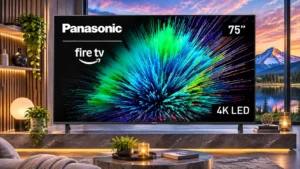
Overall: 3.3/5
Variable refresh rate is absent, so it cannot smooth mismatched game frame rates the way better gaming TVs can.
Pros: picture quality, motion handling
Cons: HDR performance, HDR brightness