If you want better 4K at 120 Hz support
Choose TCL M8LF. It scores 5.0 vs 1.0 for 4K at 120 Hz support, with a 4.1 overall score.

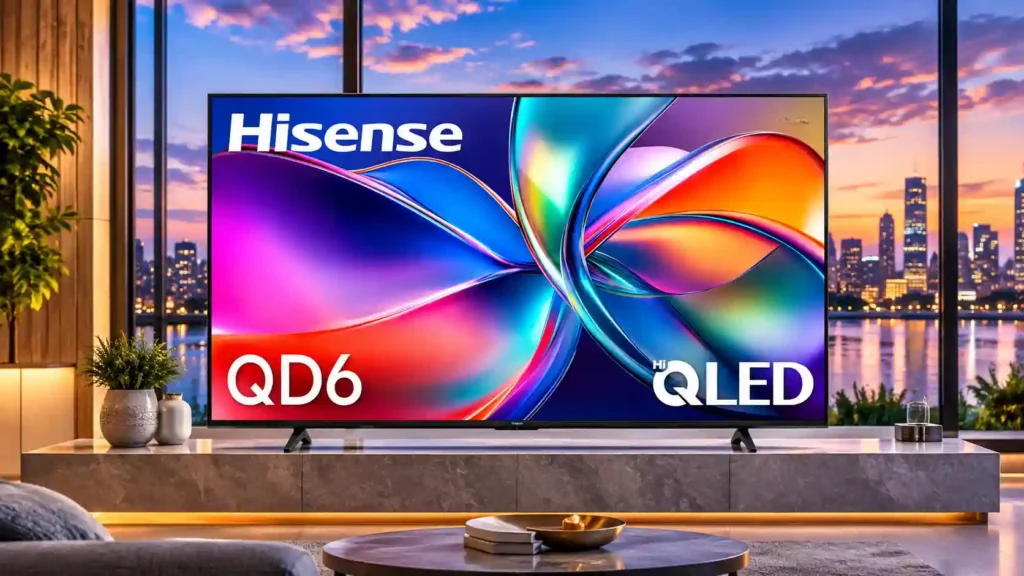
The QD6QF delivers natural SDR color and crisp everyday detail at an approachable price. Its dull HDR, blurry motion, and weak off-angle picture make a local-dimming upgrade worthwhile for more demanding viewing.
Budget-conscious viewers using a centered seat in a moderately lit bedroom or secondary living space, especially for ordinary streaming and casual 4K/60Hz gaming.
Home-theater enthusiasts, competitive gamers, bright-room sports fans, and households with a wide seating layout will find meaningful limits.
The Hisense QD6QF is an appealing way to buy a large 4K screen without spending much, especially for everyday television and streaming in a room with manageable lighting. Its strongest qualities are accurate SDR color, clean image detail, and useful Fire TV streaming features. Low input lag makes relaxed 4K/60Hz console gaming viable, too. The tradeoffs are significant: HDR highlights look flat, blacks can wash out without local dimming, bright windows create glare, and moving scenes can blur. People sitting to the sides also lose image quality. Built-in audio performance varies noticeably among screen sizes, so a soundbar may be worthwhile. This is a conditional budget purchase rather than a home-theater bargain. The 100-inch variant has different hardware specifications and needs separate evaluation; the smaller-size assessments should not be applied to it.
Compared with other TVs, this product is above average in remote layout, color accuracy, local dimming zone transitions, near average in motion handling, Picture detail, below average in 4K at 120 Hz support, peak brightness, noise reduction.
| Attribute | This product | Category average | Difference |
|---|---|---|---|
| 4K at 120 Hz support | 1.0 | 4.0 | -3.0 |
| peak brightness | 1.0 | 3.6 | -2.6 |
| noise reduction | 1.0 | 3.6 | -2.6 |
| HDR brightness | 1.0 | 3.4 | -2.4 |
| high-refresh-rate gaming | 1.0 | 3.5 | -2.5 |
| HDR performance | 1.4 | 3.6 | -2.2 |
| local dimming performance | 1.0 | 3.2 | -2.2 |
| overall satisfaction | 2.0 | 4.1 | -2.1 |
Choose TCL M8LF. It scores 5.0 vs 1.0 for 4K at 120 Hz support, with a 4.1 overall score.
Choose Hisense CanvasTV 2026. It scores 5.0 vs 2.0 for reflection handling, with a 3.8 overall score.
Choose Samsung 77S90H OLED. It scores 5.0 vs 1.0 for local dimming performance, with a 4.1 overall score.
Choose Hisense U7SG. It scores 4.8 vs 1.0 for HDR brightness, with a 4.2 overall score.
Products reviewers directly compared with this model, grouped into quick takeaways.
It is fine for casual movie watching in a dimmer room, but weak HDR highlights and washed-out blacks make it less satisfying for serious home theater.
The tested 43- through 85-inch versions are 60Hz at 4K. The 100-inch version has different specifications and should be assessed separately.
SDR color accuracy and fine detail are strengths. HDR brightness, dark-scene contrast, and fast-motion clarity are weaker.
Not especially. Its limited brightness and reflective glossy surface make windows and direct lamps problematic.
Built-in Fire TV offers a large streaming-app selection and Alexa voice control, though the interface may not feel as fast as a premium streamer.
They can handle ordinary television, but sound quality differs by size and some models have weak bass or limited volume. A soundbar is worth considering for movies and music.
Its refresh and input specifications differ from the smaller QD6QF TVs. Do not assume picture and gaming evaluations of a 65-inch sample apply to it.
These are a few of the reviews included in our analysis.
Our Hisense QD6QF review explains the 65-inch QLED Fire TV’s picture quality, gaming limits, room suitability, and when a Mini LED upgrade...
Our Hisense QD6QF review covers picture quality, HDR, Fire TV, gaming, all seven sizes, and why the 100-inch model needs separate scrutiny.
The Hisense QD6QF is a budget 4K Fire TV with QLED color, Dolby Vision, and VRR. Learn about picture quality, gaming, sizes, HDR limits, and...
We've tested and reviewed products since 1936. Read CR's review of the Hisense 65QD6QF tv to find out if it's worth it.
The Hisense QD6QF is an entry-level TV released as part of the 2025 TV lineup. It sits below the Hisense U65QF and replaces the Hisense...

Choose the S90H for bright-room OLED viewing, deep blacks and top-tier gaming without flagship pricing. Skip it if you want Dolby Vision, a glossy screen or the simplest smart-TV software.
Pros: glare resistance, black levels
Cons: Dolby Vision support, color gamut

Best for bright Mini-LED picture, excellent built-in audio, easy Roku navigation, and responsive 4K/120 gaming. Skip it if you want ad-free menus, premium motion consistency, or stronger confidence in long-term...
Pros: overall satisfaction, picture quality
Cons: reliability, portability and versatility

Choose the QM8L for a big, brilliantly bright TV with vivid HDR, deep mini-LED blacks, low input lag, and four HDMI 2.1 ports. Skip it if you need OLED-clean motion,...
Pros: picture quality, value for money
Cons: stand quality, judder handling

Choose the G6 for class-leading bright-room OLED picture, rich color, deep blacks and elite gaming. Skip it if you want strong built-in audio, polished launch firmware, no account sign-in, or...
Pros: picture quality, peak brightness
Cons: value for money, sound quality