If you want better 4K at 120 Hz support
Choose Hisense U7SG. It scores 5.0 vs 1.1 for 4K at 120 Hz support, with a 4.2 overall score.

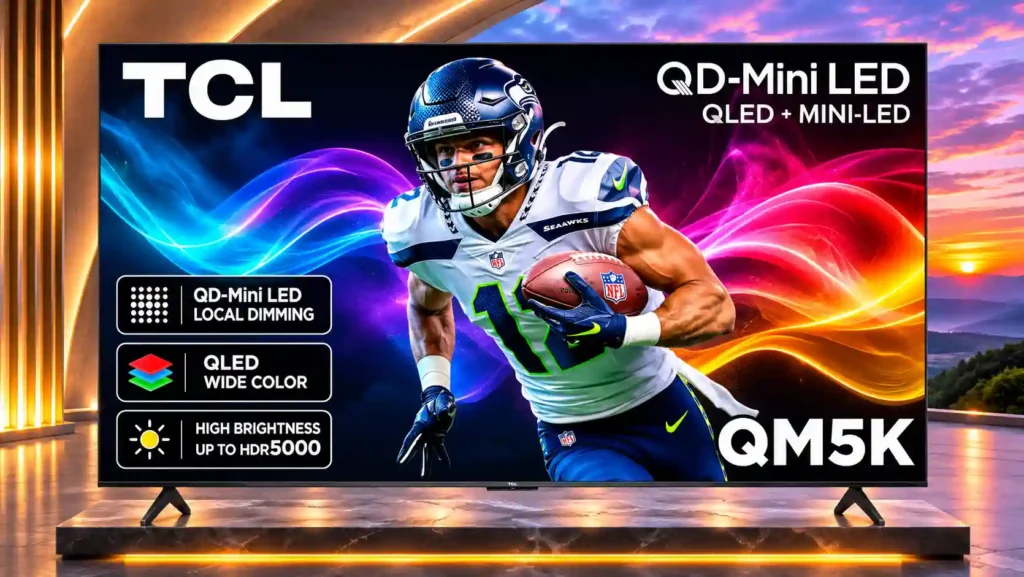
The QM5K delivers impressive Mini LED contrast, Google TV convenience, and responsive budget gaming. Its native 4K/60Hz limit, subdued HDR highlights, and narrow viewing angles are the main tradeoffs.
Budget-conscious buyers who stream shows, watch broadcast TV, or play casual console games from mostly centered seats. The 55-inch and larger versions also suit gamers willing to trade resolution for smoother 120–144Hz play.
Competitive players requiring native 4K/120Hz, viewers spread across wide seating, and demanding dark-room cinema fans. Bright rooms with directly reflected windows and setups relying on rich built-in audio are also weaker matches.
The TCL QM5K delivers the kind of Mini LED contrast and depth that usually costs more, especially when it is discounted. Natural-looking colors, a generous Google TV app selection, very low input lag, and VRR make it particularly compelling for everyday streaming and casual console gaming. It also has more gaming flexibility than its native 60Hz specification suggests: 55-inch and larger models can reach 144Hz at 1080p or 1440p, although the 50-inch model cannot. There are substantial compromises. Native 4K remains capped at 60Hz, HDR highlights lack punch, and Game Master can make HDR dramatically dimmer. Blooming around small lights, movie judder, direct reflections, and limited viewing angles may bother discerning viewers. Speaker performance varies across sizes, so a soundbar may be worthwhile. For centered, everyday viewing on a tight budget, the overall value is strong; serious home-theater and 4K/120Hz buyers should look higher up the range.
Compared with other TVs, this product is above average in HDMI port accessibility, reliability, HDR tone mapping accuracy, near average in Smart TV platform, Off-axis color shift, below average in 4K at 120 Hz support, gaming mode quality, 4K gaming support.
| Attribute | This product | Category average | Difference |
|---|---|---|---|
| 4K at 120 Hz support | 1.1 | 4.0 | -2.9 |
| gaming mode quality | 1.7 | 4.1 | -2.4 |
| 4K gaming support | 2.8 | 4.4 | -1.7 |
| HDMI port accessibility | 4.4 | 2.7 | +1.6 |
| reliability | 4.5 | 2.8 | +1.7 |
| judder handling | 2.3 | 3.8 | -1.5 |
| blooming control | 2.4 | 3.7 | -1.4 |
| banding control | 2.0 | 3.4 | -1.4 |
Choose Hisense U7SG. It scores 5.0 vs 1.1 for 4K at 120 Hz support, with a 4.2 overall score.
Choose Hisense CanvasTV 2026. It scores 5.0 vs 2.0 for reflection handling, with a 3.8 overall score.
Choose TCL RM9L. It scores 4.5 vs 1.5 for flicker control, with a 3.8 overall score.
Choose TCL QM9K. It scores 4.8 vs 2.8 for HDR brightness, with a 3.9 overall score.
Products reviewers directly compared with this model, grouped into quick takeaways.
No. Every screen size is limited to 4K at 60Hz, even though some sizes support faster refresh rates at lower resolutions.
The 55-, 65-, 75-, and 85-inch models can reach up to 144Hz at 1080p or 1440p with Game Accelerator. The 50-inch model remains 60Hz at all resolutions.
Yes for low-lag 4K/60 and reduced-resolution high-refresh gaming on applicable sizes. It supports VRR and automatic low-latency switching, but cannot show 4K/120 output.
Deep blacks and decent contrast look good at the price, but blooming, 24p judder, and limited HDR highlight brightness keep it from being a premium movie TV.
Its SDR brightness handles indirect daytime light reasonably well, but the glossy panel reflects direct windows and lamps strongly. Centered seating away from direct reflections works best.
Not for every program, but bass and movie-sound performance are modest, especially on some smaller sizes. eARC supports a compatible soundbar or receiver.
It offers a broad app catalog and straightforward navigation, with some interface lag. Ads appear in the full Google TV experience; a more limited basic setup can avoid them.
These are a few of the reviews included in our analysis.
TCL QM5K Review (50QM5K, 55QM5K, 65QM5K, 75QM5K, 85QM5K): the series offers strong budget contrast, low input lag, and VRR, but every size is...
TCL QM5K review covering Mini-LED picture quality, HDR, Google TV, gaming limits, 60Hz refresh, Game Accelerator 144, sound and sizes.
As Senior TV Editor, I'm familiar with nearly all of the most popular TVs of 2025 from brands like Hisense, Samsung and TCL. Now that the...
The TCL QM5K is an entry-level Mini LED TV released in 2025 that's exclusive to Best Buy. It's meant as a cheaper alternative to the TCL...
We've tested and reviewed products since 1936. Read CR's review of the TCL 50QM5K tv to find out if it's worth it.

Choose the S90H for bright-room OLED viewing, deep blacks and top-tier gaming without flagship pricing. Skip it if you want Dolby Vision, a glossy screen or the simplest smart-TV software.
Pros: glare resistance, black levels
Cons: Dolby Vision support, color gamut

Best for bright Mini-LED picture, excellent built-in audio, easy Roku navigation, and responsive 4K/120 gaming. Skip it if you want ad-free menus, premium motion consistency, or stronger confidence in long-term...
Pros: overall satisfaction, picture quality
Cons: reliability, portability and versatility

Choose the QM8L for a big, brilliantly bright TV with vivid HDR, deep mini-LED blacks, low input lag, and four HDMI 2.1 ports. Skip it if you need OLED-clean motion,...
Pros: picture quality, value for money
Cons: stand quality, judder handling

Choose the G6 for class-leading bright-room OLED picture, rich color, deep blacks and elite gaming. Skip it if you want strong built-in audio, polished launch firmware, no account sign-in, or...
Pros: picture quality, peak brightness
Cons: value for money, sound quality