
Detail enhancement is subtle and effective rather than harsh. The processor adds texture and clarity while generally avoiding an overly processed appearance.
Pros: picture quality, value for money
Cons: stand quality, judder handling

Detail enhancement is subtle and effective rather than harsh. The processor adds texture and clarity while generally avoiding an overly processed appearance.
Pros: picture quality, value for money
Cons: stand quality, judder handling
The picture processor maintains impressive detail and clarity during demanding, saturated HDR sequences.
Pros: peak brightness, picture quality
Cons: value for money, viewing angles
The upgraded processor provides cleaner scaling and smoothing of low-quality video, a useful strength beyond the extra HDMI ports.
Pros: picture quality, black levels
Cons: viewing angles, motion clarity
Sony’s XR processing is a consistent highlight, making mixed-quality content look more refined without obvious artificial sharpening. Its improvements cannot fully overcome the native backlight limitations.
Pros: HDMI 2.1 port count, overall satisfaction
Cons: HDR performance, bass performance
Sony’s image processing is a major strength, producing natural, refined images and strong cleanup across a wide range of sources.
Pros: overall satisfaction, overall image accuracy
Cons: value for money, bass performance
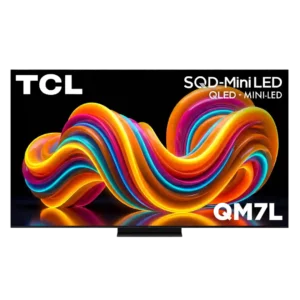
Processing is a major improvement, adding restrained detail, effective upscaling, and solid motion control. It approaches premium competitors without fully matching the best Sony processing.
Pros: peak brightness, picture quality
Cons: color accuracy, viewing angles
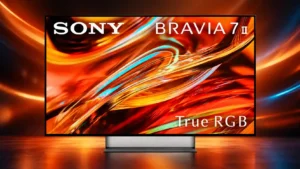
Sony’s processing remains a major advantage for detail, motion, scaling and tonal control. A small number of critical tests found some enhancements ineffective or overaggressive.
Pros: overall satisfaction, picture quality
Cons: HDMI 2.1 port count, reflection handling
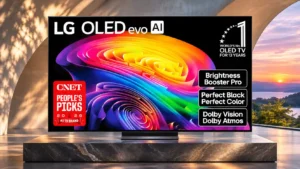
The Alpha 11 Gen 3 gives streams and movies a clear, polished appearance. Purists may dislike processing that cannot always be fully switched off.
Pros: gaming performance, HDR brightness
Cons: reflection handling, glare resistance
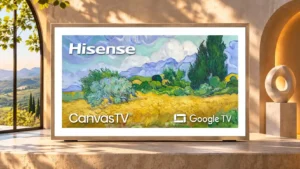
Processing handles low-quality streams and ordinary HDR midtones well, although smoothing can remove some fine texture.
Pros: picture quality, color accuracy
Cons: HDR performance, sound quality

Samsung’s processor is capable and often excellent at detail, upscaling and cleanup, but some AI modes can over-brighten or cool the image and are better disabled for accuracy.
Pros: glare resistance, black levels
Cons: Dolby Vision support, color gamut
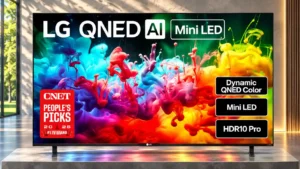
Good compression cleanup and HD conversion help ordinary video, although some fine detail can be sacrificed.
Pros: picture quality, color accuracy
Cons: remote control quality, black levels
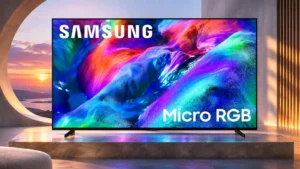
Processing is generally good with clean sources and HDR, although smoothing and compressed-stream cleanup are weaker areas.
Pros: overall satisfaction, color gamut
Cons: value for money, local dimming performance
Normal processing cleans up many low-quality sources without destroying fine detail, though an optional sharpening mode on the regular B6 can look artificial.
Pros: contrast ratio, black levels
Cons: reflection handling, color accuracy
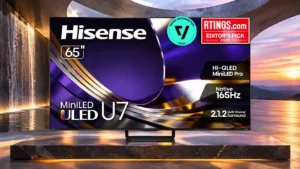
Low-bitrate cleanup and upscaling are strong, although certain default settings can make highlights or motion look unnatural.
Pros: overall satisfaction, glare resistance
Cons: motion handling, viewing angles
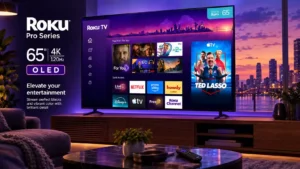
Smart Picture Max helps viewers get an appealing picture without adjusting menus. More demanding testing criticizes the broader processing tools and their limited effectiveness.
Pros: contrast ratio, value for money
Cons: peak brightness, HDR brightness

The processing handles HD frame conversion and streaming cleanup capably, with some detail loss; an owner also praises the lively colors and clear image.
Pros: design and appearance, maximum volume
Cons: picture quality, value for money
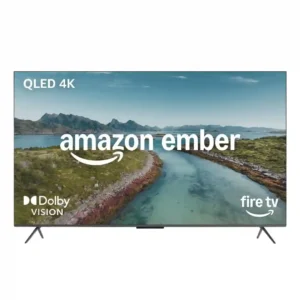
Sharpness and subject definition are good once settings are dialed in. The processing can create a convincing sense of detail without needing premium panel hardware.
Pros: picture quality, overall satisfaction
Cons: value for money, reliability
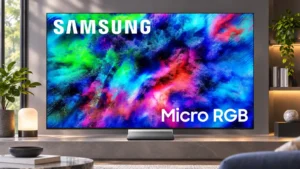
Processing is strong at sharpening HD sources and managing the complex RGB backlight. Some automatic enhancements can make natural content look overdone.
Pros: color volume, overall satisfaction
Cons: value for money, color accuracy
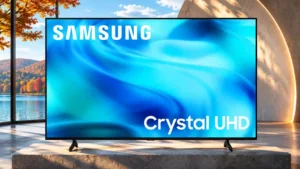
Everyday 4K streams can look clean, but aggressive compression artifacts and poorer sources receive little effective cleanup.
Pros: white balance accuracy, design and appearance
Cons: overall satisfaction, value for money
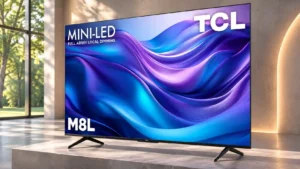
Weak source material cleans up nicely, although compression cleanup can soften some fine details.
Pros: value for money, overall satisfaction
Cons: HDR brightness

The image processing is a strong point, contributing to the TV’s premium everyday experience.
Pros: peak brightness, blooming control
Cons: value for money, motion clarity

The Alpha 11 Gen 3 processor improves gradation, clarity, and detail, but low-quality sources can trigger ringing or aggressive smoothing that erases fine texture.
Pros: picture quality, peak brightness
Cons: value for money, sound quality
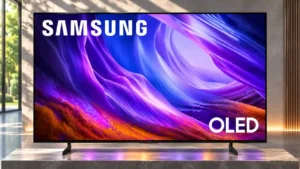
Processing is competent for everyday sources, and crisp textures help the picture look detailed. Compression cleanup, over-sharpening and aggressive HDR treatment are less consistent.
Pros: black levels, picture quality
Cons: glare resistance, reflection handling
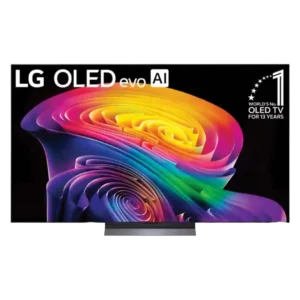
The Alpha 11 Gen 3 processor improves brightness, detail, noise cleanup, and menu speed. Some optional AI remastering modes are too aggressive and are better left off.
Pros: picture quality, gaming performance
Cons: value for money, sound quality
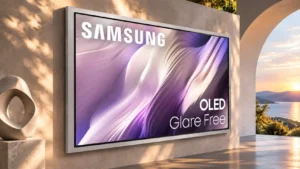
Image processing performs reasonably, although it has limitations that make the experience dependent on settings or usage.
Pros: picture quality, overall satisfaction
Cons: design and appearance, Dolby Vision support
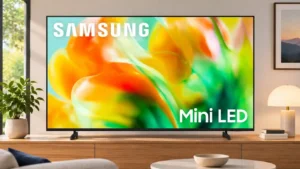
The stronger processor helps selected broadcasts and allows useful enhancements, yet compression cleanup is weak and aggressive settings can look artificial.
Pros: gaming performance, color accuracy
Cons: value for money, overall satisfaction
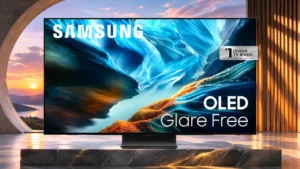
Fine detail is preserved, but compression artifacts are not cleaned up as effectively as on some competing OLEDs.
Pros: black levels, contrast ratio
Cons: Dolby Vision support, stutter handling
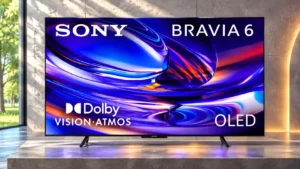
Image processing is a divisive area: some previews anticipated Sony's usual advantage, but tests found weaker streaming cleanup and loss of fine texture. The missing premium XR processing is significant.
Pros: HDMI 2.1 port count, Video input versatility
Cons: value for money, overall satisfaction
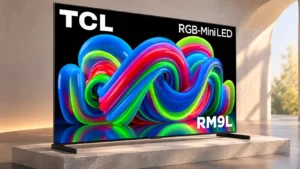
Upscaling and optional detail enhancement can improve ordinary material, but automatic adjustments sometimes produce inconsistent colors between inputs and presets.
Pros: picture quality, overall satisfaction
Cons: color crosstalk, value for money
Processing improves ordinary streams, although the optional sharpening mode can make details look artificial.
Pros: value for money, peak brightness
Cons: color accuracy, stand quality
Processing falls noticeably behind some rival art TVs, especially for motion and imperfect source material.
Pros: art display mode, picture quality
Cons: contrast ratio, high-refresh-rate gaming
Lower-resolution video can remain soft, and weak compression cleanup leaves lower-quality streams looking rough.
Pros: sound quality, picture quality
Cons: value for money, local dimming performance