Best for ease of use
Dell U2725QE
5.0 attribute score
Highest scored product for this attribute based on supporting review evidence.

Highest scored product for this attribute based on supporting review evidence.
Balances the attribute score, supporting reviews, and overall product strength.
Has the broadest review evidence for this attribute.
Strongest overall product among items with scored evidence for this attribute.
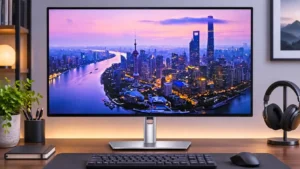
The toolless stand, accessible pop-out USB ports and clearly labeled connections simplify everyday setup. Software configuration is less reliably polished.
Pros: port selection, USB hub functionality
Cons: competitive gaming suitability, motion clarity
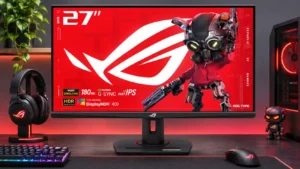
The stand is straightforward to assemble, and the joystick-controlled menus make everyday adjustments easy.
Pros: value for money, Resolution
Cons: HDR performance, port selection
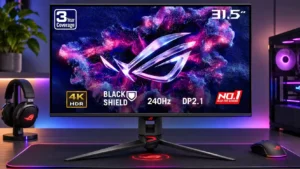
The joystick and desktop control utility make most adjustments straightforward. Hidden physical controls and some complex menu choices can make the first setup less intuitive.
Pros: overall satisfaction, black levels
Cons: value for money, stand adjustability
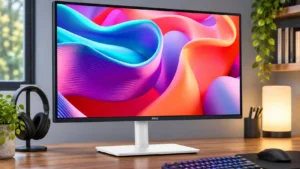
Simple initial settings, intuitive controls and one-cable hookups make this an easy display to live with.
Pros: USB hub functionality, USB-C power delivery
Cons: speaker quality

The control joystick and logical menus make frequent adjustments quick and intuitive instead of cumbersome.
Pros: sharpness, overall satisfaction
Cons: value for money, VRR flicker
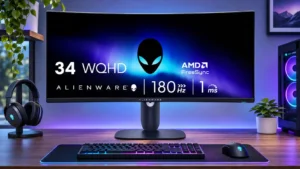
The simple interface and quick-access controls make shifting between gaming and desk work straightforward.
Pros: ultrawide gaming experience, black levels
Cons: HDR performance, viewing angles
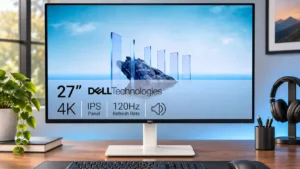
Changes between some image-scaling modes are unusually quick and convenient.
Pros: value for money, Resolution
Cons: port selection, HDR performance
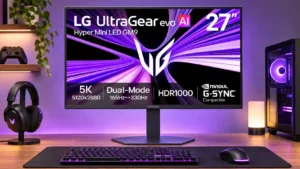
The quick-access menus, shortcut buttons and preset modes make switching tasks straightforward after setup. Updating firmware can be much less pleasant.
Pros: Resolution, Dual-mode versatility
Cons: value for money, GPU demands
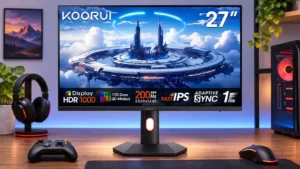
Everyday operation is straightforward with a responsive joystick, but manually switching dimming modes and managing color calibration can feel tedious.
Pros: overall satisfaction, PC gaming compatibility
Cons: color accuracy, local dimming performance
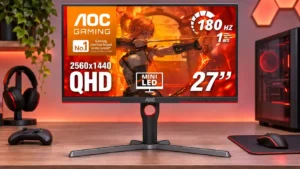
Initial setup is straightforward, but daily adjustments can be irritating because the control buttons and menu navigation require too many presses.
Pros: value for money, HDR performance
Cons: on-screen display usability, port selection