
MacBooks and compatible Windows laptops benefit from high-power USB-C docking and shared peripherals, making daily laptop handoffs much simpler.
Pros: port selection, USB hub functionality
Cons: competitive gaming suitability, motion clarity

MacBooks and compatible Windows laptops benefit from high-power USB-C docking and shared peripherals, making daily laptop handoffs much simpler.
Pros: port selection, USB hub functionality
Cons: competitive gaming suitability, motion clarity
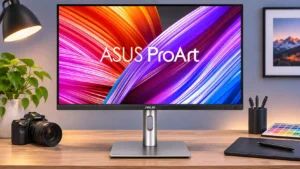
Laptop users can reconnect charging, the monitor, and attached accessories with a single USB-C cable. Mac users in particular praise this convenience, subject to host limits.
Pros: USB-C power delivery, port selection
Cons: HDR performance, refresh rate

USB-C with video, charging, and an integrated hub is convenient for laptop desks. It's a practical dock-like setup, not a guarantee of universal laptop compatibility.
Pros: sharpness, overall satisfaction
Cons: value for money, VRR flicker
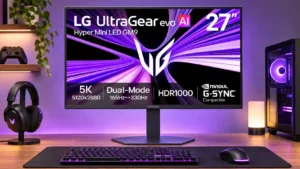
USB-C handles a supported laptop's display, data and charging in one connection. Hub capacity and bandwidth remain more limited than a full Thunderbolt dock.
Pros: Resolution, Dual-mode versatility
Cons: value for money, GPU demands