Best for Video editing
ASUS ROG Swift OLED PG32UCDM Gen3
5.0 attribute score
Highest scored product for this attribute based on supporting review evidence.

Highest scored product for this attribute based on supporting review evidence.
Balances the attribute score, supporting reviews, and overall product strength.
Has the broadest review evidence for this attribute.
Strongest overall product among items with scored evidence for this attribute.
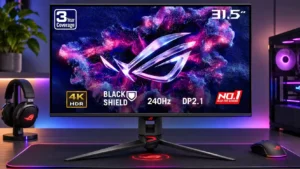
The large 4K canvas, broad gamut, and calibration options provide credible room for timelines and tools. Text-fringing sensitivity and color-mode choices may still matter for long editing sessions.
Pros: overall satisfaction, black levels
Cons: value for money, stand adjustability
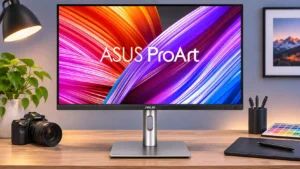
Factory color accuracy, wide gamut, and native 4K detail make this especially useful for SDR editing and grading. Direct Mac playback at certain broadcast rates and credible HDR monitoring are...
Pros: USB-C power delivery, port selection
Cons: HDR performance, refresh rate
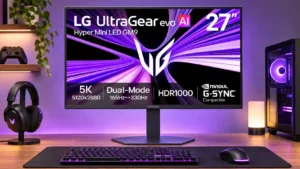
Five-kilopixel desktop space makes it possible to view 4K material at native size with room for editing controls. Its broad gamut is attractive when properly calibrated.
Pros: Resolution, Dual-mode versatility
Cons: value for money, GPU demands
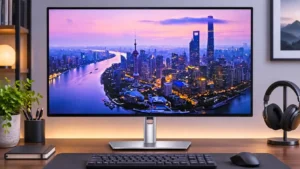
Sharp 4K detail, broad gamut and multiple connections suit editing timelines and professional creative tools, though panel uniformity and weak HDR dimming limit exacting grading.
Pros: port selection, USB hub functionality
Cons: competitive gaming suitability, motion clarity

The accurate 4K panel suits general video editing and detailed sRGB work, but wide-gamut grading would benefit from a specialist monitor.
Pros: value for money, Resolution
Cons: port selection, HDR performance
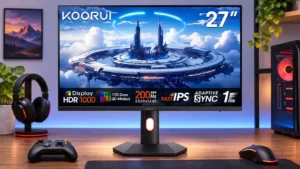
The broad color gamut and high brightness are useful for creative work, though tonal accuracy requires calibration before professional use.
Pros: overall satisfaction, PC gaming compatibility
Cons: color accuracy, local dimming performance