Best for Desktop productivity
Dell U2725QE
5.0 attribute score
Highest scored product for this attribute based on supporting review evidence.

Highest scored product for this attribute based on supporting review evidence.
Balances the attribute score, supporting reviews, and overall product strength.
Has the broadest review evidence for this attribute.
Strongest overall product among items with scored evidence for this attribute.
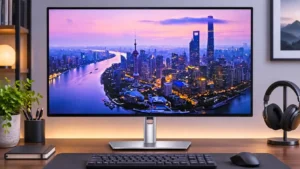
Text detail, 120Hz scrolling, generous ergonomics and a full docking hub combine into an exceptionally capable everyday work monitor.
Pros: port selection, USB hub functionality
Cons: competitive gaming suitability, motion clarity
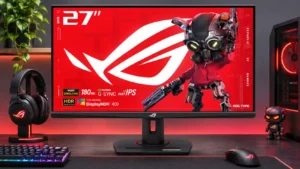
Sharp text, comfortable brightness, and a versatile stand make ordinary office work and browsing pleasant alongside gaming.
Pros: value for money, Resolution
Cons: HDR performance, port selection
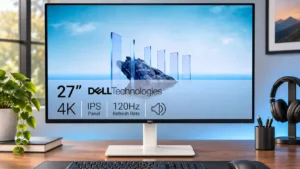
Dense 4K text, enough room for documents side by side, and fluid 120Hz scrolling make work the monitor’s strongest use case.
Pros: value for money, Resolution
Cons: port selection, HDR performance
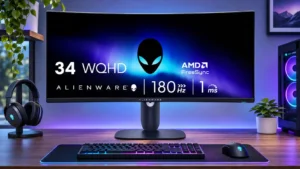
The 34-inch width accommodates documents, browsers, spreadsheets and several windows at once, making everyday work comfortable.
Pros: ultrawide gaming experience, black levels
Cons: HDR performance, viewing angles
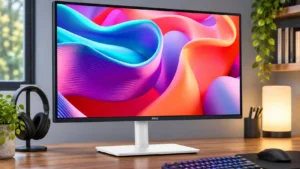
Comfortable text, an ergonomic stand and convenient laptop connectivity make it an especially practical daily office screen.
Pros: USB hub functionality, USB-C power delivery
Cons: speaker quality
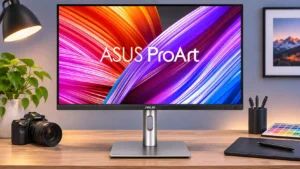
The sharp 4K display, broad stand adjustment, and docking ports work well for office and creative multitasking. A reader's severe text-comfort complaint and some Mac scaling concerns temper an otherwise...
Pros: USB-C power delivery, port selection
Cons: HDR performance, refresh rate
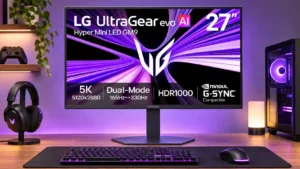
Small text and fine desktop graphics look especially crisp at native 5K scaling. Some find 27 inches restrictive for a premium multitasking display despite the extra pixel density.
Pros: Resolution, Dual-mode versatility
Cons: value for money, GPU demands
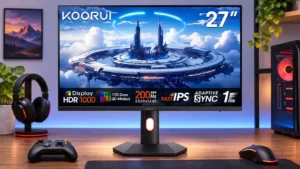
QHD text clarity, flicker-free operation, and excellent ergonomics make general work comfortable. SDR color tuning and switching local dimming modes can add friction.
Pros: overall satisfaction, PC gaming compatibility
Cons: color accuracy, local dimming performance
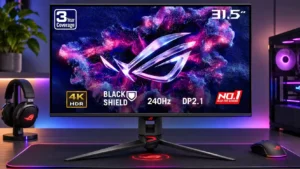
The spacious 4K desktop, useful brightness controls, and connectivity make multitasking comfortable for many people. Owners sensitive to text fringing or eye strain report a markedly worse experience with long...
Pros: overall satisfaction, black levels
Cons: value for money, stand adjustability

Sharp text, USB-C, and consistent-brightness settings make mixed office work pleasant. All-day static documents and interface elements are less ideal because of OLED wear concerns.
Pros: sharpness, overall satisfaction
Cons: value for money, VRR flicker