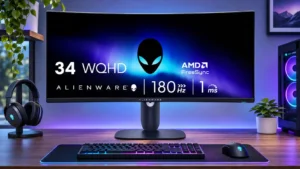
The large continuous workspace is convenient for multiple windows, but a true pair of independent displays still offers different flexibility.
Pros: ultrawide gaming experience, black levels
Cons: HDR performance, viewing angles

The large continuous workspace is convenient for multiple windows, but a true pair of independent displays still offers different flexibility.
Pros: ultrawide gaming experience, black levels
Cons: HDR performance, viewing angles
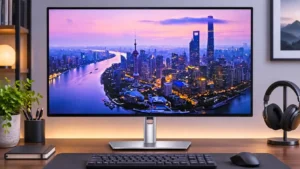
Two matched screens can make a tidy work surface, especially with flexible stands and downstream video connections. However, some configurations struggle with bandwidth or visible panel tint differences.
Pros: port selection, USB hub functionality
Cons: competitive gaming suitability, motion clarity
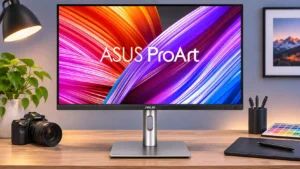
A vertical secondary screen is particularly useful for long documents, development, and asset bins. Daisy-chain throughput and color-matching caveats mean some setups need separate connections or calibration.
Pros: USB-C power delivery, port selection
Cons: HDR performance, refresh rate
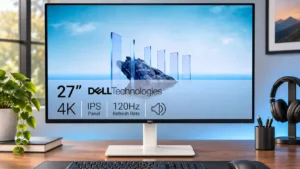
It can work well as one of two sharp 4K office displays when each monitor is connected conventionally. Dock-based pairs may require troubleshooting to achieve 120Hz on both screens.
Pros: value for money, Resolution
Cons: port selection, HDR performance