Best for Programming and coding
ASUS ProArt Display PA279CRV
5.0 attribute score
Highest scored product for this attribute based on supporting review evidence.

Highest scored product for this attribute based on supporting review evidence.
Balances the attribute score, supporting reviews, and overall product strength.
Has the broadest review evidence for this attribute.
Strongest overall product among items with scored evidence for this attribute.
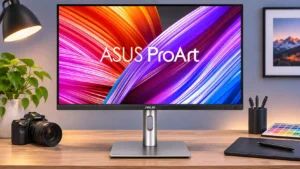
Portrait orientation exposes more source-code lines without constant scrolling. The high pixel density is helpful for text, although one reader reported prolonged reading discomfort.
Pros: USB-C power delivery, port selection
Cons: HDR performance, refresh rate
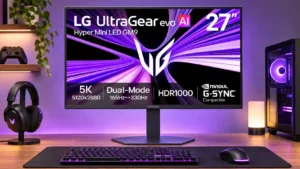
Dense 5K text and a pivoting portrait stand are well suited to code and lengthy reading sessions, particularly for users who prefer precise scaling.
Pros: Resolution, Dual-mode versatility
Cons: value for money, GPU demands
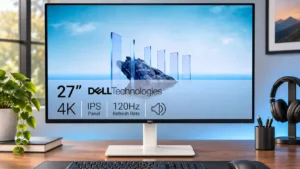
Crisp 4K text and smooth scrolling make programming and other text-heavy work a strong fit, with comfortable viewing for longer desk sessions.
Pros: value for money, Resolution
Cons: port selection, HDR performance
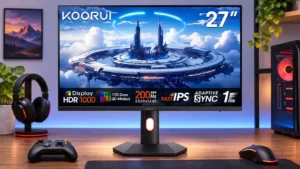
The QHD panel and adjustable portrait stand suit code editors and longer documents, making it more versatile than a gaming-only display.
Pros: overall satisfaction, PC gaming compatibility
Cons: color accuracy, local dimming performance
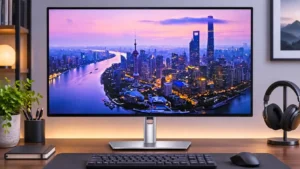
Dense 4K text stays crisp, and 120Hz reduces the jarring feel of scrolling through long code files. That combination is especially appealing for all-day development.
Pros: port selection, USB hub functionality
Cons: competitive gaming suitability, motion clarity
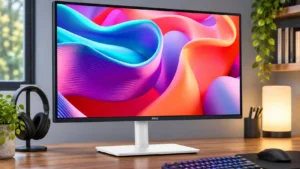
The QHD workspace and fast scrolling work well for basic programming and as a secondary coding display. Heavy multitaskers may want a larger or sharper screen.
Pros: USB hub functionality, USB-C power delivery
Cons: speaker quality