Best for Portrait orientation
ASUS ProArt Display PA279CRV
4.9 attribute score
Highest scored product for this attribute based on supporting review evidence.

Highest scored product for this attribute based on supporting review evidence.
Balances the attribute score, supporting reviews, and overall product strength.
Has the broadest review evidence for this attribute.
Strongest overall product among items with scored evidence for this attribute.
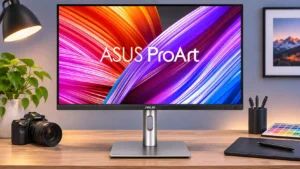
The fully pivoting panel works especially well for coding, long documents, and vertical video assets. The smaller 27-inch form is more manageable in portrait than larger screens.
Pros: USB-C power delivery, port selection
Cons: HDR performance, refresh rate
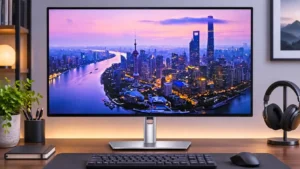
The stand can pivot into a vertical position, helping accommodate document-heavy or stacked workflows without an extra mount.
Pros: port selection, USB hub functionality
Cons: competitive gaming suitability, motion clarity
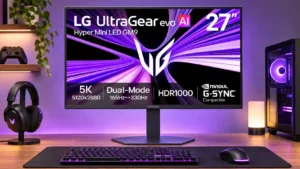
The fully pivoting stand supports vertical placement, especially useful for long documents and lines of code.
Pros: Resolution, Dual-mode versatility
Cons: value for money, GPU demands

Full 90-degree pivot makes portrait orientation easy for long documents or vertical layouts, aided by the stand's broad ergonomic adjustments.
Pros: sharpness, overall satisfaction
Cons: value for money, VRR flicker
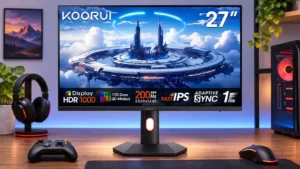
A smoothly adjustable pivot makes vertical documents, code, and long pages practical without a separate arm.
Pros: overall satisfaction, PC gaming compatibility
Cons: color accuracy, local dimming performance