Best for Single-cable laptop docking
Dell U2725QE
5.0 attribute score
Highest scored product for this attribute based on supporting review evidence.

Highest scored product for this attribute based on supporting review evidence.
Balances the attribute score, supporting reviews, and overall product strength.
Has the broadest review evidence for this attribute.
Strongest overall product among items with scored evidence for this attribute.
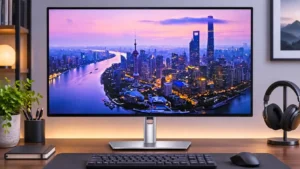
A Thunderbolt cable can handle display, data and substantial laptop power together, replacing a separate charger and desk dock for many users.
Pros: port selection, USB hub functionality
Cons: competitive gaming suitability, motion clarity
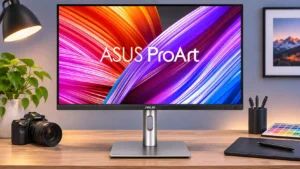
USB-C carries video, peripheral data, and up to 96W charging through one connection. It can greatly reduce cable clutter, though the monitor is not a complete Ethernet/KVM dock.
Pros: USB-C power delivery, port selection
Cons: HDR performance, refresh rate
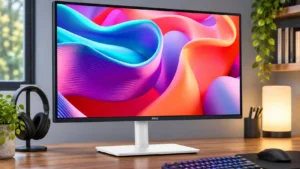
USB-C makes this monitor a compelling laptop dock: connect one cable for video, peripherals and charging, then unplug and go. It saves adapters and desk clutter.
Pros: USB hub functionality, USB-C power delivery
Cons: speaker quality

A compatible laptop can receive video, USB data, and up to 90W of power through one USB-C cable. Verify power needs and cable capabilities before relying on it as a...
Pros: sharpness, overall satisfaction
Cons: value for money, VRR flicker
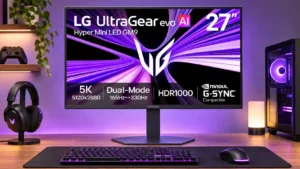
One USB-C cable carries video, peripheral data and up to 90W charging for supported laptops. It is convenient but not as expansive as a dedicated Thunderbolt dock.
Pros: Resolution, Dual-mode versatility
Cons: value for money, GPU demands