Best for on-screen display usability
MSI MPG 322UR QD-OLED X24
4.8 attribute score
Highest scored product for this attribute based on supporting review evidence.

Highest scored product for this attribute based on supporting review evidence.
Balances the attribute score, supporting reviews, and overall product strength.
Has the broadest review evidence for this attribute.
Strongest overall product among items with scored evidence for this attribute.

The central joystick makes the on-screen menu quick and intuitive to navigate. MSI’s menus are praised for useful controls and easy access to the most important settings.
Pros: brightness, reflection handling
Cons: cable management

The OSD is clear and feature-rich, with large text, a joystick, and a quick-access Function Bar. Some prefer physical controls, but rapid mode switching is widely praised.
Pros: productivity versatility, aspect ratio
Cons: value for money, competitive gaming suitability
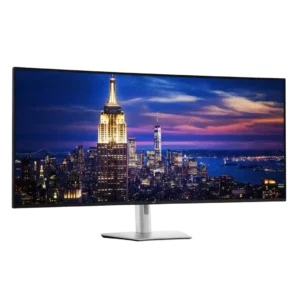
Dell's joystick-driven OSD is fast, intuitive, and packed with useful controls, shortcuts, diagnostics, and partition options. Minor complaints include physical reach around the giant panel, loud clicks, and a fixed...
Pros: productivity versatility, overall satisfaction
Cons: value for money, response time

The joystick makes navigation much easier than traditional monitor buttons, and most found the menu intuitive. Its dated appearance and occasionally tedious structure keep it from being perfect.
Pros: color gamut, overall picture quality
Cons: brightness, HDR performance
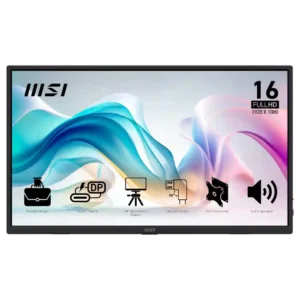
The OSD ranges from comprehensive and useful to slightly awkward or limited depending on the reviewer. Most appreciate having real controls at this price.
Pros: value for money, portability and weight
Cons: built-in speakers, color gamut
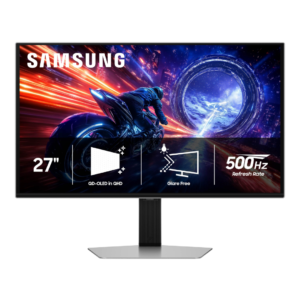
The joystick-driven OSD is generally fast, clear, and easy to navigate, with sensibly organized menus. Placement can be awkward, and some important HDR controls are buried deeper than beginners may...
Pros: overall satisfaction, competitive gaming suitability
Cons: value for money, screen size
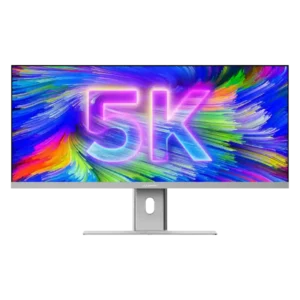
The rear joystick gives quick access to common controls and becomes fast to use. One reviewer found the menu initially confusing, but the overall layout was considered thoughtful and responsive.
Pros: productivity versatility, aspect ratio
Cons: built-in speakers, competitive gaming suitability

The joystick-driven OSD is well labeled, responsive, and packed with useful image, HDR, KVM, and OLED Care controls. The sheer number of options can require careful setup.
Pros: overall satisfaction, sharpness
Cons: Resolution, cable management
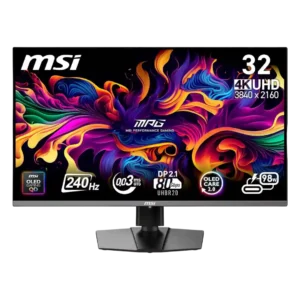
Most reviewers liked the responsive joystick and found the menus readable once learned. Others criticized split picture settings, confusing organization, or unreliable physical button presses.
Pros: color accuracy, value for money
Cons: reliability over time, brightness
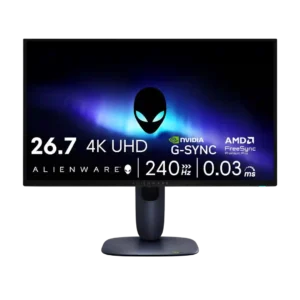
OSD usability was mostly positive, though one reviewer still found the on-screen display awkward.
Pros: value for money, sharpness
Cons: brightness, USB hub functionality
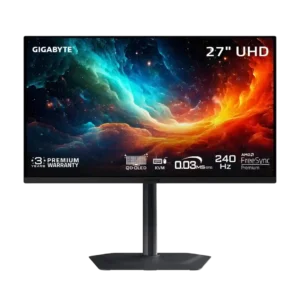
The joystick-driven OSD is usually fast and intuitive, but certain changes can reset the monitor or force Windows reconfiguration.
Pros: motion clarity, PC gaming compatibility
Cons: color accuracy, software support
The OSD is functional and the single-joystick menu can be very good, but not everyone finds settings convenient to adjust. Dell Display Manager often provides an easier way to handle...
Pros: overall satisfaction, productivity versatility
Cons: value for money, reliability over time
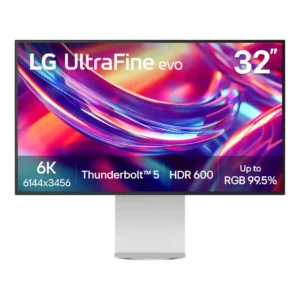
OSD opinions are split: some reviewers find the joystick menu clear and convenient, while others dislike the layout, rear placement, or missing fine calibration controls. Usability depends heavily on what...
Pros: port selection, overall satisfaction
Cons: value for money, cable management
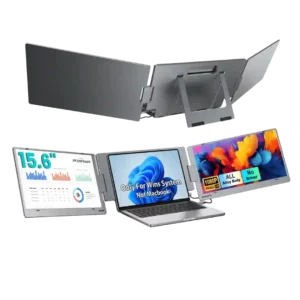
The per-screen controls are useful, but usability is mixed. One expert calls the button-driven OSD painful and dated, while a customer likes being able to adjust each screen independently.
Pros: overall satisfaction, portability and weight
Cons: reliability over time