Best for Dual-monitor setups
Dell S2725DC
5.0 attribute score
Highest scored product for this attribute based on supporting review evidence.

Highest scored product for this attribute based on supporting review evidence.
Balances the attribute score, supporting reviews, and overall product strength.
Has the broadest review evidence for this attribute.
Strongest overall product among items with scored evidence for this attribute.
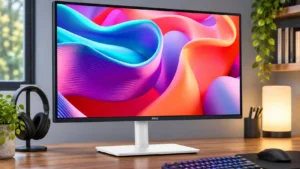
The relatively compact 27-inch size and swivel adjustments make two screens practical to align on a desk.
Pros: USB hub functionality, USB-C power delivery
Cons: speaker quality
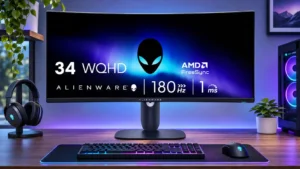
One wide display can feel less cramped than two separated screens for everyday side-by-side tasks, without matching every dual-monitor workflow.
Pros: ultrawide gaming experience, black levels
Cons: HDR performance, viewing angles
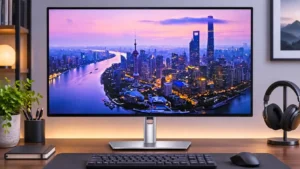
The clean bezels and adjustable height help adjacent displays line up, while video outputs support second-screen arrangements. Daisy-chain bandwidth and angle-dependent color can be problematic.
Pros: port selection, USB hub functionality
Cons: competitive gaming suitability, motion clarity
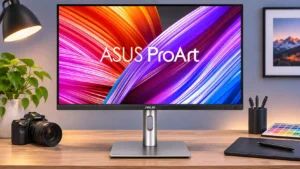
Thin bezels, a portrait-capable stand, and DisplayPort output make pairing displays appealing. A few users encounter refresh-rate restrictions or mismatched colors beside a MacBook display.
Pros: USB-C power delivery, port selection
Cons: HDR performance, refresh rate
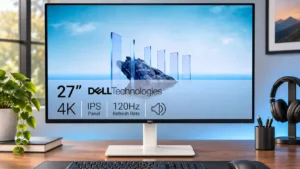
The sharp affordable panel makes sense in a two-monitor office, though some dock-based configurations require troubleshooting to achieve the desired refresh rates.
Pros: value for money, Resolution
Cons: port selection, HDR performance