Best for refresh rate
InnoCN GA27S1Q
5.0 attribute score
Highest scored product for this attribute based on supporting review evidence.

Highest scored product for this attribute based on supporting review evidence.
Balances the attribute score, supporting reviews, and overall product strength.
Has the broadest review evidence for this attribute.
Strongest overall product among items with scored evidence for this attribute.

The 280Hz refresh rate feels exceptionally fluid and is more than fast enough for most competitive players.
Pros: color gamut, overall picture quality
Cons: brightness, HDR performance
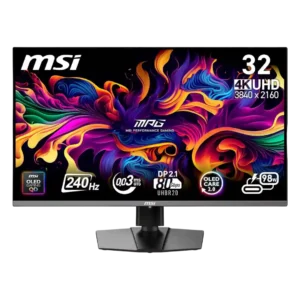
The 240Hz refresh rate delivers exceptionally smooth gameplay and desktop motion. The main limitation is the GPU power needed to approach 240 frames per second at 4K.
Pros: color accuracy, value for money
Cons: reliability over time, brightness

The 360Hz refresh rate is a landmark for 34-inch ultrawide OLEDs, delivering exceptionally fluid gaming and desktop motion. Reaching its full benefit requires a powerful PC or lighter competitive games.
Pros: overall satisfaction, sharpness
Cons: Resolution, cable management

Moving from 60Hz to 120Hz makes scrolling, window movement, charts, and casual gaming feel substantially smoother. It is a major upgrade for productivity, even if competitive gaming monitors run much...
Pros: productivity versatility, aspect ratio
Cons: value for money, competitive gaming suitability
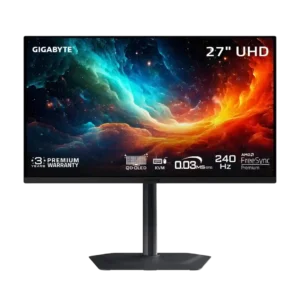
The 240Hz refresh rate makes movement exceptionally fluid and easy to track. Its OLED clarity can resemble much faster LCD gaming monitors.
Pros: motion clarity, PC gaming compatibility
Cons: color accuracy, software support
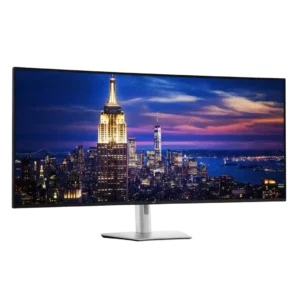
The 120Hz refresh rate is one of the most celebrated upgrades over typical 60Hz office monitors, making scrolling, cursor movement, and window handling feel noticeably smoother. It also supports enjoyable...
Pros: productivity versatility, overall satisfaction
Cons: value for money, response time
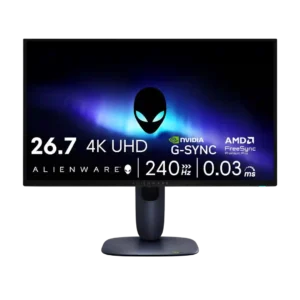
The 240Hz refresh rate was considered smooth and future-proof for most users, even if faster esports-focused OLEDs exist.
Pros: value for money, sharpness
Cons: brightness, USB hub functionality

At 4K, 240Hz is considered a practical upper limit because few systems can exceed it in modern games. It is smooth enough for competitive play while preserving the detail needed...
Pros: brightness, reflection handling
Cons: cable management
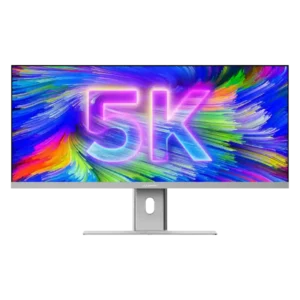
At 100Hz, scrolling, timeline movement, and everyday animation look noticeably smoother than on typical 60Hz productivity monitors. Serious gamers may still want a faster dedicated display.
Pros: productivity versatility, aspect ratio
Cons: built-in speakers, competitive gaming suitability
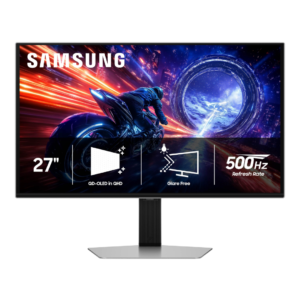
The 500Hz refresh delivers extraordinary smoothness when games can feed it enough frames, and several testers noticed a meaningful jump over 240Hz or 360Hz. Others saw diminishing returns and questioned...
Pros: overall satisfaction, competitive gaming suitability
Cons: value for money, screen size
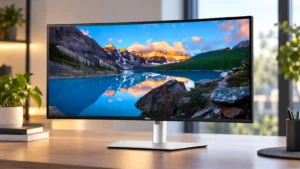
The 120Hz refresh rate makes motion and cursor movement noticeably smoother and is a welcome upgrade over 60Hz. For office-only users, the benefit can feel modest relative to the added...
Pros: overall satisfaction, productivity versatility
Cons: value for money, reliability over time
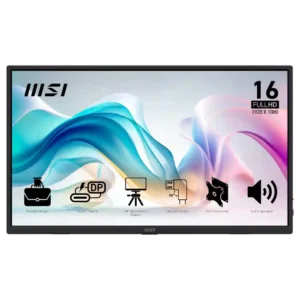
The 60Hz refresh rate is acceptable for office work and casual use but repeatedly criticized as a gaming limitation at this price.
Pros: value for money, portability and weight
Cons: built-in speakers, color gamut
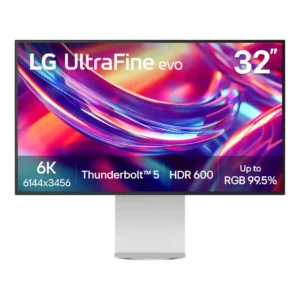
The 60Hz ceiling is one of the most repeated compromises. It is tolerable for static productivity work, but scrolling, mouse motion, and gaming feel dated next to 120Hz and faster...
Pros: port selection, overall satisfaction
Cons: value for money, cable management
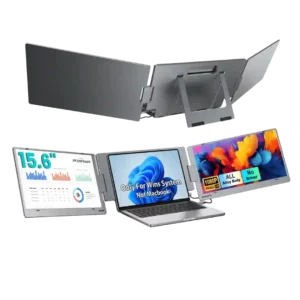
The 60Hz refresh rate is acceptable for productivity but a clear limitation for gaming. The one direct evaluation calls it a little unfortunate.
Pros: overall satisfaction, portability and weight
Cons: reliability over time