Best for Color-critical work
ASUS ProArt Display PA279CRV
4.8 attribute score
Highest scored product for this attribute based on supporting review evidence.

Highest scored product for this attribute based on supporting review evidence.
Balances the attribute score, supporting reviews, and overall product strength.
Has the broadest review evidence for this attribute.
Strongest overall product among items with scored evidence for this attribute.
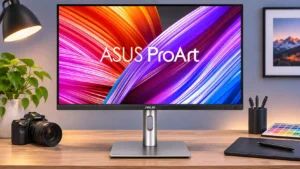
Calibrated color and coverage of both P3 and Adobe RGB make this a persuasive screen for photo, print, and video work. Measured Adobe RGB coverage varies between testers, and very...
Pros: USB-C power delivery, port selection
Cons: HDR performance, refresh rate

Excellent color coverage and accurate sRGB output support photography and other precise visual tasks. Specialized gamut work can require profiling, and sustained static sessions need OLED care.
Pros: sharpness, overall satisfaction
Cons: value for money, VRR flicker
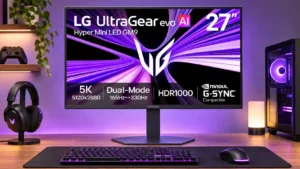
The wide gamut and fine 5K detail benefit image and design work, particularly with calibrated profiles. Its default color and white-point tuning do not replace a proper reference calibration.
Pros: Resolution, Dual-mode versatility
Cons: value for money, GPU demands

The wide gamut and accurate calibrated modes make professional color tasks feasible, but brightness variation across the screen is a serious warning for work requiring uniformity. Dedicated reference displays may...
Pros: port selection, USB hub functionality
Cons: competitive gaming suitability, motion clarity
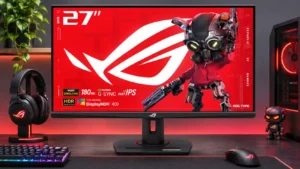
Impressive factory sRGB accuracy makes color-sensitive SDR tasks plausible, but serious HDR grading and native 4K editing need more.
Pros: value for money, Resolution
Cons: HDR performance, port selection
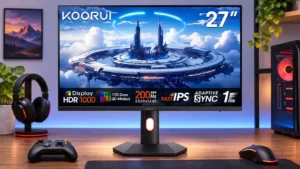
The expansive color gamut is promising, but accuracy is not dependable out of the box; serious color work calls for calibration.
Pros: overall satisfaction, PC gaming compatibility
Cons: color accuracy, local dimming performance