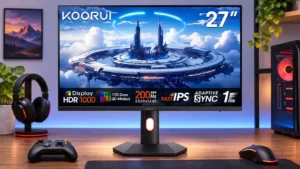
This is where the monitor excels: bright effects pop against dark environments and 200Hz motion adds fluidity. HDR Auto is the safest preset.
Pros: overall satisfaction, PC gaming compatibility
Cons: color accuracy, local dimming performance

This is where the monitor excels: bright effects pop against dark environments and 200Hz motion adds fluidity. HDR Auto is the safest preset.
Pros: overall satisfaction, PC gaming compatibility
Cons: color accuracy, local dimming performance
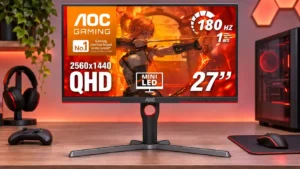
HDR titles benefit enormously from deep blacks and intense highlights, especially in cinematic scenes. Haloing around small objects and frame-rate-related flicker temper the impact.
Pros: value for money, HDR performance
Cons: on-screen display usability, port selection

HDR gaming looks spectacular in dark scenes with bright highlights and deep blacks. Large bright environments and the monitor's HDR mode compromises are the limitations.
Pros: sharpness, overall satisfaction
Cons: value for money, VRR flicker
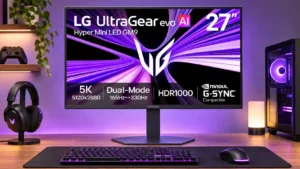
Bright, colorful HDR games can look striking thanks to Mini LED contrast. Uneven tone mapping, small-highlight suppression, or possible brightness drops make dark HDR titles less predictable.
Pros: Resolution, Dual-mode versatility
Cons: value for money, GPU demands