Best for macro support
Corsair Scimitar Elite Wireless SE
5.0 attribute score
Highest scored product for this attribute based on supporting review evidence.

Highest scored product for this attribute based on supporting review evidence.
Balances the attribute score, supporting reviews, and overall product strength.
Has the broadest review evidence for this attribute.
Strongest overall product among items with scored evidence for this attribute.

Overall: 4.4/5
Macro support was consistently praised, especially for MMO rotations, productivity shortcuts, and Stream Deck-style workflows.
Pros: button customization, MMO gaming suitability
Cons: FPS gaming suitability
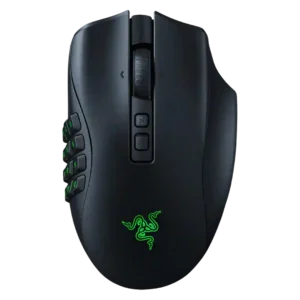
Overall: 4.2/5
Macro support was praised as easy and useful, especially for MMOs and complex workflows.
Pros: button customization, scroll wheel quality
Cons: weight, value for money
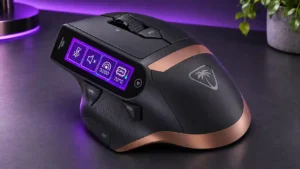
Overall: 3.6/5
On-device macros can be launched without leaving a game or task, a clear benefit for customized workflows.
Pros: charging convenience, battery life
Cons: Touchscreen usefulness, value for money
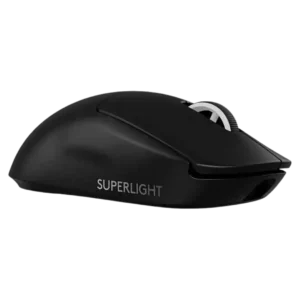
Overall: 4.0/5
Macro support was praised for an easy-to-use macro tool that guides users through setup.
Pros: switch feel, polling rate
Cons: value for money, side button quality
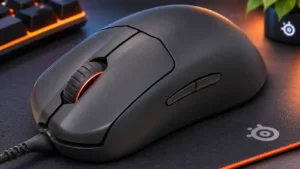
Overall: 3.9/5
Recording, editing and assigning macros is straightforward.
Pros: value for money, gaming performance
Cons: coating quality, scroll wheel quality
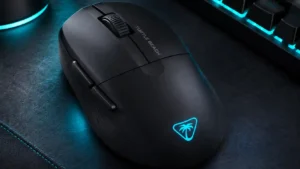
Overall: 3.3/5
Programmable macros make it easy to turn the available controls into customized shortcuts.
Pros: build quality, gaming performance
Cons: ergonomic design, glide smoothness

Overall: 4.5/5
Macros and secondary mappings let users build extensive shortcuts for games and other tasks.
Pros: scroll wheel quality, RGB features
Cons: weight, handedness options
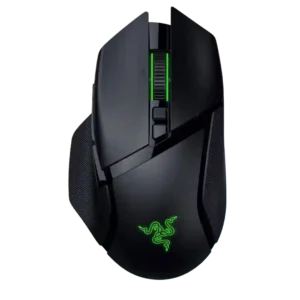
Overall: 4.2/5
Macro support was a strength through Synapse, HyperShift, and extra programmable controls.
Pros: scroll wheel quality, battery life
Cons: value for money, weight
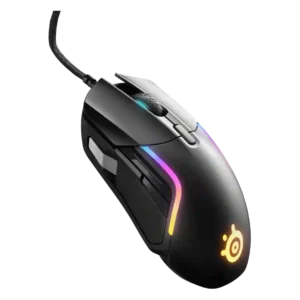
Overall: 4.2/5
Macro support was praised where tested, with reviewers finding macro creation intuitive, comfortable, or reliable even for longer macros.
Pros: value for money, software usability
Cons: side button quality, onboard memory
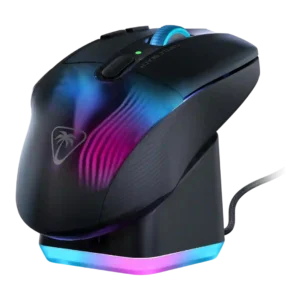
Overall: 4.1/5
Macro support was consistently positive among reviewers who used it for productivity, profiles, or game-specific commands.
Pros: RGB features, battery life
Cons: value for money, scroll wheel quality
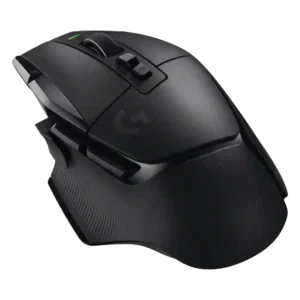
Overall: 4.2/5
Macro support was praised in the reviews that tested it, especially for program-specific macros and drag-and-drop command assignment.
Pros: shape comfort, programmable buttons
Cons: value for money, side button quality

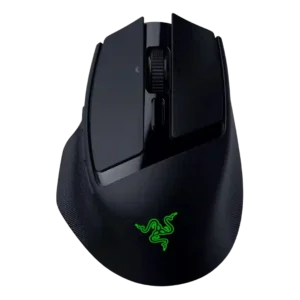
Overall: 4.3/5
Macro support was praised for game and productivity use, with several reviewers highlighting easy macro setup or useful extra mapped actions.
Pros: value for money, button customization
Cons: fingertip grip comfort, portability
Overall: 4.1/5
Macro support was positively framed as useful for Adobe workflows, shortcut creation, and users who bind many mouse actions.
Pros: ergonomic design, scroll wheel quality
Cons: AI Prompt Master, click noise
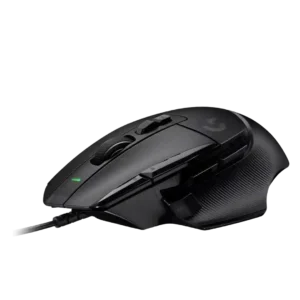
Overall: 4.2/5
Macro support was praised by reviewers who valued assigning important commands and macros through Logitech software.
Pros: button customization, switch feel
Cons: RGB features, weight tuning
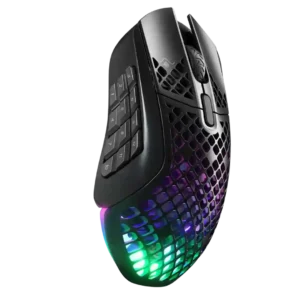
Overall: 4.1/5
Macro support was a strong positive for games and productivity, though one reviewer complained about limited Windows shortcut handling.
Pros: side button quality, MMO gaming suitability
Cons: value for money, claw grip comfort
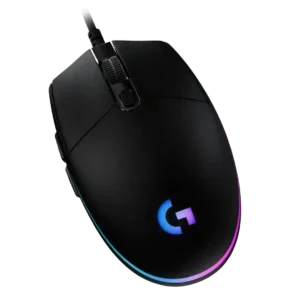
Overall: 4.1/5
Macro support is a strong software benefit, with reviewers repeatedly noting macro creation, command sequences, and integrations that exceed expectations at the price.
Pros: value for money, RGB features
Cons: palm grip comfort, click noise
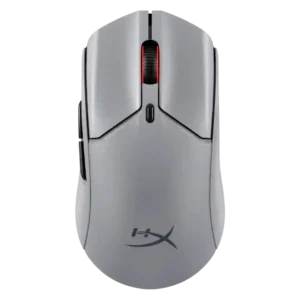
Overall: 4.2/5
Macro support was supported through NGENUITY and generally treated as useful for side-button mappings and personal play-style setup.
Pros: weight, battery life
Cons: value for money
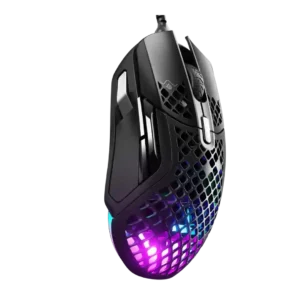
Overall: 3.8/5
Macro support was viewed positively where mentioned, with reviewers liking broad customization and straightforward macro setup.
Pros: weight, programmable buttons
Cons: value for money, side button quality
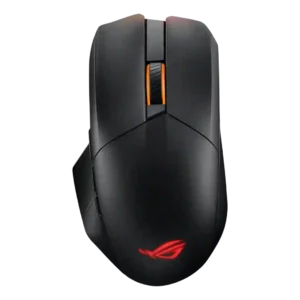
Overall: 3.7/5
Macro support was treated as important for getting full use from the mouse.
Pros: glide smoothness, scroll wheel quality
Cons: analog joystick usability, shape comfort
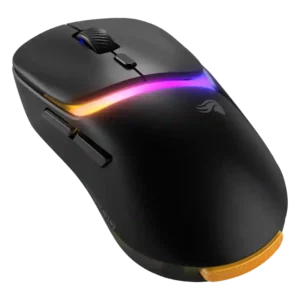
Overall: 4.3/5
Macro support was positively noted through the dock’s ability to execute macros.
Pros: charging convenience, software usability
Cons: RGB features, value for money

Overall: 4.3/5
Macros are available through straightforward software controls for users who want custom commands.
Pros: value for money, battery life
Cons: ergonomic design, balance and weight distribution
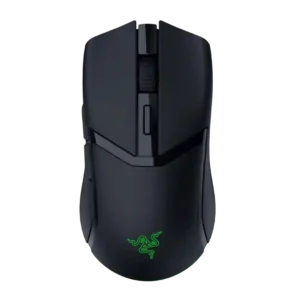
Overall: 4.1/5
Macro support was praised through Synapse, with one reviewer noting easy custom macro setup across the buttons.
Pros: weight, value for money
Cons: click noise, AI Prompt Master
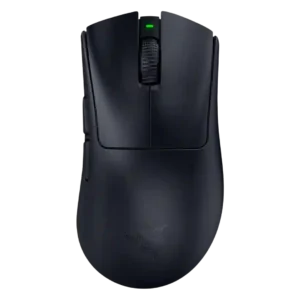
Overall: 4.2/5
Macro support received positive evidence where reviewers found assigning downloadable or preset macros straightforward.
Pros: battery life, scroll wheel quality
Cons: value for money, click noise
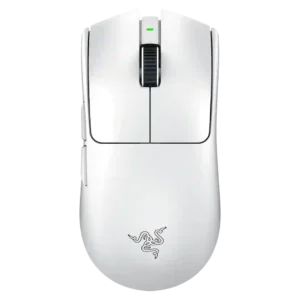
Overall: 4.2/5
Macro and custom action support was described as useful for assigning extra in-game controls to the side buttons.
Pros: build quality, software usability
Cons: value for money, polling rate
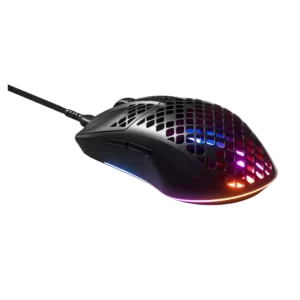
Overall: 3.8/5
Macro support was treated positively as part of a broader customization setup reviewers valued.
Pros: glide smoothness, RGB features
Cons: build quality, cable flexibility
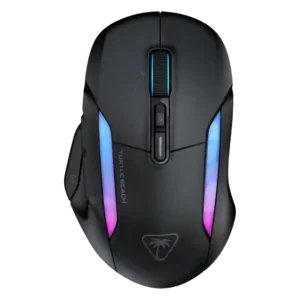
Overall: 4.3/5
Macro support was viewed positively because SWARM II made macro creation or recording accessible, with built-in and custom macro options.
Pros: battery life, software usability
Cons: weight, FPS gaming suitability
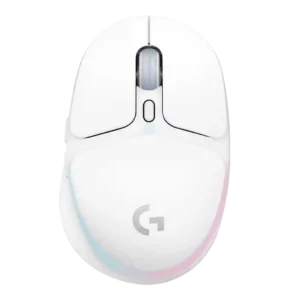
Overall: 3.8/5
Macro support was positively tied to G Hub, with reviewers noting commands, macros, and media controls could be assigned to buttons.
Pros: shape comfort, battery life
Cons: value for money, DPI range
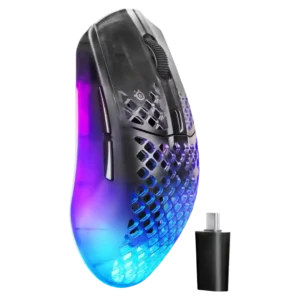
Overall: 4.3/5
Macro support was only clearly evaluated in one review, where automatic game profiles applying macros was treated as useful.
Pros: software usability, polling rate
Cons: palm grip comfort, fingertip grip comfort
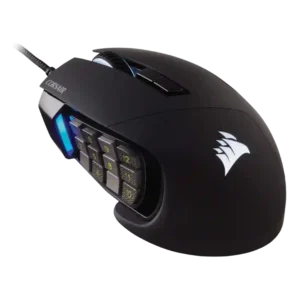
Overall: 3.9/5
Macro support was a major strength, especially for MMO/MOBA hotkeys, though one older review noted software macro limitations.
Pros: value for money, side button quality
Cons: FPS gaming suitability, weight
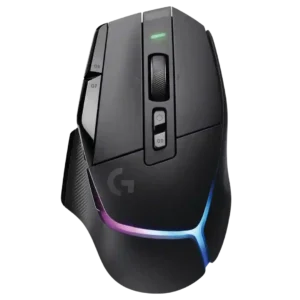
Overall: 3.9/5
Macro support was positively received, with reviewers finding macro setup and assignment options useful despite broader software complaints.
Pros: RGB features, weight
Cons: value for money, scroll wheel quality
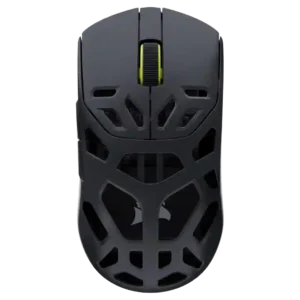
Overall: 4.2/5
Macro support was considered useful and easy to record, although one review said advanced users may miss deeper macro scripting.
Pros: shape comfort, sensor performance
Cons: value for money, side button quality
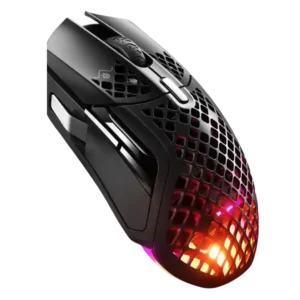
Overall: 4.0/5
Macro support was positively received where reviewers noted broad macro assignment and useful extra-button workflows.
Pros: battery life, weight
Cons: side button quality, value for money
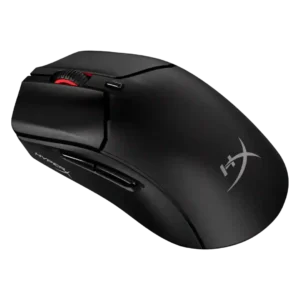
Overall: 4.0/5
Macro support was viewed positively where mentioned, with reviewers noting macros were easy to assign through NGENUITY.
Pros: weight, value for money
Cons: side button quality, RGB features
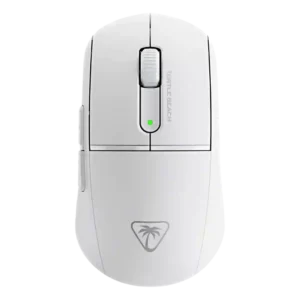
Overall: 4.3/5
Macro support was present and useful for games or device control, with Easy Shift adding utility beyond basic commands.
Pros: weight, battery life
Cons: polling rate, RGB features
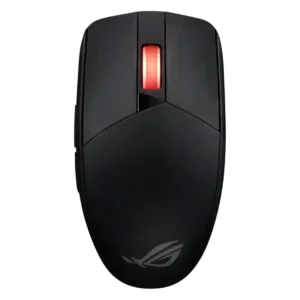
Overall: 4.2/5
Macro support is supported by the software evidence, where macro creation sits alongside profiles and other user-friendly customization tools.
Pros: Accuracy and tracking precision, shape comfort
Cons: long-session comfort
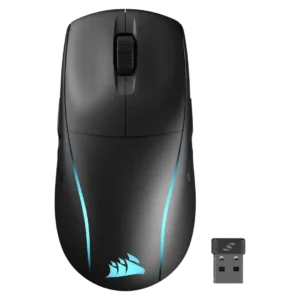
Overall: 3.9/5
Macro support was viewed positively where mentioned, with iCUE allowing shortcuts, media controls, app launches, and macros.
Pros: battery life, glide smoothness
Cons: side button quality, value for money
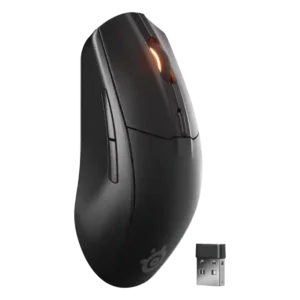
Overall: 3.9/5
Macro setup was generally praised as simple, useful, and available through SteelSeries GG or Engine.
Pros: battery life, value for money
Cons: weight, RGB features
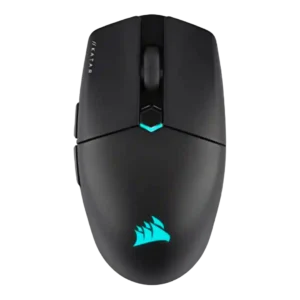
Overall: 4.0/5
Macro support was viewed positively, with iCUE offering game-specific macros, app launchers, text actions, and detailed mapping options.
Pros: value for money, shape comfort
Cons: scroll wheel quality, left and right click quality
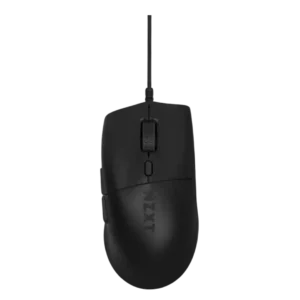
Overall: 4.2/5
Macro support was viewed as useful across reviews, but practical flexibility is constrained by the small number of buttons.
Pros: value for money, ergonomic design
Cons: RGB features, portability
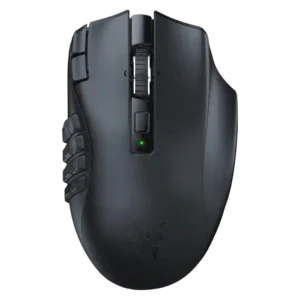
Overall: 3.9/5
Macro support was strong for MMO use and general commands, but one reviewer found the macro sequence tools limited versus a Stream Deck.
Pros: MMO gaming suitability, 2.4GHz connectivity
Cons: charging convenience, value for money
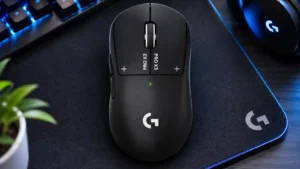
Overall: 3.8/5
G Hub supports macros and customized input assignments.
Pros: balance and weight distribution, weight
Cons: Upgrade value, value for money
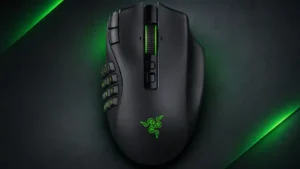
Overall: 4.2/5
Macros and modifier layers expand the available commands considerably. Automation can be against the rules of some online games.
Pros: Interchangeable side panels, MMO gaming suitability
Cons: value for money, FPS gaming suitability
Overall: 3.9/5
Macro support is viewed as useful for gaming and productivity, especially when mapped to creative tools, inventory management, or key presses.
Pros: tilt gesture controls, MMO gaming suitability
Cons: battery life, software usability
Overall: 4.2/5
Macro support received positive evidence where reviewers described helpful macro assignment or macro recording within the software feature set.
Pros: button responsiveness, shape comfort
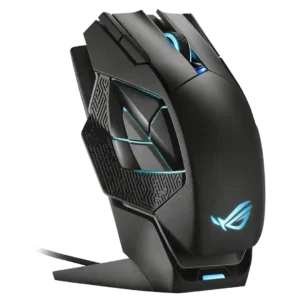
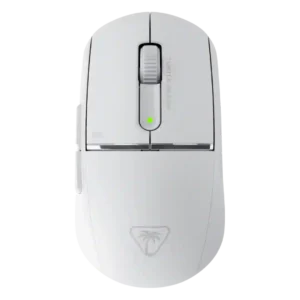
Overall: 3.9/5
Macro support was present and usable, with praise for remapping and recording macros, though one reviewer called it standard.
Pros: charging convenience, RGB features
Cons: side button quality, weight
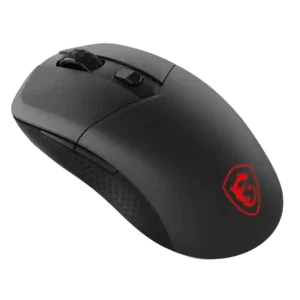
Overall: 4.3/5
Macro support was useful overall, but one reviewer found the included game macro list outdated for the latest Battlefield.
Pros: battery life, weight
Cons: click noise, left and right click quality
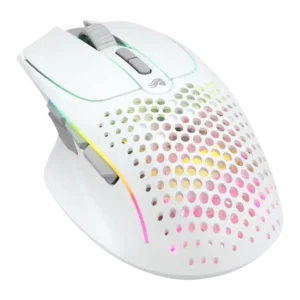
Overall: 4.4/5
Simple and multi-stage macros are available and easy to assign. The tools are sufficient for everyday shortcuts but not especially deep.
Pros: software usability, sensor performance
Cons: RGB features, scroll wheel quality
Overall: 4.1/5
Macro support was positively tied to the software's broader customization options.
Pros: weight, shape comfort
Cons: battery life, side button quality
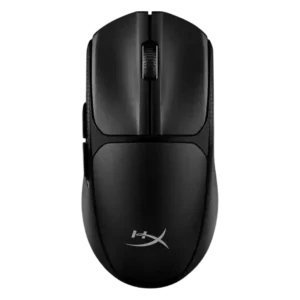
Overall: 3.7/5
Macro support was positively tied to straightforward customization in the one review that evaluated it beyond a factual mention.
Pros: switch feel, weight
Cons: RGB features, handedness options
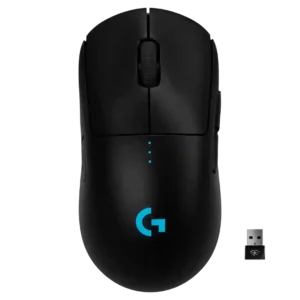
Overall: 4.3/5
Macro support was positively mentioned through Logitech software and G-Shift style customization.
Pros: value for money, battery life
Cons: cable flexibility, RGB features