Best for DPI range
Razer DeathAdder V3
5.0 attribute score
Highest scored product for this attribute based on supporting review evidence.

Highest scored product for this attribute based on supporting review evidence.
Balances the attribute score, supporting reviews, and overall product strength.
Has the broadest review evidence for this attribute.
Strongest overall product among items with scored evidence for this attribute.

DPI range evidence was positive, with reviewers treating the 30K ceiling and wider adjustment range as a precision benefit.
Pros: value for money, weight
Cons: fingertip grip comfort, profile switching

The extreme DPI ceiling was valued by reviewers who cared about surgical tuning and peak sensor headroom.
Pros: battery life, scroll wheel quality
Cons: value for money, click noise
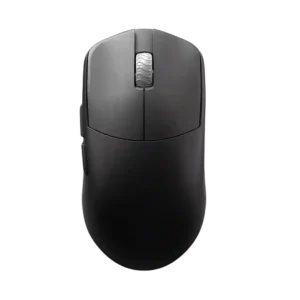
The DPI range receives positive evidence because it is considered more than enough even for very high-sensitivity players.
Pros: glide smoothness, build quality
Cons: side button quality, cable flexibility

The 36,000 DPI range was repeatedly praised as extremely high-end and more than enough for competitive sensitivity needs.
Pros: weight, grip texture
Cons: software usability, profile switching

The DPI ceiling was treated as extremely high and impressive, with fine adjustment praised by reviewers who used G Hub.
Pros: weight, shape comfort
Cons: side button quality, value for money

The 100–26,000 DPI range provides ample tuning headroom, even though most reviewers preferred much lower settings for practical aiming.
Pros: software usability, sensor performance
Cons: RGB features, scroll wheel quality

The DPI range is treated as more than enough for high-resolution and fast gaming use, though one reviewer’s praise ties the range mainly to precision.
Pros: Accuracy and tracking precision, shape comfort
Cons: long-session comfort

The high DPI range was treated as fast and capable, with reviewers tying it to broad sensitivity coverage rather than everyday necessity.
Pros: battery life, weight
Cons: click noise, left and right click quality

The high DPI range and DPI configuration options were praised as part of the mouse's high-performance sensor package.
Pros: button customization, scroll wheel quality
Cons: weight, value for money
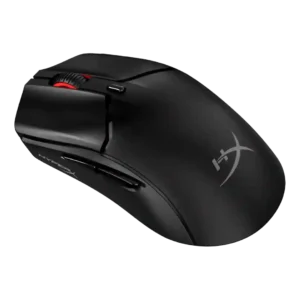
The 26,000 DPI ceiling was treated as more than enough and even described as fantastic.
Pros: side button quality, scroll wheel quality
Cons: weight, FPS gaming suitability

The 26K DPI range was treated as high-end and useful for users who want very high sensitivity, even if most reviewers did not need the maximum.
Pros: value for money, button customization
Cons: fingertip grip comfort, portability

DPI range was viewed positively because reviewers found the 26K ceiling and fine adjustment easy to tailor, even if extreme DPI was impractical for some.
Pros: battery life, software usability
Cons: weight, FPS gaming suitability

DPI range was treated as a strength where reviewers evaluated sensitivity, especially versus smaller or older rivals.
Pros: shape comfort, value for money
Cons: handedness options

Reviewers praised the high DPI ceiling and sensitivity, saying it made movement easier across screens and placed the mouse among very sensitive options.
Pros: button responsiveness, shape comfort

DPI control was viewed positively because reviewers could make fine adjustments and quick in-game changes.
Pros: charging convenience, software usability
Cons: RGB features, value for money

DPI range was seen as technically strong and highly configurable, though reviewers often framed the 33K ceiling as more than most users need.
Pros: button customization, MMO gaming suitability
Cons: FPS gaming suitability

The DPI system was praised mainly for easy, visible sensitivity switching rather than raw maximum DPI alone.
Pros: weight, shape comfort
Cons: battery life, side button quality
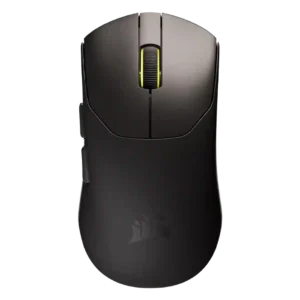
The DPI range was praised as impressive and more than enough for most gamers, though broader DPI convenience concerns were covered under profile switching.
Pros: build quality, weight
Cons: software usability, battery life
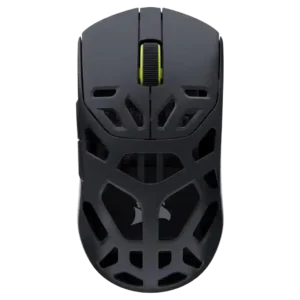
One reviewer noted the DPI sensor was not the fastest seen, but still far above most competition.
Pros: shape comfort, sensor performance
Cons: value for money, side button quality
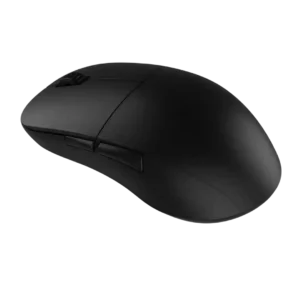
The DPI/CPI ceiling was considered more than enough for competitive shooter play.
Pros: value for money, glide smoothness
Cons: fingertip grip comfort, surface compatibility

The DPI range is treated as a premium spec, with one reviewer calling the 44,000 DPI ceiling among the highest they had seen.
Pros: switch feel, click latency
Cons: value for money, glide smoothness
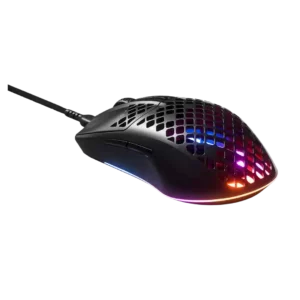
The DPI range was valued where it translated into fast, precise cursor movement over long distances.
Pros: glide smoothness, RGB features
Cons: build quality, cable flexibility

The 26,000 DPI ceiling is treated as more than enough for most users, with praise for sensitivity and fine adjustment.
Pros: tilt gesture controls, MMO gaming suitability
Cons: battery life, software usability
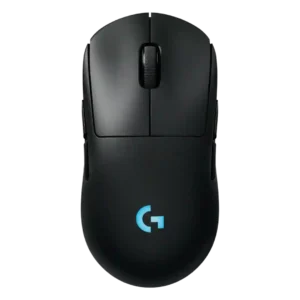
The DPI range is treated as a strength because reviewers noted a wide sensitivity range and unusually high sensor ceiling.
Pros: battery life, handedness options
Cons: value for money, polling rate
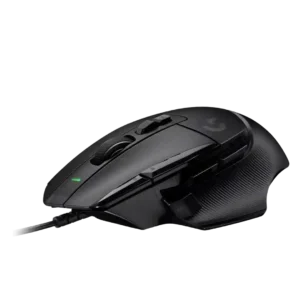
DPI capability and quick DPI changes were viewed positively, especially for fast movement and on-the-fly sensitivity control.
Pros: button customization, switch feel
Cons: RGB features, weight tuning

The DPI range was viewed positively for high-end headroom, though one reviewer noted very high DPI can be unusable for typical personal settings.
Pros: value for money, ergonomic design
Cons: RGB features, portability

The DPI range was viewed as very broad and highly adjustable, though one review considered the top end overkill for most players.
Pros: glide smoothness, scroll wheel quality
Cons: analog joystick usability, shape comfort

DPI range was viewed as useful for presets and micro-adjustments, especially by reviewers who valued sensitivity control for gaming and desktop precision.
Pros: value for money, weight
Cons: premium feel, polling rate

DPI control was generally praised for its wide range and fine increments, though one reviewer questioned the practical value of ultra-high DPI.
Pros: RGB features, weight
Cons: value for money, scroll wheel quality

The DPI range was seen as broad and flexible, though one reviewer found the very high settings excessive for normal use.
Pros: weight, battery life
Cons: polling rate, RGB features
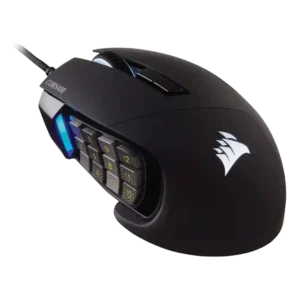
Reviewers viewed the high DPI range and sensitivity options as impressive, though not always practically necessary.
Pros: value for money, side button quality
Cons: FPS gaming suitability, weight

DPI and sensitivity were considered sufficient for most users, with reviewers finding the 8500 DPI range smooth or workable in practice.
Pros: value for money, shape comfort
Cons: onboard memory, side button quality
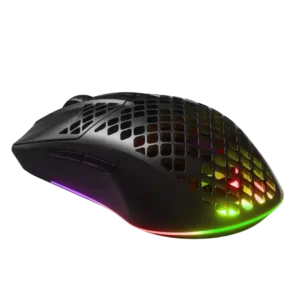
Reviewers found the available CPI/DPI range more than sufficient, with high ceilings available for users who want extreme sensitivity.
Pros: value for money, battery life
Cons: glide smoothness, side button quality

DPI range and adjustment were praised as broad and easy to customize, even if bottom-button placement was divisive.
Pros: value for money, battery life
Cons: cable flexibility, RGB features
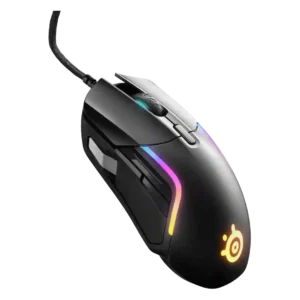
The wide DPI/CPI range was viewed as useful and flexible, although several reviewers noted the highest settings were more than they personally needed.
Pros: value for money, software usability
Cons: side button quality, onboard memory

DPI range was viewed as sufficient for most gamers and competitive enough for premium use, despite one review noting rivals can reach higher DPI.
Pros: weight, value for money
Cons: click noise, AI Prompt Master

The DPI range is viewed as generous and precise, though reviewers often pair that praise with frustration over hardware DPI switching.
Pros: weight, battery life
Cons: value for money, profile switching

The DPI range was seen as strong and highly adjustable, but not every reviewer found the highest settings or comparative DPI feel equally useful.
Pros: value for money, shape comfort
Cons: scroll wheel quality, left and right click quality

DPI/CPI range was viewed as more than enough for most gamers, with some caveats that rivals offer higher maximum specs.
Pros: side button quality, MMO gaming suitability
Cons: value for money, claw grip comfort

The 18,000 CPI range was useful for most reviewers, but some considered it merely middling against other high-end mice.
Pros: battery life, weight
Cons: side button quality, value for money

DPI control was viewed as flexible and easy to tune, though one reviewer noted the full 25K-style range is more than most users would ever maximize.
Pros: shape comfort, programmable buttons
Cons: value for money, side button quality
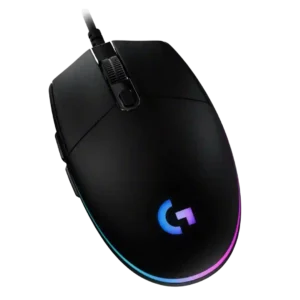
The 200-8,000 DPI range is usually viewed as sufficient and flexible for casual gaming, with some reviewers praising fine increments while noting higher-end mice offer more range.
Pros: value for money, RGB features
Cons: palm grip comfort, click noise
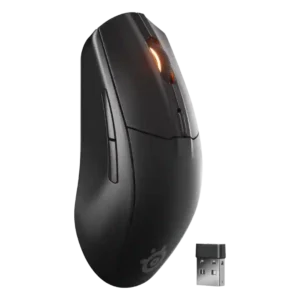
The 18,000 DPI range was considered more than enough for most users, with several reviewers noting that very high DPI numbers matter less outside pro-level play.
Pros: battery life, value for money
Cons: weight, RGB features

DPI handling was generally strong, with instant drift-free shifts, though one reviewer disliked the lack of a default DPI switcher.
Pros: ergonomic design, scroll wheel quality
Cons: AI Prompt Master, click noise
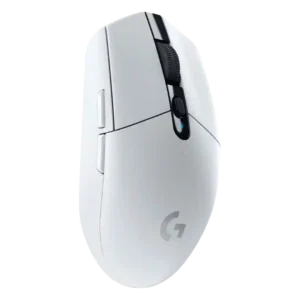
The 12,000 DPI range was mostly considered enough for mainstream users, though reviewers noted it trails newer or higher-end gaming mice.
Pros: value for money, weight
Cons: charging convenience, palm grip comfort
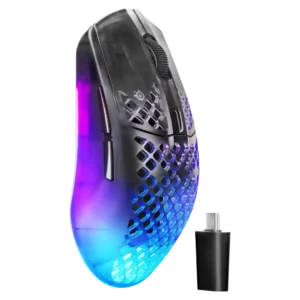
The 26K DPI range was valued for flexibility and on-the-fly tuning, though several reviewers said extreme DPI levels could feel jumpy or unnecessary.
Pros: software usability, polling rate
Cons: palm grip comfort, fingertip grip comfort
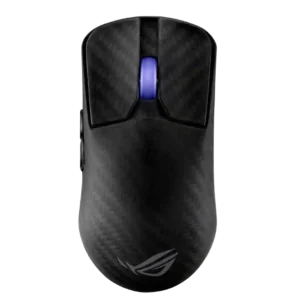
DPI/CPI range was technically extreme and often praised, though some reviewers viewed the 42,000 DPI figure as excessive marketing.
Pros: sensor performance, build quality
Cons: value for money, battery life

The DPI ceiling was seen as technically impressive, but one reviewer found very high DPI practically unusable.
Pros: value for money, sensor performance
Cons: software usability, grip texture

DPI range is generally useful for sensitivity tuning and accuracy, but one reviewer warned very high DPI can feel jumpy in everyday use.
Pros: left and right click quality, build quality
Cons: macro support, palm grip comfort
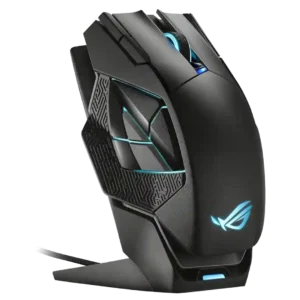
DPI range was powerful but somewhat excessive: reviewers liked the high ceiling, while one questioned who would actually use 19,000 DPI.
Pros: charging convenience, RGB features
Cons: side button quality, weight