
Overall: 3.6/5
On-device macros can be launched without leaving a game or task, a clear benefit for customized workflows.
Pros: charging convenience, battery life
Cons: Touchscreen usefulness, value for money

Overall: 3.6/5
On-device macros can be launched without leaving a game or task, a clear benefit for customized workflows.
Pros: charging convenience, battery life
Cons: Touchscreen usefulness, value for money

Overall: 4.3/5
Macro support was only clearly evaluated in one review, where automatic game profiles applying macros was treated as useful.
Pros: software usability, polling rate
Cons: palm grip comfort, fingertip grip comfort

Overall: 4.2/5
Macro support was considered useful and easy to record, although one review said advanced users may miss deeper macro scripting.
Pros: shape comfort, sensor performance
Cons: value for money, side button quality
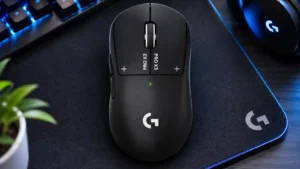
Overall: 3.8/5
G Hub supports macros and customized input assignments.
Pros: balance and weight distribution, weight
Cons: Upgrade value, value for money
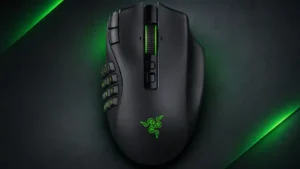
Overall: 4.2/5
Macros and modifier layers expand the available commands considerably. Automation can be against the rules of some online games.
Pros: Interchangeable side panels, MMO gaming suitability
Cons: value for money, FPS gaming suitability
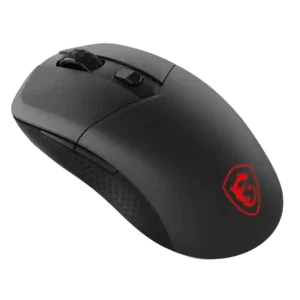
Overall: 4.4/5
Simple and multi-stage macros are available and easy to assign. The tools are sufficient for everyday shortcuts but not especially deep.
Pros: software usability, sensor performance
Cons: RGB features, scroll wheel quality
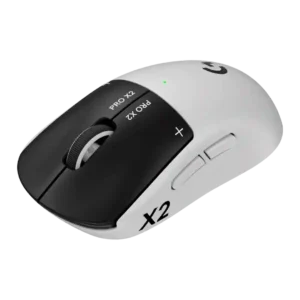
Overall: 4.0/5
Macro support exists through G Hub, but the cited review notes macros require the software to be installed and running.
Pros: switch feel, click latency
Cons: value for money, glide smoothness