
Overall: 3.3/5
Programmable macros make it easy to turn the available controls into customized shortcuts.
Pros: build quality, gaming performance
Cons: ergonomic design, glide smoothness

Overall: 3.3/5
Programmable macros make it easy to turn the available controls into customized shortcuts.
Pros: build quality, gaming performance
Cons: ergonomic design, glide smoothness
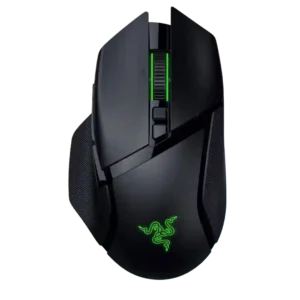
Overall: 4.2/5
Macro support was a strength through Synapse, HyperShift, and extra programmable controls.
Pros: scroll wheel quality, battery life
Cons: value for money, weight

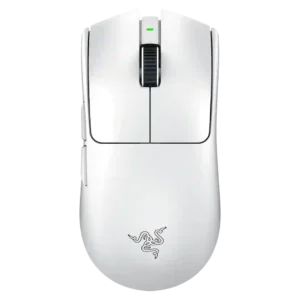
Overall: 4.3/5
Macro support was praised for game and productivity use, with several reviewers highlighting easy macro setup or useful extra mapped actions.
Pros: value for money, button customization
Cons: fingertip grip comfort, portability
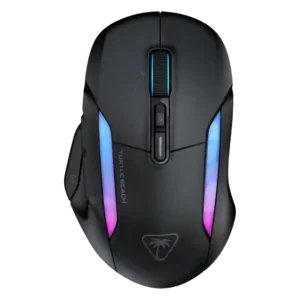
Overall: 4.2/5
Macro and custom action support was described as useful for assigning extra in-game controls to the side buttons.
Pros: build quality, software usability
Cons: value for money, polling rate
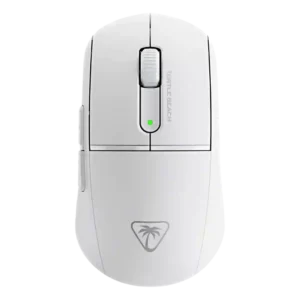
Overall: 4.3/5
Macro support was viewed positively because SWARM II made macro creation or recording accessible, with built-in and custom macro options.
Pros: battery life, software usability
Cons: weight, FPS gaming suitability
Overall: 4.3/5
Macro support was present and useful for games or device control, with Easy Shift adding utility beyond basic commands.
Pros: weight, battery life
Cons: polling rate, RGB features
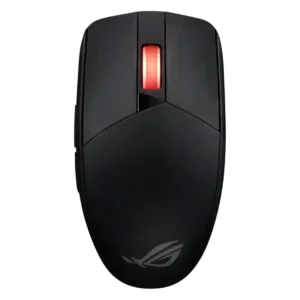
Overall: 4.2/5
Macro support is supported by the software evidence, where macro creation sits alongside profiles and other user-friendly customization tools.
Pros: Accuracy and tracking precision, shape comfort
Cons: long-session comfort
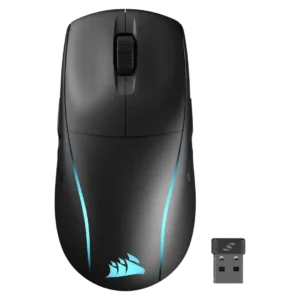
Overall: 3.9/5
Macro support was viewed positively where mentioned, with iCUE allowing shortcuts, media controls, app launches, and macros.
Pros: battery life, glide smoothness
Cons: side button quality, value for money
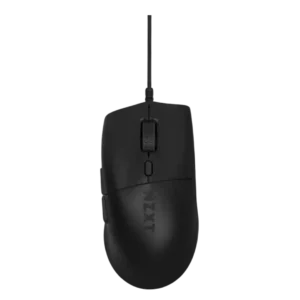
Overall: 4.2/5
Macro support was viewed as useful across reviews, but practical flexibility is constrained by the small number of buttons.
Pros: value for money, ergonomic design
Cons: RGB features, portability
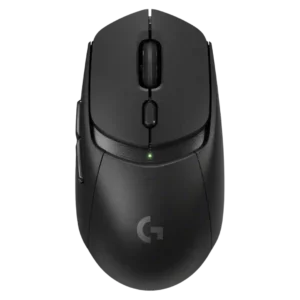
Overall: 4.1/5
Macro support was positively noted in one review through G Hub, where the reviewer highlighted the ability to create macros.
Pros: value for money, weight
Cons: premium feel, polling rate
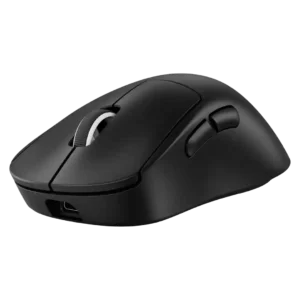
Overall: 4.1/5
Macro support was useful through G Hub, but the limited button count reduced how far reviewers could take macro-heavy setups.
Pros: weight, shape comfort
Cons: side button quality, value for money
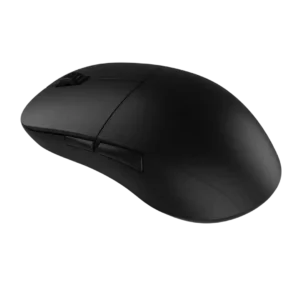
Overall: 4.3/5
Macro support was functional but not a highlight; the one review mentioning it said routine macro creation was easy enough in the companion app.
Pros: value for money, glide smoothness
Cons: fingertip grip comfort, surface compatibility
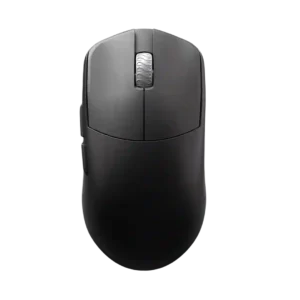
Overall: 4.3/5
Macro support is present through software and judged useful, though the same review criticized the app's lag.
Pros: glide smoothness, build quality
Cons: side button quality, cable flexibility
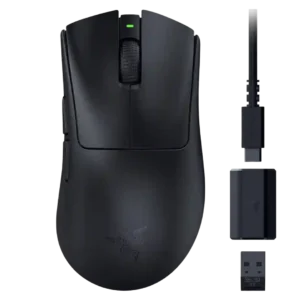
Overall: 4.3/5
Macro support was mixed: software allowed macro-style reassignment, but one reviewer criticized the practical usefulness of the bottom button for macros.
Pros: value for money, weight
Cons: Bluetooth support, cable flexibility
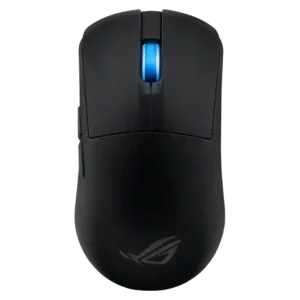
Overall: 4.2/5
Macro support had limited negative evidence because one reviewer disliked needing the large Armoury Crate suite for macros.
Pros: shape comfort, value for money
Cons: handedness options