Best for left and right click quality
Turtle Beach Kone II
5.0 attribute score
Highest scored product for this attribute based on supporting review evidence.

Highest scored product for this attribute based on supporting review evidence.
Balances the attribute score, supporting reviews, and overall product strength.
Has the broadest review evidence for this attribute.
Strongest overall product among items with scored evidence for this attribute.

The main left and right clicks were well received for uniform feel, snappy action, and excellent responsiveness.
Pros: value for money, button customization
Cons: fingertip grip comfort, portability

Left and right click quality is a standout when tuned, with reviewers praising consistent actuation and feedback across the main buttons.
Pros: switch feel, click latency
Cons: value for money, glide smoothness

Left and right clicks were strongly praised for feeling perfect, balanced, fast, and responsive.
Pros: battery life, software usability
Cons: weight, FPS gaming suitability

Left and right click quality was strongly praised for tactile, satisfying, crisp, or solid main clicks, with only minor preference-based caveats.
Pros: value for money, weight
Cons: Bluetooth support, cable flexibility

Left and right clicks were praised for satisfying tactility, light rapid tapping, and improved main-button feel.
Pros: switch feel, polling rate
Cons: value for money, side button quality
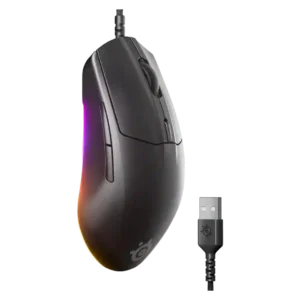
Primary click quality was praised as firm, balanced, and close to best-in-class for feel and performance.
Pros: cable flexibility, value for money
Cons: premium feel
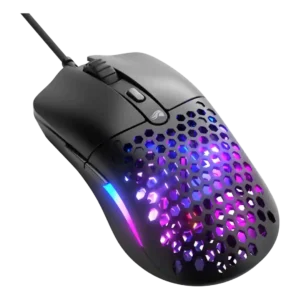
Left and right click quality was a standout, with reviewers praising main clicks as loved, responsive, precise, and tight.
Pros: value for money, weight
Cons: cable flexibility

Left and right click quality was a standout strength, often described as crisp, satisfying, light, and precise.
Pros: value for money, battery life
Cons: cable flexibility, RGB features

Left and right click quality was mostly praised for crispness, feedback, and satisfying actuation, with one review finding the feel a little mushy.
Pros: button customization, MMO gaming suitability
Cons: FPS gaming suitability
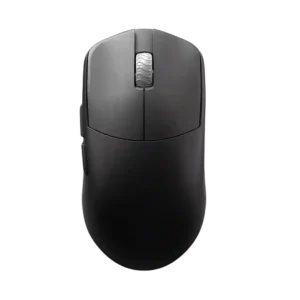
Left and right click quality is strongly praised for clean implementation, bounce, lightness, and a close-to-perfect feel.
Pros: glide smoothness, build quality
Cons: side button quality, cable flexibility
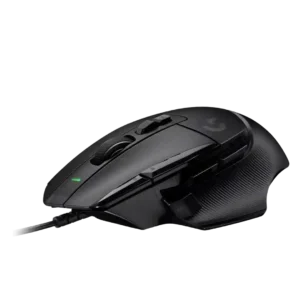
Left and right click quality scored well where discussed, with reviewers describing the new clickers as solid, finely crafted, and satisfying.
Pros: button customization, switch feel
Cons: RGB features, weight tuning

Left and right click quality is a clear strength, with reviewers praising softness, precision, tactile response, and nice PBT click feel.
Pros: Accuracy and tracking precision, shape comfort
Cons: long-session comfort

Left and right click quality is a clear strength, with multiple reviews calling the main clicks wonderful, snappy, responsive, and tactile.
Pros: tilt gesture controls, MMO gaming suitability
Cons: battery life, software usability

Primary clicks were praised for speed, low travel, tactility, and reduced misclick risk, with several reviewers preferring their feel to rivals.
Pros: build quality, software usability
Cons: value for money, polling rate

Primary click quality was generally excellent, though one review found the left click less bouncy than preferred.
Pros: value for money, weight
Cons: click noise, RGB features

Main click quality was usually strong, with repeated praise for tactile, crisp, snappy clicks, though a few reviewers wanted a sharper or more premium feel.
Pros: weight, shape comfort
Cons: side button quality, value for money

Main click quality was generally strong, with praise for tactile feedback, satisfying actuation, and minimal travel, though one review sample had uneven pre-travel.
Pros: weight, battery life
Cons: polling rate, RGB features

Main click quality was generally strong: reviewers liked the front buttons' responsiveness, satisfying feel, and snappy actuation.
Pros: value for money, weight
Cons: premium feel, polling rate
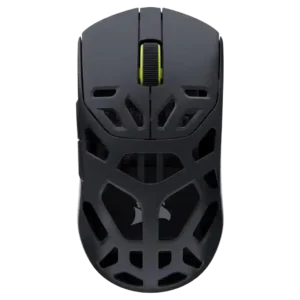
Left and right click quality was consistently praised for crisp feedback, satisfying travel, solid snap, and spammable feel.
Pros: shape comfort, sensor performance
Cons: value for money, side button quality

Left and right clicks were reviewed positively for their split-shell design, feel, and low travel.
Pros: weight, shape comfort
Cons: battery life, side button quality

Left and right clicks were generally praised for crisp, consistent actuation, though one reviewer noticed slight pre-travel that did not interfere.
Pros: value for money, ergonomic design
Cons: RGB features, portability
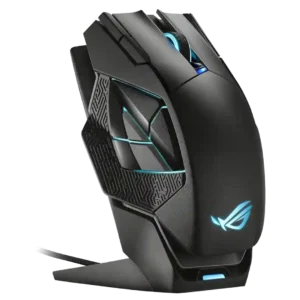
Left and right click quality was positive where reviewed, with praise for satisfying primary buttons and good clicking action.
Pros: charging convenience, RGB features
Cons: side button quality, weight

Left and right click quality was praised for crispness, responsiveness, and strong tactile feel.
Pros: battery life, weight
Cons: side button quality, value for money
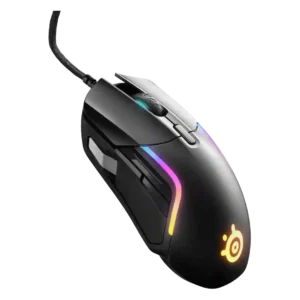
Left and right clicks were praised for a deep, tactile, well-weighted feel with good actuation force.
Pros: value for money, software usability
Cons: side button quality, onboard memory
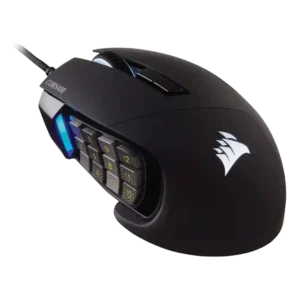
Left and right click quality evidence was limited but positive, with reviewers finding the main clicks smooth and non-janky.
Pros: value for money, side button quality
Cons: FPS gaming suitability, weight

Main click quality was praised as satisfying, with a good amount of give.
Pros: button customization, scroll wheel quality
Cons: weight, value for money
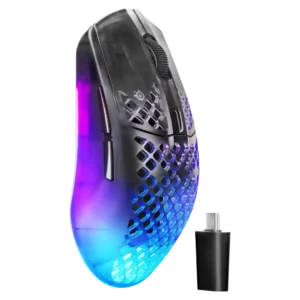
Main click quality was praised by reviewers who found the left/right clicks satisfying, solid, and consistent.
Pros: software usability, polling rate
Cons: palm grip comfort, fingertip grip comfort
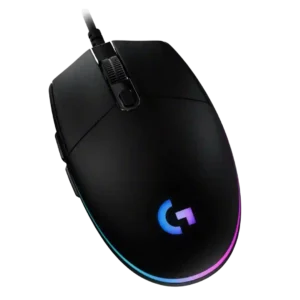
Left and right click quality is a major positive, with reviewers praising sharpness, feedback, reliability, tactile snap, and even improved in-game firing feel.
Pros: value for money, RGB features
Cons: palm grip comfort, click noise
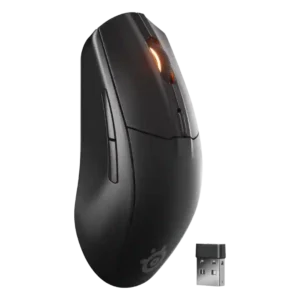
Primary clicks were usually praised as snappy, responsive, tactile, bouncy, or satisfying for the price.
Pros: battery life, value for money
Cons: weight, RGB features

Left and right click quality was generally strong for low play and instant feel, but one reviewer noted post-travel.
Pros: battery life, software usability
Cons: click noise, fingertip grip comfort

Left/right click quality was praised for light actuation, tactile feel, and easy clicking.
Pros: shape comfort, battery life
Cons: value for money, DPI range

Left and right click quality had limited but positive evidence from a reviewer who liked the click implementation.
Pros: shape comfort, value for money
Cons: handedness options

Left and right click quality was mostly strong, but one early unit had main-trigger rattle, creating a mild build-related caveat.
Pros: glide smoothness, weight
Cons: handedness options

Left and right click quality was positive overall, with praise for satisfying primary clicks and pleasant pressure points.
Pros: RGB features, weight
Cons: value for money, scroll wheel quality

Left and right click quality was mostly positive for crisp, responsive clicks, with some caveats around hollow sound.
Pros: battery life, scroll wheel quality
Cons: value for money, click noise
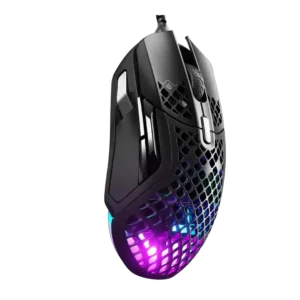
Left and right clicks were praised for crispness, tactile feedback, and satisfying feel.
Pros: weight, programmable buttons
Cons: value for money, side button quality

Left and right clicks were mostly praised for clickiness, precision, and tactility, though one reviewer struggled with the button shape.
Pros: ergonomic design, scroll wheel quality
Cons: AI Prompt Master, click noise

Left and right clicks were often praised for crispness and solidity, though a few units or grip positions felt mushy or merely average.
Pros: value for money, grip texture
Cons: weight, charging convenience
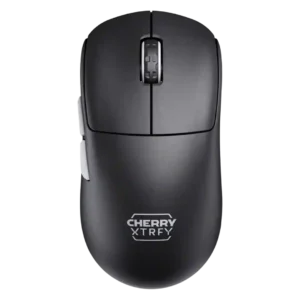
Left and right clicks were generally solid, easy, and satisfying, though one reviewer noted the M68 felt a little stiffer than the M64.
Pros: build quality, shape comfort
Cons: value for money, charging convenience

Main click quality was generally positive for tactility, though one reviewer found the switches slightly stiff.
Pros: weight, grip texture
Cons: software usability, profile switching

Left and right click quality was generally praised, though one reviewer found some crunchiness in the primary click movement.
Pros: side button quality, MMO gaming suitability
Cons: value for money, claw grip comfort

Left and right click quality was viewed as consistent and quality-feeling.
Pros: charging convenience, software usability
Cons: RGB features, value for money

Left and right click quality was mostly positive, with praise for consistency and similar actuation between sides.
Pros: value for money, sensor performance
Cons: software usability, grip texture

Main click quality was mostly positive, especially the light break and rapid reset, though one unit had a slightly heavier right button.
Pros: weight, battery life
Cons: value for money

Main left and right click quality was generally positive, with rapid clicking and spring-tension precision outweighing the slightly heavier press.
Pros: shape comfort, programmable buttons
Cons: value for money, side button quality

Main click quality was generally positive for speed and confidence, but one reviewer preferred competing click implementations.
Pros: value for money, battery life
Cons: weight, balance and weight distribution

Main click quality was mixed: several reviewers liked the left and right clicks, while one found them floaty with too much movement.
Pros: value for money, weight
Cons: fingertip grip comfort, profile switching
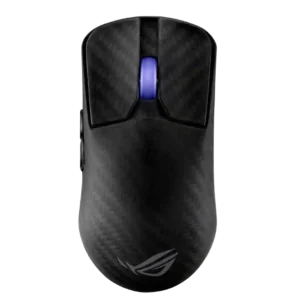
Main click quality ranged from exceptional praise to isolated complaints about pre-travel, post-travel, or a defective left click.
Pros: sensor performance, build quality
Cons: value for money, battery life
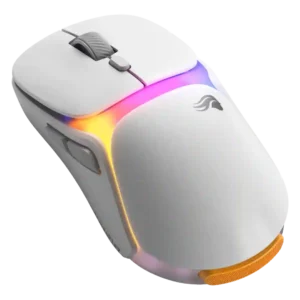
Main click quality was mostly solid, though one reviewer heard a hollow left-click ring and another noted stronger positive pop.
Pros: charging convenience, shape comfort
Cons: value for money, weight
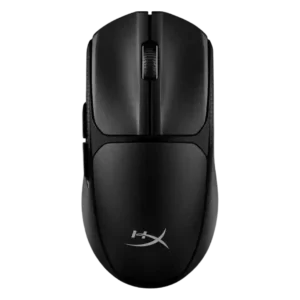
Left and right clicks were usually praised as crisp, tactile, and satisfying, with one first impression noting heavier actuation.
Pros: switch feel, weight
Cons: RGB features, handedness options