Best for Color calibration controls
ASUS ProArt Display PA279CRV
4.9 attribute score
Highest scored product for this attribute based on supporting review evidence.

Highest scored product for this attribute based on supporting review evidence.
Balances the attribute score, supporting reviews, and overall product strength.
Has the broadest review evidence for this attribute.
Strongest overall product among items with scored evidence for this attribute.
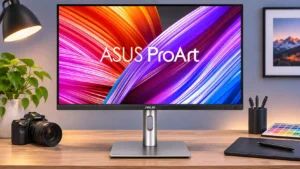
Creative presets and detailed RGB, gamma, hue, and color-space controls make fine tuning straightforward. Factory accuracy is already strong, although the deepest color work can still benefit from a separate...
Pros: USB-C power delivery, port selection
Cons: HDR performance, refresh rate
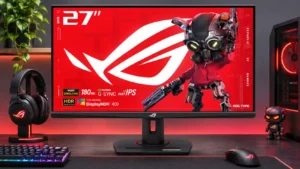
Excellent sRGB modes and ample tuning options make accurate colors achievable with little extra work; the calibrated preset restricts some controls.
Pros: value for money, Resolution
Cons: HDR performance, port selection
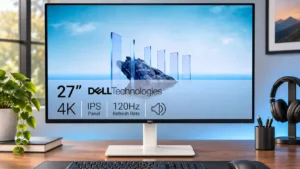
The dedicated sRGB mode offers an accurate starting point, but restricted adjustments in sRGB and HDR modes can frustrate users who want fine control.
Pros: value for money, Resolution
Cons: port selection, HDR performance
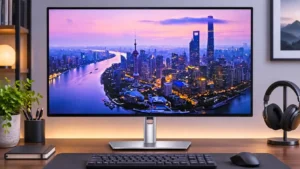
Preset color modes and calibration tools can substantially improve white balance and accuracy. The extra tuning is worthwhile when default color temperature is not quite right.
Pros: port selection, USB hub functionality
Cons: competitive gaming suitability, motion clarity
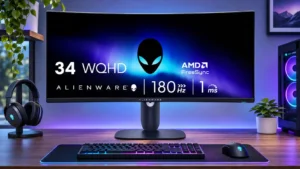
An sRGB preset and adjustable color settings make it reasonably approachable to tune; software calibration can improve accuracy considerably.
Pros: ultrawide gaming experience, black levels
Cons: HDR performance, viewing angles

Accurate sRGB modes, gamma options, and HDR controls make fine-tuning flexible. The most accurate preset locks many settings, creating a convenience tradeoff.
Pros: sharpness, overall satisfaction
Cons: value for money, VRR flicker
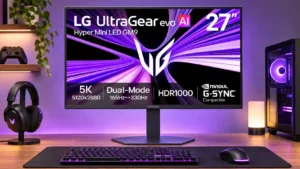
There are configurable color profiles and LG Calibration Studio support. Professional accuracy benefits from calibration rather than relying solely on the default modes.
Pros: Resolution, Dual-mode versatility
Cons: value for money, GPU demands
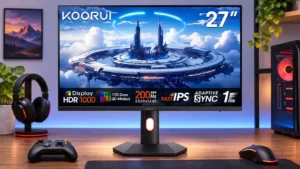
Manual RGB and color-mode adjustments can substantially improve grayscale accuracy, but configuring SDR and HDR separately can take patience.
Pros: overall satisfaction, PC gaming compatibility
Cons: color accuracy, local dimming performance