Best for handedness options
Corsair M75 Wireless
4.7 attribute score
Highest scored product for this attribute based on supporting review evidence.

Highest scored product for this attribute based on supporting review evidence.
Balances the attribute score, supporting reviews, and overall product strength.
Has the broadest review evidence for this attribute.
Strongest overall product among items with scored evidence for this attribute.

Handedness options were a core strength, with reviewers repeatedly praising true ambidextrous support and left-handed usefulness.
Pros: battery life, glide smoothness
Cons: side button quality, value for money
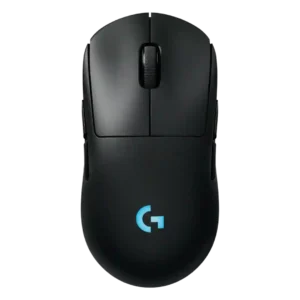
Handedness options are one of the strongest points, with repeated praise for the ambidextrous shape and swappable side buttons.
Pros: battery life, handedness options
Cons: value for money, polling rate

Handedness options were consistently praised because the mouse is truly ambidextrous with swappable side buttons.
Pros: value for money, battery life
Cons: cable flexibility, RGB features
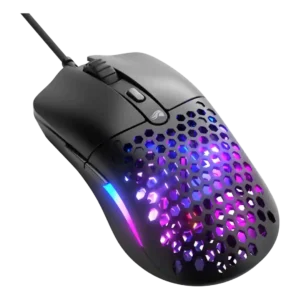
Handedness evidence was cautiously positive: the symmetrical shape helps left-handed use, although the mouse is still primarily right-handed.
Pros: value for money, weight
Cons: cable flexibility

Handedness support was useful but imperfect, since the symmetrical body helps left-handers while left-side thumb buttons remain right-hand-biased.
Pros: weight, grip texture
Cons: software usability, profile switching

Handedness was mixed: the symmetrical shell helped left-handed use, but left-side-only thumb buttons limited true ambidextrous comfort.
Pros: build quality, software usability
Cons: value for money, polling rate

Handedness options are mixed because the symmetrical shell can work left-handed, but side buttons mainly favor right-handed use.
Pros: Accuracy and tracking precision, shape comfort
Cons: long-session comfort
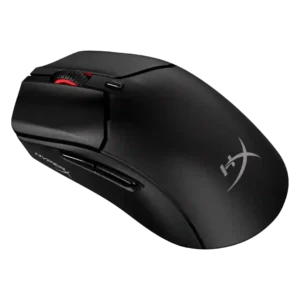
Handedness options were mixed: reviewers liked the symmetrical leftie-friendly shell, but side buttons only on the left limited true left-handed use.
Pros: weight, value for money
Cons: side button quality, RGB features

Handedness evidence was mixed: the shell is symmetrical, but right-side button absence makes it more right-hand oriented.
Pros: weight, battery life
Cons: polling rate, RGB features

Handedness support was mixed because the symmetrical shape helps lefties, but the side buttons remain left-side only.
Pros: switch feel, polling rate
Cons: value for money, side button quality

Handedness options were limited by right-side button placement despite an ambidextrous-style shell.
Pros: weight, value for money
Cons: click noise, AI Prompt Master

Handedness evidence was limited, but one review framed comfort as conditional on being right-handed.
Pros: RGB features, battery life
Cons: value for money, scroll wheel quality

Handedness evidence was mixed: one left-handed reviewer liked it, while others noted the side-button layout favors right-handed users.
Pros: glide smoothness, weight
Cons: handedness options

The shell shape works for either hand, but the left-side thumb buttons make it only partially ambidextrous. Left-handed users may struggle to access those controls comfortably.
Pros: software usability, sensor performance
Cons: RGB features, scroll wheel quality

Handedness options were mixed: the shape can feel ambidextrous, but side-button placement and some reviewer comments limit true left-handed appeal.
Pros: value for money, shape comfort
Cons: scroll wheel quality, left and right click quality
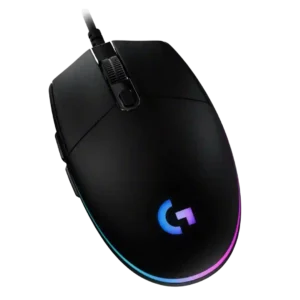
Handedness evidence is mixed because the shell is symmetrical or usable left-handed, but side buttons make it functionally more right-handed.
Pros: value for money, RGB features
Cons: palm grip comfort, click noise
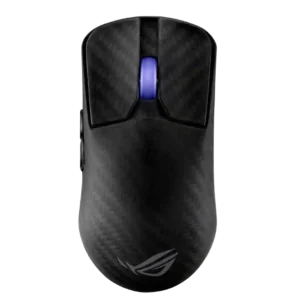
Handedness was mixed because the shell is symmetrical, but side-button placement limits true left-handed usability.
Pros: sensor performance, build quality
Cons: value for money, battery life
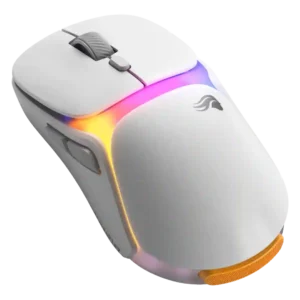
Handedness support was limited: the symmetrical body helped left-handed use, but side-button practicality remained a caveat.
Pros: charging convenience, shape comfort
Cons: value for money, weight
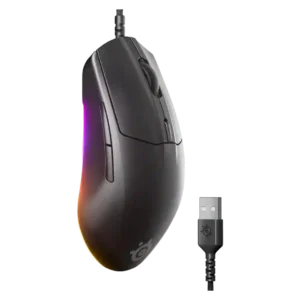
Handedness support was mixed because the shape is symmetrical but one review said it is optimized for right-handed use.
Pros: cable flexibility, value for money
Cons: premium feel
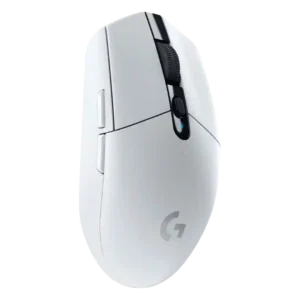
Handedness was mixed because the shell is symmetrical, but left-side thumb buttons make it less useful for left-handed users.
Pros: value for money, weight
Cons: charging convenience, palm grip comfort
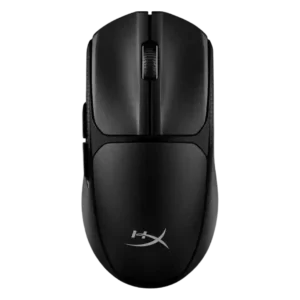
Handedness options were a recurring caveat because the symmetrical shell was undercut by left-side buttons; one review found left-handed use good, but others disagreed.
Pros: switch feel, weight
Cons: RGB features, handedness options

Handedness options were a weakness because multiple reviewers noted the right-hand-biased side-button layout and lack of true left-handed support.
Pros: shape comfort, value for money
Cons: handedness options

Handedness options were weak despite the symmetrical shell, because reviewers noted the left-side buttons make it right-hand favored.
Pros: value for money, weight
Cons: premium feel, polling rate

Handedness evidence was negative where a reviewer found the side buttons hard to hit with the left hand.
Pros: button responsiveness, shape comfort

Handedness options were weak because the symmetrical shell still places side buttons only on one side, limiting true left-handed usability.
Pros: value for money, battery life
Cons: weight, balance and weight distribution

Handedness options were a drawback because the DEX is strongly right-handed and several reviewers warned left-handers away.
Pros: weight, shape comfort
Cons: side button quality, value for money

Handedness options were a repeated limitation because the mouse is effectively right-handed despite its symmetrical shell.
Pros: value for money, weight
Cons: click noise, RGB features

Handedness options are limited because side buttons favor right-handed users and southpaws are called out as disadvantaged.
Pros: switch feel, click latency
Cons: value for money, glide smoothness

Handedness was a clear limitation because reviewers repeatedly described it as right-handed only.
Pros: scroll wheel quality, battery life
Cons: value for money, weight
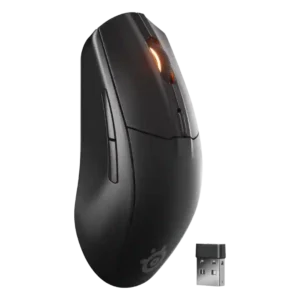
Reviewers criticized the lack of a true left-handed version, despite the mostly symmetrical shell.
Pros: battery life, value for money
Cons: weight, RGB features

Handedness was a recurring weakness because the contoured shape clearly favors right-handed users, with no true left-handed version.
Pros: shape comfort, battery life
Cons: value for money, DPI range

Handedness options were a consistent limitation because the mouse is clearly right-handed and not suited to left-handed users.
Pros: battery life, software usability
Cons: click noise, fingertip grip comfort

Handedness options are a weakness because reviewers repeatedly say the side-button layout makes it poor for left-handed use.
Pros: weight, battery life
Cons: value for money, profile switching

Handedness was a weakness because reviewers treated the design as right-handed and not ambidextrous.
Pros: battery life, weight
Cons: side button quality, value for money

Handedness scored low because reviewers repeatedly noted the right-handed ergonomic shape and lack of a left-handed option.
Pros: value for money, sensor performance
Cons: software usability, grip texture

Handedness options scored poorly because reviewers emphasized that the Ergo shape is only for right-handed users.
Pros: value for money, ergonomic design
Cons: RGB features, portability

Handedness options were a limitation because reviewers repeatedly emphasized the right-handed-only shape.
Pros: value for money, weight
Cons: fingertip grip comfort, profile switching

Handedness was a clear limitation because reviewers noted the mouse is strictly right-handed.
Pros: battery life, scroll wheel quality
Cons: value for money, click noise

Handedness was a negative where discussed because the design is effectively right-handed and could be a problem for left-handed players.
Pros: value for money, grip texture
Cons: weight, charging convenience
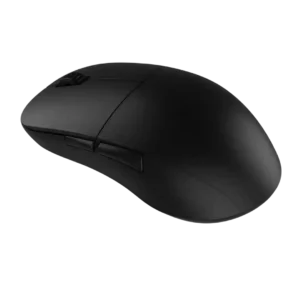
Handedness is limited: one reviewer explicitly noted the side-button placement and shape make it a right-handed mouse rather than truly ambidextrous.
Pros: value for money, glide smoothness
Cons: fingertip grip comfort, surface compatibility

Handedness was a limitation because the right-handed design leaves left-handed users out.
Pros: weight, shape comfort
Cons: battery life, side button quality

Handedness options were limited because the shape favors right-handed users, making it unsuitable for left-handed gamers.
Pros: value for money, weight
Cons: Bluetooth support, cable flexibility
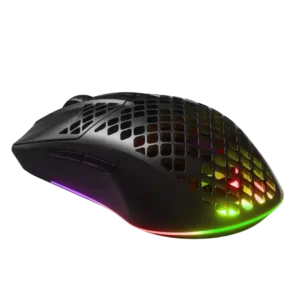
Handedness was a drawback because the ambidextrous-style shell still is not truly left-handed friendly.
Pros: value for money, battery life
Cons: glide smoothness, side button quality
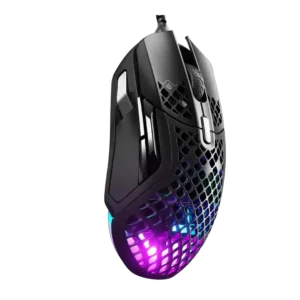
Handedness options were criticized because the design was described as right-hand-only.
Pros: weight, programmable buttons
Cons: value for money, side button quality

Handedness was a clear limitation because reviewers noted the mouse favors right-handed users and can be uncomfortable for lefties.
Pros: glide smoothness, scroll wheel quality
Cons: analog joystick usability, shape comfort
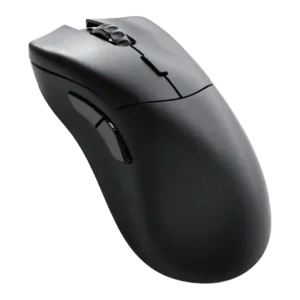
Handedness options were negative because reviewers repeatedly called out the right-handed-only design and lack of a left-handed variant.
Pros: value for money, glide smoothness
Cons: battery life, polling rate

Handedness options were a clear weakness because reviewers noted the mouse is not ambidextrous and is unsuitable for left-handed mouse users.
Pros: value for money, button customization
Cons: fingertip grip comfort, portability
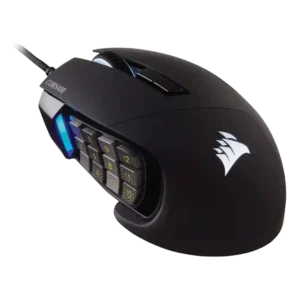
Handedness was consistently negative for left-handed users because the design is right-hand only.
Pros: value for money, side button quality
Cons: FPS gaming suitability, weight

Handedness options were criticized because the side-button grid makes the mouse poor for left-handers or ambidextrous use.
Pros: side button quality, MMO gaming suitability
Cons: value for money, claw grip comfort

Handedness is a clear limitation: the mouse is framed as unsuitable for left-handed gamers.
Pros: tilt gesture controls, MMO gaming suitability
Cons: battery life, software usability