Best for typing comfort
be quiet! Dark Mount
5.0 attribute score
Highest scored product for this attribute based on supporting review evidence.

Highest scored product for this attribute based on supporting review evidence.
Balances the attribute score, supporting reviews, and overall product strength.
Has the broadest review evidence for this attribute.
Strongest overall product among items with scored evidence for this attribute.

Typing comfort was strongly positive, with reviewers calling the board soft, cushioned, comfortable, and suitable for long writing sessions.
Pros: sound dampening, switch feel
Cons: reliability, rapid trigger support

Typing comfort was praised for low fatigue, productivity gains, and faster-feeling typing once actuation was tuned.
Pros: size and form factor, typing feel
Cons: switch options, portability

Typing comfort is very positive in the limited evidence, with reviewers describing long typing as joyful and non-cramping.
Pros: portability, value for money
Cons: software quality, key spacing
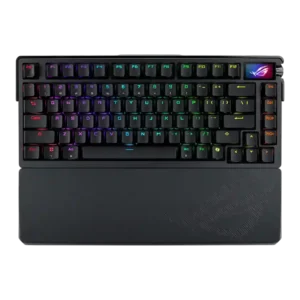
Typing comfort was a major strength, with reviewers calling it excellent for work, comfortable, and satisfying over extended use.
Pros: build quality, customization options
Cons: value for money, rapid trigger support

Typing comfort was strongly positive where discussed, with reviewers describing the board as comfortable or useful for long work sessions.
Pros: value for money, typing feel
Cons: wrist rest quality, media controls

Typing comfort is very strong, with reviewers praising long-session comfort, reduced fatigue, and comfortable typing feel.
Pros: value for money, software quality
Cons: switch options, ergonomics
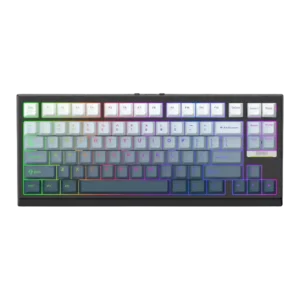
Typing comfort was consistently strong, with reviewers reporting comfort during long typing sessions and little to no discomfort.
Pros: gaming performance, key responsiveness
Cons: compatibility

Typing comfort was consistently positive, with reviewers reporting no fatigue, comfortable keycaps, and a satisfying all-day typing experience.
Pros: build quality, switch feel
Cons: switch options
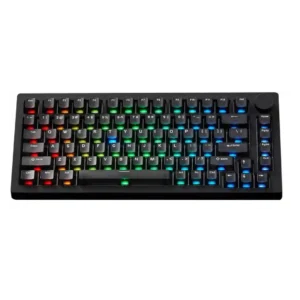
Typing comfort is positive overall, with reviewers calling it comfortable, accurate, pleasant for daily use, or a joy to type on.
Pros: build quality, customization options
Cons: reliability

Typing comfort was strongly praised, especially for long sessions, office work and cushioned typing.
Pros: RGB customization, keycap quality
Cons: frame rigidity, switch options

Typing comfort is very strong overall, with reviewers reporting comfortable long sessions, pleasant typing, and reduced hand strain.
Pros: switch feel, typing feel
Cons: software quality, key spacing

Typing comfort was a major strength, with reviewers adapting quickly and reporting comfortable, accurate, or error-free work sessions.
Pros: switch feel, battery life
Cons: volume control, media controls

The gasket-mounted plate softens bottom-out and supports long work sessions, though the fixed angle may still bother some users.
Pros: overall satisfaction, build quality
Cons: portability, reliability

Typing comfort was strong, with reviewers describing long sessions as comfortable, pleasant, and easy.
Pros: typing feel, design aesthetics
Cons: value for money, materials quality
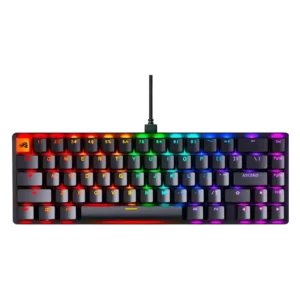
Typing comfort was strong, with reviewers citing low fatigue, smoothness, and easy adjustment during long writing or daily use.
Pros: switch feel, value for money
Cons: key spacing, actuation consistency
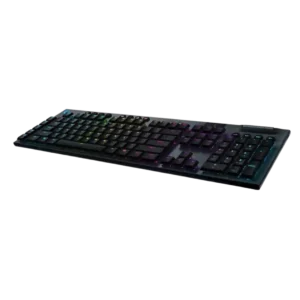
Typing comfort is a strong point thanks to the low profile, stable feel, and reduced wrist angle.
Pros: battery life, wireless performance
Cons: value for money, wrist rest quality

Typing comfort was a repeated strength for long sessions, with reviewers describing it as comfortable and pleasant to use.
Pros: battery life, portability
Cons: volume control, switch options
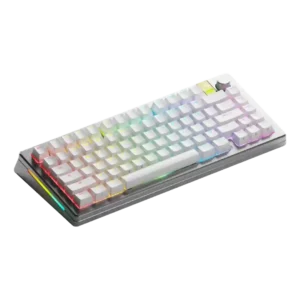
Typing comfort was a clear positive, with reviewers praising the typing angle, overall typing experience, and satisfying use.
Pros: customization options, gaming performance
Cons: value for money, software quality

Typing comfort was praised for comfortable work use, a very good in-hand feel, and smooth typing comfort.
Pros: typing feel, design aesthetics
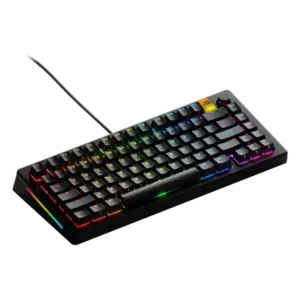
Typing comfort was generally favorable, helped by accurate typing, cushioning, and satisfying feedback, especially with preferred switches.
Pros: customization options, software quality
Cons: value for money, materials quality

Concave keycaps and a stable, cushioned feel support long typing sessions, though the tall KSA profile takes time to learn for some users.
Pros: build quality, overall satisfaction
Cons: portability, ergonomics

Typing comfort was positive, with reviewers mentioning low fatigue and comfortable long-session use.
Pros: switch feel, customization options
Cons: value for money, wireless performance

Typing comfort was mostly positive when reviewers discussed comfortable keycaps, wrist support, and long typing sessions.
Pros: value for money, keycap quality
Cons: polling rate, acoustics
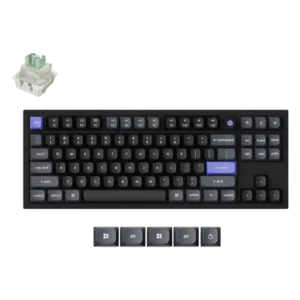
The shaped keycaps were praised for improving typing comfort.
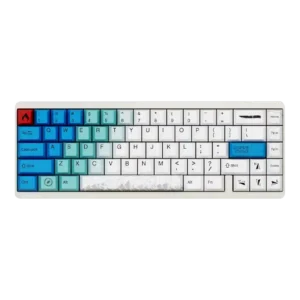
Typing comfort was praised in limited evidence, especially for long typing sessions.
Pros: design aesthetics, build quality
Cons: software quality, customization options

Typing comfort was mostly praised over long sessions, but some reviewers found the edge angle or lack of wrist rest uncomfortable.
Pros: software quality, switch feel
Cons: legend visibility, extra gaming features
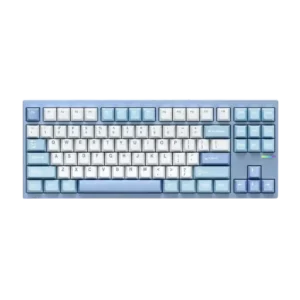
Typing comfort was praised across reviews for its bouncy gasket feel, smooth typing, and balanced flex, though one reviewer found it slightly firm.
Pros: customization options, build quality
Cons: connectivity

Typing comfort is strong thanks to quiet switches, cushioned feel, supportive rest, and low-fatigue long-session use.
Pros: noise level, RGB lighting quality
Cons: rapid trigger support, extra gaming features

Typing comfort is strong, with reviewers praising the cushioned/gasket feel, light keys, and reduced fatigue. The board works well for long typing sessions despite its gaming focus.
Pros: macro customization, switch feel
Cons: software quality, value for money

Typing comfort was often excellent for long writing sessions, but TechRadar disliked the taller keycap typing experience.
Pros: value for money, rapid trigger support
Cons: media controls, stabilizer quality

Typing comfort was usually positive thanks to smooth switches and low fatigue, but height caused discomfort for some reviewers.
Pros: value for money, design aesthetics
Cons: cable quality, ergonomics

Most reviewers found the low height, light force, and cushioned bottom-out comfortable for long sessions. Comfort can fall sharply for users who never adapt to the compressed layout.
Pros: overall satisfaction, macro customization
Cons: value for money, software quality

Typing comfort was often good thanks to the wrist rest and smooth keys, but fatigue and loudness made it less ideal for some long typing sessions.
Pros: customization options, gaming performance
Cons: value for money, noise level

Typing comfort was usually praised for pleasant long-session use, but some reviewers disliked the keycap feel or missing layout features.
Pros: software quality, build quality
Cons: value for money, connectivity
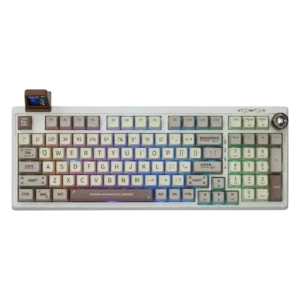
Typing comfort is highly praised when users like the switch profile, but tall MDA caps and light switches are uncomfortable for some reviewers.
Pros: value for money, typing feel
Cons: software quality, reliability

Typing comfort was mostly positive for key shape and feel, but one reviewer noted hand fatigue from the heavier press.
Pros: build quality, keycap quality
Cons: switch options, portability

Typing comfort was praised due to light switch force, lower fatigue, and a more cushioned productivity feel.
Pros: value for money, build quality
Cons: switch options, hot-swappable switches
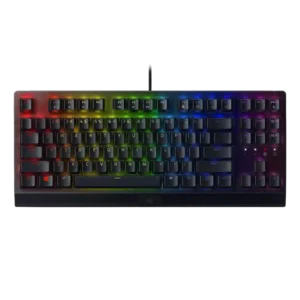
Typing comfort was mostly positive, with reviewers praising easy, enjoyable typing, but some slowed down or needed the wrist rest for longer sessions.
Pros: RGB lighting quality, value for money
Cons: wrist rest quality, noise level

Typing comfort was generally strong when switches and wrist rest suited the reviewer, though one Green-switch reviewer wanted more cushioning for long writing.
Pros: value for money, wrist rest quality
Cons: software quality, ergonomics

Typing comfort was generally positive for low-profile use and long sessions, but cramped layout, shallow angle, and enthusiast feel concerns created mixed opinions.
Pros: value for money, battery life
Cons: hot-swappable switches, noise level
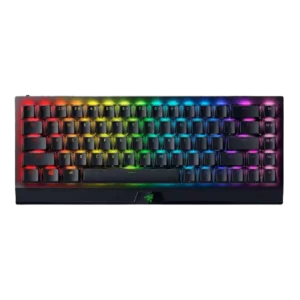
Typing comfort was mostly positive once users adjusted, but prolonged work, cramped keys, and wrist fatigue produced mixed evidence.
Pros: size and form factor, switch feel
Cons: value for money, battery life

Long-session comfort is generally strong, with reviewers praising the curved profile and soft Topre feel. Some users report short-term fatigue while adapting to the angle and layout.
Pros: switch feel, typing feel
Cons: value for money, layout options

Typing comfort was usually strong, with many reviewers saying it was comfortable for long sessions, though some needed adjustment or felt fatigue initially.
Pros: battery life, switch feel
Cons: value for money, ease of switch replacement

Typing comfort was mostly positive for longer sessions, but not universal, with one reviewer finding the stroke too long for their productivity preference.
Pros: gaming performance, switch feel
Cons: value for money, extra gaming features

Typing comfort was mixed: several reviewers loved the layout and long-session feel, while others lost speed or preferred different switches for typing.
Pros: customization options, design aesthetics
Cons: switch options, key spacing

Typing comfort is usually strong thanks to softness and reduced fatigue, but some reviewers found the board harsh or palm pressure problematic.
Pros: typing feel, gaming performance
Cons: software quality, value for money

Typing comfort was mixed: several reviewers found it comfortable for long sessions, while others found the stiff feel tiring or productivity-hampering.
Pros: typing feel, build quality
Cons: value for money, wireless performance
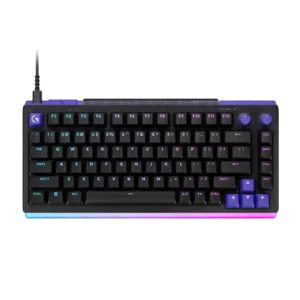
Many reviewers typed or played for hours with little fatigue, especially with the optional palm rest. Mixed switch types and the tall profile made long sessions less comfortable for a...
Pros: overall satisfaction, design aesthetics
Cons: value for money, wrist rest quality
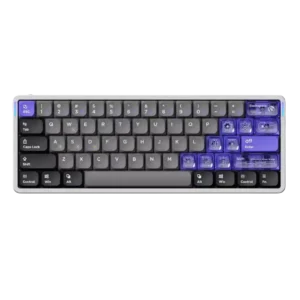
Typing comfort was praised by some reviewers as excellent, but others reported accuracy issues from the flat/light low-profile feel.
Pros: software quality, switch feel
Cons: connectivity, layout options
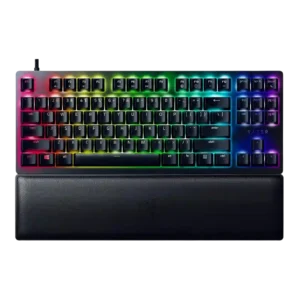
Typing comfort depended on switch feel: several reviewers liked extended typing comfort, while one found the dampened bottom-out painful.
Pros: wrist rest quality, polling rate
Cons: value for money, media controls