Best for ergonomics
Razer Huntsman V3 Pro
5.0 attribute score
Highest scored product for this attribute based on supporting review evidence.

Highest scored product for this attribute based on supporting review evidence.
Balances the attribute score, supporting reviews, and overall product strength.
Has the broadest review evidence for this attribute.
Strongest overall product among items with scored evidence for this attribute.

Ergonomics were praised in one 8K review for comfortable spacing, angle, and low-strain long sessions.
Pros: customization options, typing feel
Cons: value for money, wrist rest quality

Ergonomics improve once the layout is learned: Control, Backspace, and Fn functions sit closer to the home row and reduce hand travel. The learning period is the main barrier to...
Pros: switch feel, typing feel
Cons: value for money, layout options

Ergonomics were positive where covered, mainly due to the wrist rest and FR4/typing changes that improved comfort.
Pros: typing feel, design aesthetics
Cons: value for money, materials quality

Ergonomics were praised for the low height, adjustable feet, relaxed hand position, and reduced strain over longer sessions.
Pros: build quality, gaming performance
Cons: typing feel, typing comfort

Ergonomics were generally positive thanks to angle adjustment, wrist rests, modular positioning, and reduced reach, though magnetic feet had some robustness caveats.
Pros: sound dampening, switch feel
Cons: reliability, rapid trigger support

Ergonomics were generally helped by the desk stability, soft palm rest, and incline, though the evidence focused on comfort rather than compactness.
Pros: customization options, gaming performance
Cons: value for money, noise level
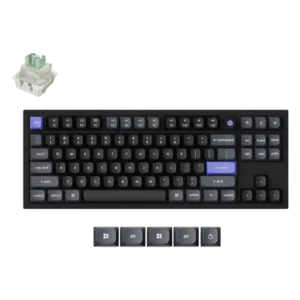
The keycap shaping was praised for creating a more ergonomic feel.

Ergonomics were supported by the lighter switches reducing hand fatigue during use.
Pros: value for money, build quality
Cons: switch options, hot-swappable switches

Ergonomics scored well through finger-guiding keycaps, adjustable typing angles, and low-profile comfort for faster typing.
Pros: battery life, portability
Cons: volume control, switch options
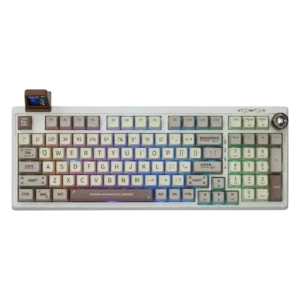
Ergonomics are generally positive due to soft mounting, comfortable key profiles, typing angle choices, and carpal-tunnel-friendly spacing in one review.
Pros: value for money, typing feel
Cons: software quality, reliability
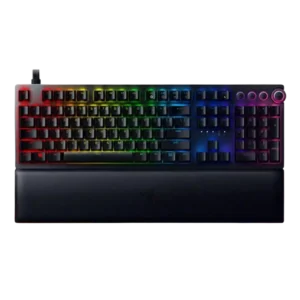
Ergonomics were generally helped by the plush wrist rest and support during long sessions, but one reviewer warned the tall keyboard makes the rest nearly necessary.
Pros: analog input support, wrist rest quality
Cons: value for money, cable quality

Most ergonomic comments were positive, citing the low profile, usable tilt options, and comfortable angles for typing without a wrist rest.
Pros: switch feel, battery life
Cons: volume control, media controls

Ergonomics are mostly positive thanks to comfort, height options, and low fatigue, though one reviewer found the stock height very low.
Pros: portability, value for money
Cons: software quality, key spacing

Ergonomics were positive where reviewers mentioned the typing angle and a wrist position that felt more natural with the setup.
Pros: build quality, keycap quality
Cons: switch options, portability
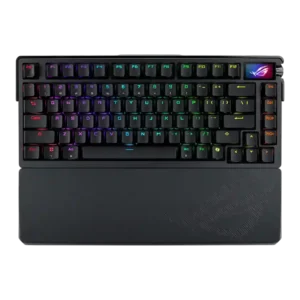
Ergonomics were praised for wrist-rest comfort, softer typing options, and comfortable key spacing, though not every ergonomic element was universally loved.
Pros: build quality, customization options
Cons: value for money, rapid trigger support

Ergonomics are mostly positive due to adjustable feet and a comfortable magnetic wrist rest, with one reviewer wanting a thicker rest.
Pros: noise level, RGB lighting quality
Cons: rapid trigger support, extra gaming features

Ergonomics are generally positive thanks to the wrist rest, adjustable angle, and typing comfort, with few direct complaints.
Pros: switch feel, typing feel
Cons: software quality, key spacing

Ergonomics were generally praised for stability, grip, tilt options, and comfortable wrist positioning, though missing accessories limited comfort for some.
Pros: software quality, build quality
Cons: value for money, connectivity

Ergonomics were received positively through comfortable typing angle, adjustable height, and comfort-in-hand comments.
Pros: typing feel, design aesthetics

One reviewer directly liked the typing position, supporting a positive ergonomics score.
Pros: RGB customization, keycap quality
Cons: frame rigidity, switch options
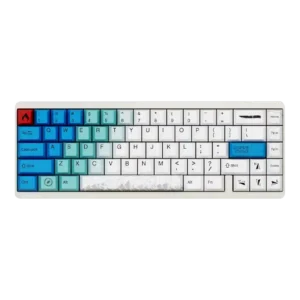
Ergonomics had limited positive evidence because light switches reduced fatigue during longer use.
Pros: design aesthetics, build quality
Cons: software quality, customization options
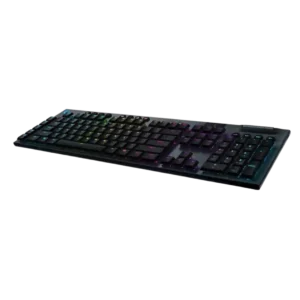
Ergonomics are mostly positive because of the low profile and adjustable feet, though one reviewer felt the keyboard needed tilt to feel right.
Pros: battery life, wireless performance
Cons: value for money, wrist rest quality

Ergonomics are generally good due to comfort and wrist support, though some reviewers want a better wrist angle or note the large full-size layout.
Pros: extra gaming features, wrist rest quality
Cons: value for money, software quality
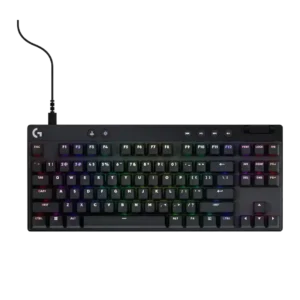
Ergonomics are generally helped by compact layouts and typing-angle feet, though comfort depends on posture and layout familiarity.
Pros: build quality, software quality
Cons: value for money, hot-swappable switches

The adjustable legs were viewed positively for typing angle control and satisfying physical feedback.
Pros: design aesthetics, build quality

Ergonomics were mostly praised, but the rear touchbar placement was criticized as awkward by one reviewer.
Pros: switch feel, customization options
Cons: value for money, wireless performance
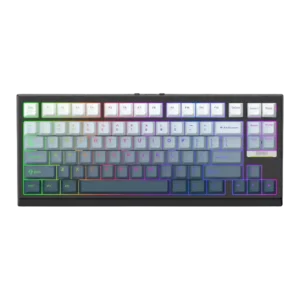
Ergonomics were mixed-to-positive: typing comfort and range were praised, but one reviewer disliked how the slanted front affected wrist-rest placement.
Pros: gaming performance, key responsiveness
Cons: compatibility
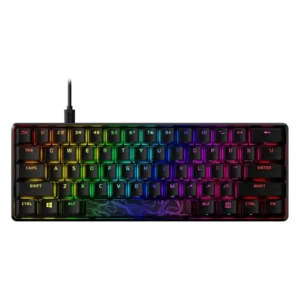
Ergonomics are mixed: adjustable feet and smaller layouts help comfort, but wrist fatigue and the need for a wrist rest appear in several reviews.
Pros: build quality, value for money
Cons: software quality, stabilizer quality
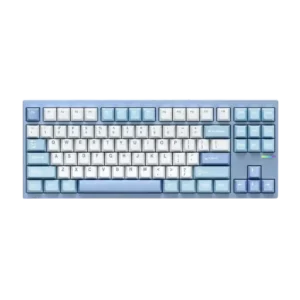
Ergonomics received limited but positive evidence because the fixed typing angle was expected to be comfortable for most people.
Pros: customization options, build quality
Cons: connectivity
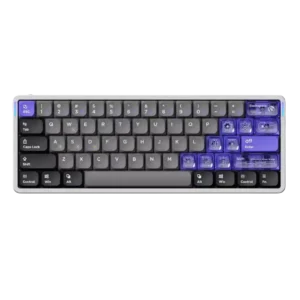
Ergonomics received limited but positive support around comfort adjustments and wrist positioning.
Pros: software quality, switch feel
Cons: connectivity, layout options

Ergonomics were mixed: adjustable feet and stable placement helped comfort, but the high-profile, heavy design could become tiring without support.
Pros: switch feel, typing feel
Cons: software quality, volume control
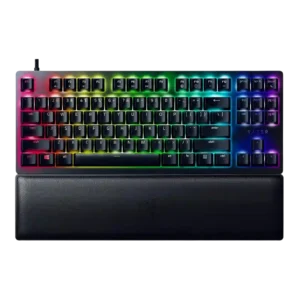
Ergonomics were mostly positive thanks to incline options, centering, and wrist support, with some caveats about feet grip and wrist-rest use.
Pros: wrist rest quality, polling rate
Cons: value for money, media controls
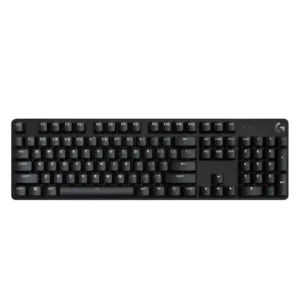
Ergonomics are mixed to positive, with some praise for comfort and adjustable angles but lingering concern about wrist support.
Pros: design aesthetics, keycap quality
Cons: value for money, software quality
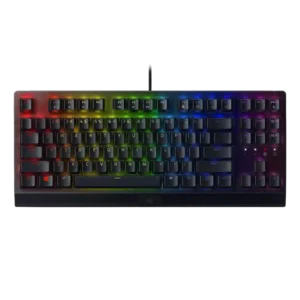
Ergonomics were mixed: the wrist rest, feet, and angled setup helped comfort, but the full-size footprint made positioning difficult for some.
Pros: RGB lighting quality, value for money
Cons: wrist rest quality, noise level

Ergonomics were mixed: the typing angle and comfort could be good, but the lack of a palm rest created issues for some users.
Pros: gaming performance, switch feel
Cons: value for money, extra gaming features

Ergonomics were strong for typing reach and long sessions, but some media-control placement and wrist positioning drew complaints.
Pros: value for money, rapid trigger support
Cons: media controls, stabilizer quality

Ergonomics are mixed: compact models are praised for reach and wrist placement, while full-size or tall versions drew complaints about discomfort.
Pros: typing feel, gaming performance
Cons: software quality, value for money

Ergonomics were mixed, with positive comments on height, palm support, and hand comfort but complaints about tall chassis positioning.
Pros: value for money, typing feel
Cons: wrist rest quality, media controls

Ergonomics are context-dependent. Some users like having controls closer to their hands, while others find the Stream Deck angle or keyboard legs less comfortable for visibility and reach.
Pros: macro customization, switch feel
Cons: software quality, value for money

Ergonomics were mixed: low-profile typing and adjustable feet helped some reviewers, while shallow tilt or sensitivity frustrated others.
Pros: value for money, battery life
Cons: hot-swappable switches, noise level

Ergonomics were mixed: one reviewer liked the posture effect, while another disliked the always-angled stance.
Pros: customization options, design aesthetics
Cons: switch options, key spacing

The low height and adjustable feet can reduce wrist strain, but the compressed clusters and left-side SD keys divide users. Some adapted quickly; others remained uncomfortable or misaligned after days...
Pros: overall satisfaction, macro customization
Cons: value for money, software quality

Ergonomic feedback was mixed: adjustable feet helped some reviewers, but sharper edges and the missing wrist rest hurt long-session comfort for others.
Pros: software quality, switch feel
Cons: legend visibility, extra gaming features
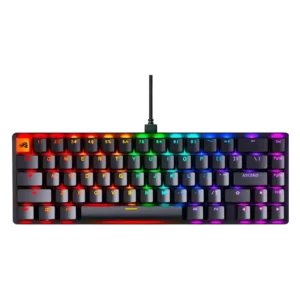
Ergonomics were mixed: some liked the angle and long-use comfort, while others found the height, legs, or lack of wrist support uncomfortable.
Pros: switch feel, value for money
Cons: key spacing, actuation consistency

Ergonomics were mixed: one reviewer had no hand cramping, while another needed a palm rest because of the fixed angle.
Pros: build quality, switch feel
Cons: switch options
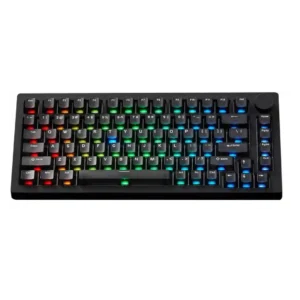
Ergonomics are mixed: the typing angle and slanted case can feel comfortable, but fixed feet, sharp edges, or flatter angles bother some reviewers.
Pros: build quality, customization options
Cons: reliability
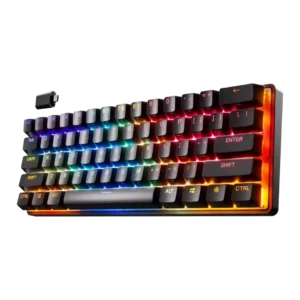
Ergonomics were mixed: the compact shape fit one reviewer very comfortably, but several reviews disliked stability when feet were deployed or noted sliding.
Pros: gaming performance, key responsiveness
Cons: value for money, extra gaming features

Ergonomics were mixed, with comfortable angle options and wrist slopes offset by palm-rest interference in one review.
Pros: value for money, keycap quality
Cons: polling rate, acoustics

Ergonomics were mixed: reviewers liked the angle or typing posture in some cases, but others criticized the high profile and lack of feet or included wrist rest.
Pros: size and form factor, typing feel
Cons: switch options, portability

Ergonomics were mixed: some liked the feet and angle, while others wanted more adjustment or found the tall compact body uncomfortable.
Pros: sound dampening, value for money
Cons: ergonomics, polling rate