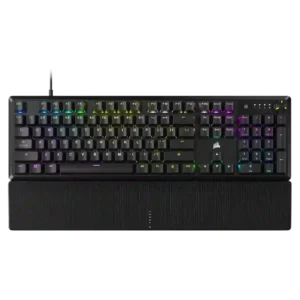
Overall: 3.8/5
Typing comfort was strongly positive where discussed, with reviewers describing the board as comfortable or useful for long work sessions.
Pros: value for money, typing feel
Cons: wrist rest quality, media controls

Overall: 3.8/5
Typing comfort was strongly positive where discussed, with reviewers describing the board as comfortable or useful for long work sessions.
Pros: value for money, typing feel
Cons: wrist rest quality, media controls
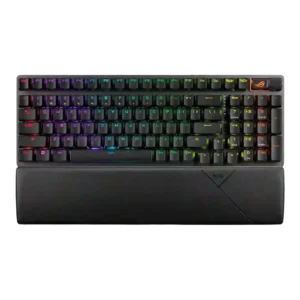
Overall: 4.2/5
Typing comfort is very strong overall, with reviewers reporting comfortable long sessions, pleasant typing, and reduced hand strain.
Pros: switch feel, typing feel
Cons: software quality, key spacing
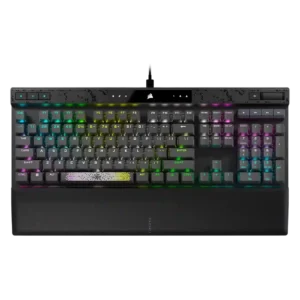
Overall: 3.9/5
Typing comfort was often good thanks to the wrist rest and smooth keys, but fatigue and loudness made it less ideal for some long typing sessions.
Pros: customization options, gaming performance
Cons: value for money, noise level
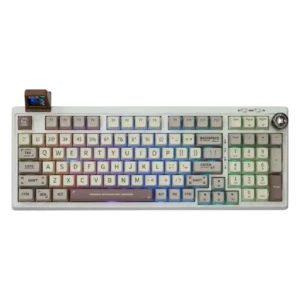
Overall: 4.1/5
Typing comfort is highly praised when users like the switch profile, but tall MDA caps and light switches are uncomfortable for some reviewers.
Pros: value for money, typing feel
Cons: software quality, reliability
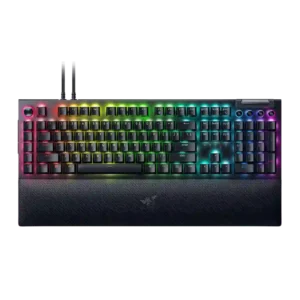
Overall: 3.9/5
Typing comfort was generally strong when switches and wrist rest suited the reviewer, though one Green-switch reviewer wanted more cushioning for long writing.
Pros: value for money, wrist rest quality
Cons: software quality, ergonomics
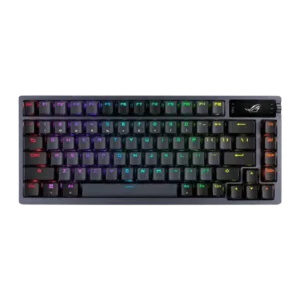
Overall: 4.2/5
Typing comfort was mostly positive, especially for quiet office/home use and pleasant daily typing, but one reviewer struggled with typos.
Pros: switch feel, typing feel
Cons: software quality, volume control
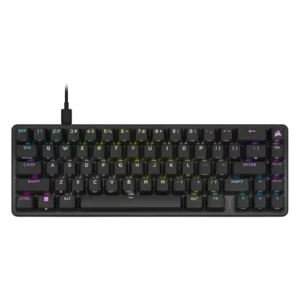
Overall: 4.2/5
Typing comfort was positive for one reviewer using the OPX switches but another found typing less satisfying than gaming.
Pros: sound dampening, value for money
Cons: ergonomics, polling rate