Best for switch feel
Corsair Vanguard Air 99
4.9 attribute score
Highest scored product for this attribute based on supporting review evidence.

Highest scored product for this attribute based on supporting review evidence.
Balances the attribute score, supporting reviews, and overall product strength.
Has the broadest review evidence for this attribute.
Strongest overall product among items with scored evidence for this attribute.

The pre-lubed OPX low-profile switches are the product’s clearest success: smooth, light, cushioned, and satisfying with enough travel to avoid a laptop-keyboard feel.
Pros: overall satisfaction, macro customization
Cons: value for money, software quality

Switch feel is one of the most consistently praised attributes, with reviewers describing the magnetic switches as smooth, soft, quiet, premium, and satisfying.
Pros: value for money, software quality
Cons: switch options, ergonomics
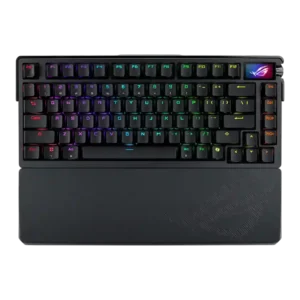
Reviewers consistently praised the NX Snow switch feel as smooth, lubed, and enjoyable, with only preference-based caveats around linear versus tactile or clicky choices.
Pros: build quality, customization options
Cons: value for money, rapid trigger support

Switch feel was the standout attribute: reviewers repeatedly described the magnetic switches as smooth, stable, satisfying, and highly responsive.
Pros: value for money, design aesthetics
Cons: cable quality, ergonomics
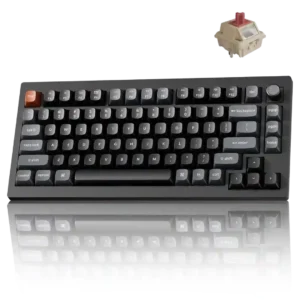
The Red switches are smoother and cleaner than earlier Keychron stock options, while Banana and Brown variants offer responsive tactile feedback. Heavier Banana switches remain comfortable for many users but...
Pros: gaming performance, overall satisfaction
Cons: polling rate, frame rigidity

Reviewers consistently praised the Dark Mount switches as smooth, quiet, and pleasing to type on, with only minor caveats about personal preference or lack of a thocky feel.
Pros: sound dampening, switch feel
Cons: reliability, rapid trigger support

Switch feel is one of the keyboard’s strongest attributes, with reviewers describing the low-profile switches as smooth, refined, snappy, or surprisingly good.
Pros: portability, value for money
Cons: software quality, key spacing

Switch feel was a major strength, with reviewers describing the magnetic linear switches as smooth, responsive, and among the best around.
Pros: value for money, build quality
Cons: switch options, hot-swappable switches

Reviewers consistently liked the stock linear switches, describing them as smooth, light, sturdy, and satisfying, with only a few preferences for other tactile or competitor switches.
Pros: gaming performance, switch feel
Cons: value for money, extra gaming features
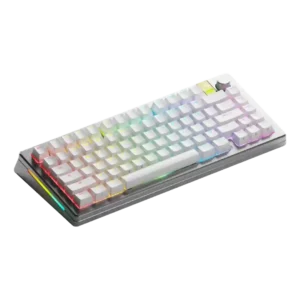
Reviewers praised the switch feel as unusually smooth, crisp, or satisfying, especially with Panda HE or silent Hall effect options.
Pros: customization options, gaming performance
Cons: value for money, software quality

Reviewers consistently described the magnetic switches as smooth, responsive, bouncy, soft, and enjoyable, with several calling the feel highly refined.
Pros: build quality, switch feel
Cons: switch options
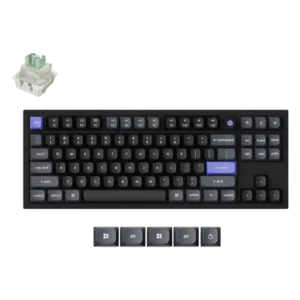
The switch feel was praised as stable, responsive, and fast.

Lekker switches are widely praised for exceptionally smooth, light linear travel, especially in gaming. A few reviewers prefer other boards for sound or tactile feedback, but the stock feel is...
Pros: overall satisfaction, customization options
Cons: value for money, switch options

Switch feel was broadly praised as butter smooth, responsive, linear, and among the best reviewers had used, with one review noting a less tactile feel.
Pros: typing feel, design aesthetics

Switch feel was a highlight, with reviewers repeatedly describing the Nebula magnetic switches as exceptionally smooth and stable.
Pros: build quality, keycap quality
Cons: switch options, portability

Reviewers consistently liked the OPX switches for their fast, smooth, light feel, though one noted they are still restricted to Corsair’s switch ecosystem.
Pros: sound dampening, value for money
Cons: ergonomics, polling rate

Reviewers repeatedly praised the NX Snow switch feel as smooth, refined, light, and satisfying, with only minor taste-based caveats from those who prefer clickier switches.
Pros: switch feel, typing feel
Cons: software quality, key spacing

Reviewers generally liked the ROG NX Snow V2 switches, describing them as smooth, consistent, and pleasant, with a few noting they still lack Hall-effect gaming behavior.
Pros: typing feel, design aesthetics
Cons: value for money, materials quality

Reviewers mostly praised the Hall Effect switch feel as smooth, pre-lubed, responsive, and pleasant, though one review noted it lacks the tactile feel of traditional switches.
Pros: size and form factor, typing feel
Cons: switch options, portability

Switch feel was mostly praised as smooth, stable, airy, satisfying, or excellent, though one reviewer found the Hall Effect feel sloppy for typing.
Pros: customization options, design aesthetics
Cons: switch options, key spacing

Reviewers consistently describe the OPX or Speed linear switches as fast, smooth, and satisfying, though a few note the sensitivity takes adjustment and the feel is not for everyone.
Pros: extra gaming features, wrist rest quality
Cons: value for money, software quality
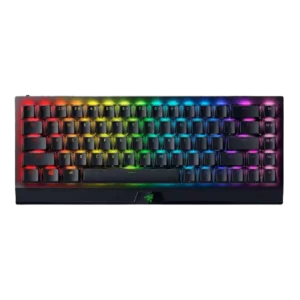
Reviewers broadly liked the switch feel, especially the smooth Yellow switches and tactile Green option; the main caveat was that the light actuation could feel sensitive for some typists.
Pros: size and form factor, switch feel
Cons: value for money, battery life
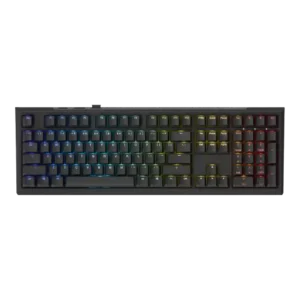
Reviewers generally liked the inductive switch feel, repeatedly calling it smooth, pleasant, and better for typing than many Hall-effect boards, though one noted it was only fine or somewhat heavy...
Pros: value for money, gaming performance
Cons: software quality, customization options

The MLX Pulse switches are widely described as smooth, satisfying, and premium, with several reviewers calling out their pre-lubed feel. A few buyers simply say the keys feel wonderful or...
Pros: macro customization, switch feel
Cons: software quality, value for money

Reviewers consistently liked the HFX V2/V2X switch feel, calling it smooth, pleasing, light, and well suited to both gaming and typing, with only minor preference differences.
Pros: switch feel, customization options
Cons: value for money, wireless performance

Reviewers liked the Gateron Jade feel, describing the switches as nice to type on and hard to beat among linears.
Pros: design aesthetics, build quality

Switch feel was widely praised for smooth, soft, factory-lubed MLX Reds, though a few reviewers wanted tactile alternatives or found them average.
Pros: software quality, switch feel
Cons: legend visibility, extra gaming features

Topre feel is the keyboard’s signature strength: most reviewers call it smooth, cushioned, tactile, refined, or outright delightful. A minority finds the action too soft or abrupt, so preference still...
Pros: switch feel, typing feel
Cons: value for money, layout options

Reviewers generally liked the analog optical switch feel once tuned, often calling it smooth, controlled, or butter-smooth, though one reviewer found the light presses awkward for daily typing.
Pros: customization options, typing feel
Cons: value for money, wrist rest quality

Both Zebra and Wisteria linears are smooth and responsive, with Zebra feeling lighter and Wisteria slightly heavier. Stock choice is limited to linear options.
Pros: overall satisfaction, build quality
Cons: portability, reliability
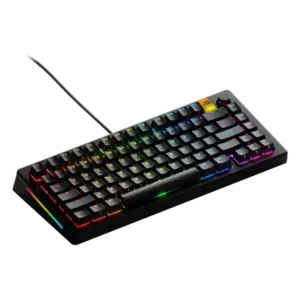
Switch feel ranged from smooth and satisfying to transformative with upgraded Panda switches, though one reviewer was less convinced by the stock Fox HE feel.
Pros: customization options, software quality
Cons: value for money, materials quality
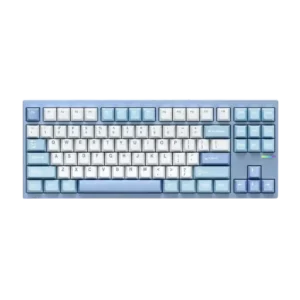
Reviewers generally liked the switch feel, calling the Vintage White or stock linear switches smooth, responsive, crisp, and satisfying, with only mild scratchiness or preference-based caveats.
Pros: customization options, build quality
Cons: connectivity
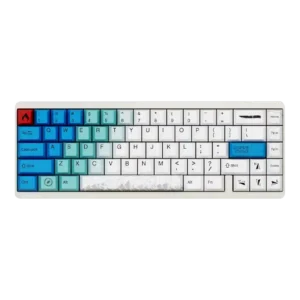
Switch feel was consistently positive, with reviewers liking the light force, smoothness, and Gateron dual-rail feel.
Pros: design aesthetics, build quality
Cons: software quality, customization options

Switch feel was strongly praised across reviews for smooth, tactile, snappy, and comfortable low-profile action, though a few preferences varied.
Pros: switch feel, battery life
Cons: volume control, media controls
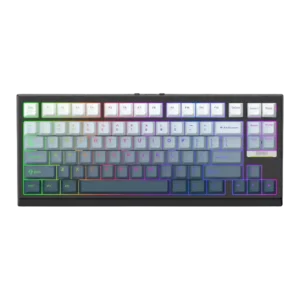
Reviewers generally liked the switch feel, describing it as smooth, satisfying, familiar, and easy to use, though one reviewer noted some scratchiness.
Pros: gaming performance, key responsiveness
Cons: compatibility
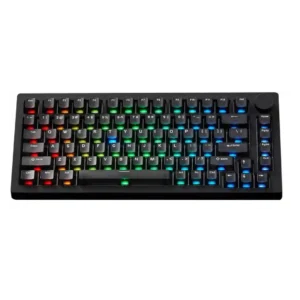
Switch feel is widely praised as smooth, stable, satisfying, or fantastic, with a few reviewers noting switch preference depends on force and sound taste.
Pros: build quality, customization options
Cons: reliability
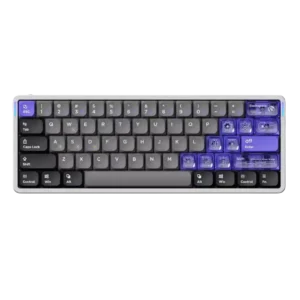
Reviewers generally liked the low-profile magnetic Jade switches for smoothness, snappiness, and comfort, though one reviewer found the light force required adjustment.
Pros: software quality, switch feel
Cons: connectivity, layout options

Switch feel was generally praised for smooth, pre-lubed linear travel, although one reviewer found the switches only fine and loud.
Pros: typing feel, build quality
Cons: value for money, wireless performance

Switch feel was broadly strong, with praise for Yellow, Green, and Orange variants, though some reviewers wanted more checkout options or different stock switches.
Pros: value for money, wrist rest quality
Cons: software quality, ergonomics

Reviewers mostly liked the OmniPoint switches for smooth, linear, fast feel, though one found them too light and preferred another board.
Pros: value for money, rapid trigger support
Cons: media controls, stabilizer quality

Reviewers generally liked the HyperX switches for their smooth, satisfying, responsive feel, though IGN and TechRadar found them harsher or too sensitive for some users.
Pros: typing feel, gaming performance
Cons: software quality, value for money
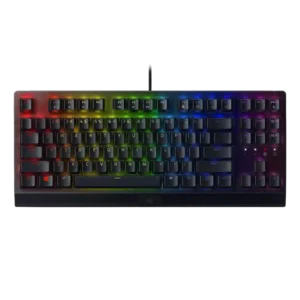
Reviewers generally liked the switch feel, describing the Green switches as tactile, clicky, responsive, and fun, though some treated the sound as a tradeoff.
Pros: RGB lighting quality, value for money
Cons: wrist rest quality, noise level

Switch feel is praised as smooth, cushioned, satisfying, and quiet, without the mushiness some users might fear.
Pros: noise level, RGB lighting quality
Cons: rapid trigger support, extra gaming features
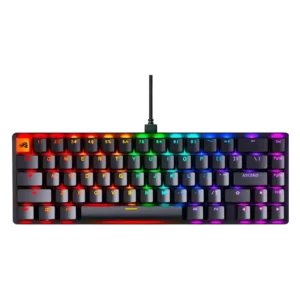
Reviewers consistently liked the Fox linear switches for smooth, soft, quiet, or satisfying feel, though a few noted break-in time or wanted other switch types.
Pros: switch feel, value for money
Cons: key spacing, actuation consistency
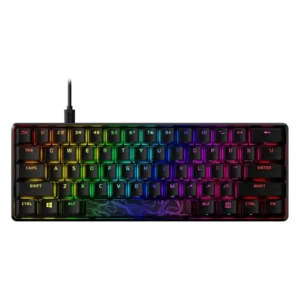
Reviewers generally describe the HyperX switches as smooth, familiar, satisfying, and good for gaming, though a few prefer Cherry-style or tactile alternatives for typing.
Pros: build quality, value for money
Cons: software quality, stabilizer quality

Switch feel was usually praised as smooth, tactile, satisfying, or excellent, though some reviewers found specific stock switch variants too light or merely average.
Pros: switch feel, typing feel
Cons: software quality, volume control
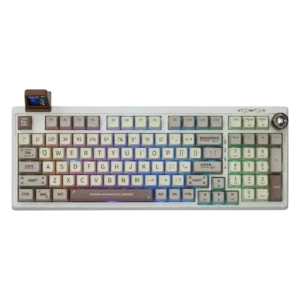
Reviewers broadly liked the switch feel, especially Wisteria, Flamingo, and Sea Salt options, but silent Sea Salts divided users who disliked their mushy or overly soft bottom-out.
Pros: value for money, typing feel
Cons: software quality, reliability
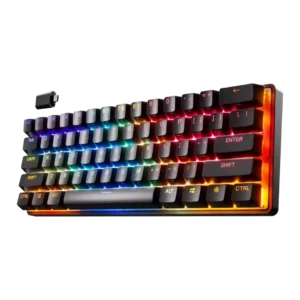
Most reviewers liked the smooth linear OmniPoint feel, with repeated praise for speed and smoothness; one typing-focused review found the linear feel a little spongy and another noted only a...
Pros: gaming performance, key responsiveness
Cons: value for money, extra gaming features

Switch feel was generally praised as smooth, friction-free, and satisfying, though a few reviewers found it merely fine or rattlier than normal.
Pros: customization options, gaming performance
Cons: value for money, noise level
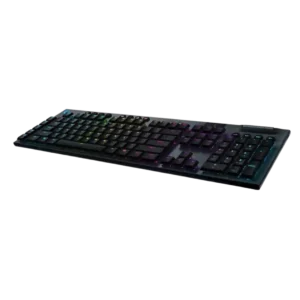
Switch feel is mostly praised for low-profile speed, tactile/clicky feel, and typing enjoyment, with isolated complaints about uncanny or insufficient clickiness.
Pros: battery life, wireless performance
Cons: value for money, wrist rest quality