Best for RGB customization
Keychron Q1 Ultra 8K
5.0 attribute score
Highest scored product for this attribute based on supporting review evidence.

Highest scored product for this attribute based on supporting review evidence.
Balances the attribute score, supporting reviews, and overall product strength.
Has the broadest review evidence for this attribute.
Strongest overall product among items with scored evidence for this attribute.

Keychron Launcher offers extensive color and pattern control, letting users create understated static looks or elaborate effects.
Pros: build quality, overall satisfaction
Cons: portability, ergonomics
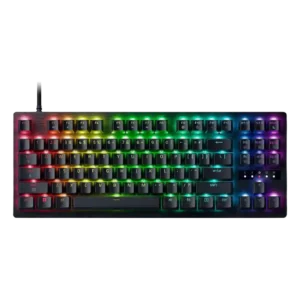
RGB customization is rich, with presets and per-key lighting giving users plenty of room to build a flashy or personalized look.
Pros: value for money, typing feel

RGB customization was praised for seemingly endless options through Chroma and Synapse.
Pros: customization options, typing feel
Cons: value for money, wrist rest quality
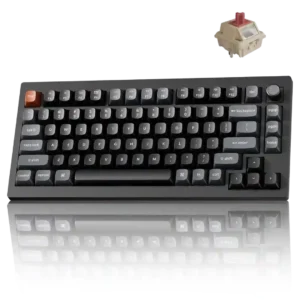
More than 20 effects, per-key control, and two independent Mix RGB zones provide unusually deep lighting customization.
Pros: gaming performance, overall satisfaction
Cons: polling rate, frame rigidity
RGB customization is a major strength, with praise for extensive effects, per-key control, downloadable designs, and broad color options.
Pros: battery life, wireless performance
Cons: value for money, wrist rest quality

RGB customization was a strength, with reviewers praising iCUE presets, effects, and the breadth of lighting options.
Pros: sound dampening, value for money
Cons: ergonomics, polling rate

VIA offers adjustable colors, patterns and brightness, with enough control for either subtle static lighting or brighter effects.
Pros: overall satisfaction, build quality
Cons: portability, reliability

RGB customization is considered extensive, with praise for per-key control, many lighting zones, and deep reworking options, though software complexity can slow the process.
Pros: extra gaming features, wrist rest quality
Cons: value for money, software quality
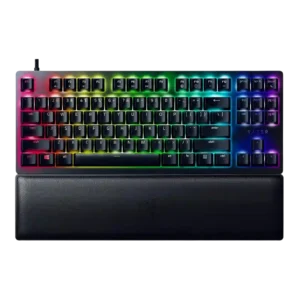
RGB customization was praised as extensive, with Synapse and Chroma offering abundant lighting effects and profile-level control.
Pros: wrist rest quality, polling rate
Cons: value for money, media controls
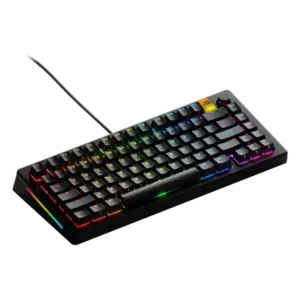
RGB customization was praised for Core-based control, individual-key color options, and layered per-key lighting effects.
Pros: customization options, software quality
Cons: value for money, materials quality

RGB customization was a major positive, with reviewers highlighting deep iCUE control, effects, per-zone options, and ecosystem integration.
Pros: value for money, typing feel
Cons: wrist rest quality, media controls

Lighting can be changed extensively through Wootility, including presets, effects, colors, and per-key control. Most reviewers love the flexibility, although one found effect layering more limited than rival software.
Pros: overall satisfaction, customization options
Cons: value for money, switch options

RGB customization was praised for detailed control, per-key programmability, and broad aesthetic tuning.
Pros: typing feel, build quality
Cons: value for money, wireless performance

RGB customization is praised where tested, with a reviewer highlighting many lighting-effect options in Armoury Crate.
Pros: portability, value for money
Cons: software quality, key spacing
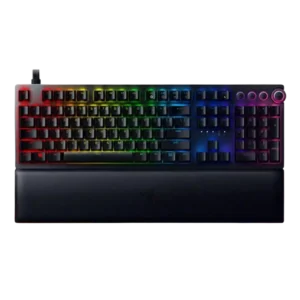
RGB customization received strong praise through Synapse and Chroma, especially for color control, profiles, and Razer’s broader lighting ecosystem.
Pros: analog input support, wrist rest quality
Cons: value for money, cable quality

RGB customization was praised for adjustable brightness, effects, speed, and color selection.
Pros: build quality, keycap quality
Cons: switch options, portability

RGB customization was a major strength, with reviewers praising iCUE control, layers, profiles, individual color control, and broad lighting flexibility.
Pros: value for money, keycap quality
Cons: polling rate, acoustics
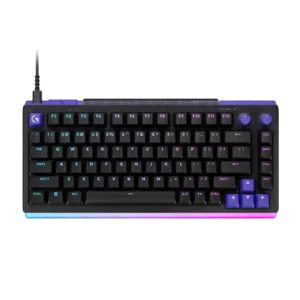
G Hub offers extensive color, pattern, brightness, and light-bar control, often down to individual zones or LEDs. Reviewers found the system both flexible and easy to personalize.
Pros: overall satisfaction, design aesthetics
Cons: value for money, wrist rest quality
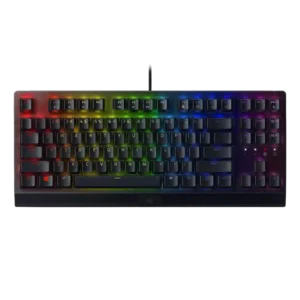
RGB customization was consistently praised through Razer Chroma and Synapse controls, with reviewers noting flexible profiles, custom effects, and game-integrated lighting.
Pros: RGB lighting quality, value for money
Cons: wrist rest quality, noise level

RGB customization was praised for plentiful modes and settings, even when lighting visibility itself was not always ideal.
Pros: value for money, design aesthetics
Cons: cable quality, ergonomics
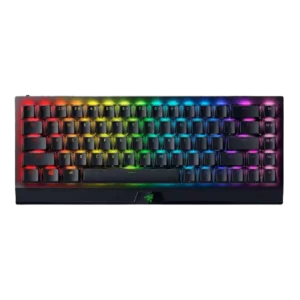
RGB customization was a clear strength, with reviewers noting broad Chroma color options, effects, sync, and onboard or software-based control.
Pros: size and form factor, switch feel
Cons: value for money, battery life

RGB customization was praised for per-key control, presets, custom effects, and broad adjustment options.
Pros: switch feel, typing feel
Cons: software quality, volume control

RGB customization was widely praised for deep software control, per-key effects, layers, presets, and web or app configuration.
Pros: sound dampening, switch feel
Cons: reliability, rapid trigger support

RGB customization was a strong point, with reviewers highlighting per-key color, effects, animations, presets, and deep G Hub control.
Pros: switch feel, battery life
Cons: volume control, media controls
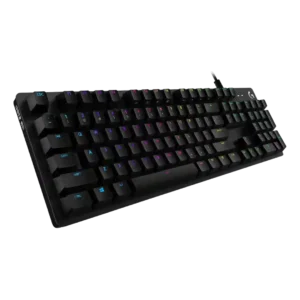
RGB customization is a major strength, with reviewers praising lighting software, many effects, per-game effects, and Screen Sampler-style controls.
Pros: value for money, design aesthetics
Cons: passthrough features, noise level
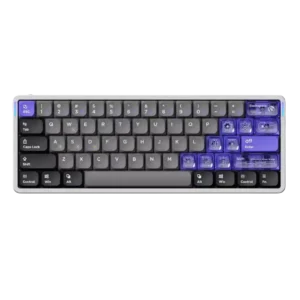
RGB customization was viewed positively, with reviewers liking the available effects, side lighting, and web-based lighting controls.
Pros: software quality, switch feel
Cons: connectivity, layout options

RGB customization was praised through customizable lighting and software control.
Pros: switch feel, customization options
Cons: value for money, wireless performance

RGB customization was received positively, especially lighting effects that react to key presses and the praised Pixel Rain-style effect.
Pros: build quality, switch feel
Cons: switch options

RGB customization had limited but positive support, with one reviewer highlighting bold color behavior and preset variety.
Pros: typing feel, design aesthetics
Cons: value for money, materials quality

RGB customization was praised in the context of full RGB control and customization through the software.
Pros: size and form factor, typing feel
Cons: switch options, portability
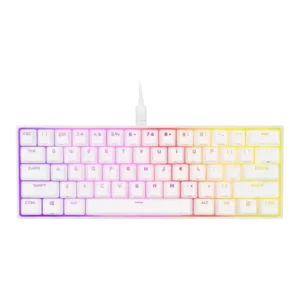
RGB customization was strongly praised for onboard effects, iCUE layers, per-key control, and flexible lighting profiles.
Pros: switch feel, size and form factor
Cons: polling rate, value for money

RGB customization was consistently strong, with reviewers praising layered effects, per-key color control, and broad iCUE lighting options.
Pros: customization options, gaming performance
Cons: value for money, noise level

RGB customization was generally praised as easy and flexible, though software quality sometimes limited the broader customization experience.
Pros: gaming performance, switch feel
Cons: value for money, extra gaming features

RGB customization is a strength, with reviewers liking layered effects, presets, per-user patterns, and broad software control.
Pros: typing feel, gaming performance
Cons: software quality, value for money
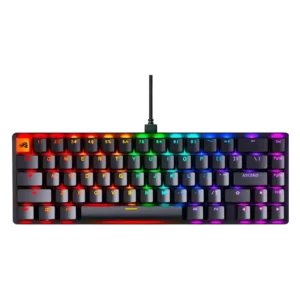
RGB customization was praised for software effects, presets, layers, and per-key or individual color control, with some platform limitations noted separately.
Pros: switch feel, value for money
Cons: key spacing, actuation consistency

RGB customization was viewed favorably through dual-system personalization, many effects, and customizable modes.
Pros: design aesthetics, build quality

RGB customization was a clear strength, with per-key control and many effects praised, though some reviewers found setup less straightforward.
Pros: value for money, rapid trigger support
Cons: media controls, stabilizer quality

RGB customization was positively covered through software-based control of backlighting and effects.
Pros: battery life, portability
Cons: volume control, switch options

RGB customization was consistently treated as a strength, with reviewers praising effects, brightness controls, modes and easy software control.
Pros: RGB customization, keycap quality
Cons: frame rigidity, switch options
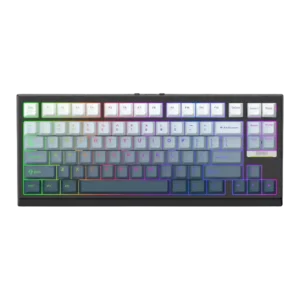
RGB customization was praised for matching setups, turning off cleanly, and fitting the rest of a desk setup.
Pros: gaming performance, key responsiveness
Cons: compatibility

RGB customization was a consistent Razer strength, with reviewers praising complex-to-simple controls, Chroma syncing, and game-reactive lighting.
Pros: value for money, wrist rest quality
Cons: software quality, ergonomics

RGB customization is broadly praised for layers, colors, Dynamic Lighting support, and broad software control, with some preset-selection complaints.
Pros: noise level, RGB lighting quality
Cons: rapid trigger support, extra gaming features

RGB customization was praised for layered effects, deep controls, and playful flexibility.
Pros: battery life, switch feel
Cons: value for money, ease of switch replacement
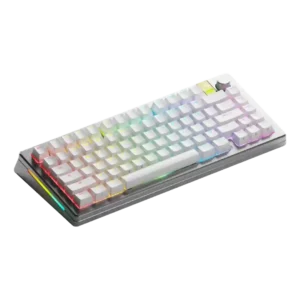
RGB customization was viewed positively, with reviewers noting multiple lighting options, full customization, and useful real-time effect previews.
Pros: customization options, gaming performance
Cons: value for money, software quality
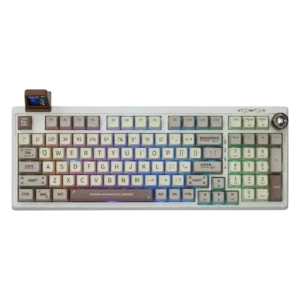
RGB customization is considered useful and reasonably flexible through the driver, with both per-key control and effect customization mentioned positively.
Pros: value for money, typing feel
Cons: software quality, reliability

RGB customization was positively received for many options and a broad color selector, though rainbow-style effects were too much for one reviewer.
Pros: typing feel, design aesthetics

RGB customization was generally praised through G Hub, though one reviewer disliked needing software for even small lighting tweaks.
Pros: build quality, gaming performance
Cons: typing feel, typing comfort

RGB customization was strong overall, with many lighting effects and per-key options, but some reviewers found G Hub lighting tools limited or underwhelming.
Pros: value for money, battery life
Cons: hot-swappable switches, noise level

RGB customization is viewed positively, with reviewers noting per-key control, effects, color customization, and software-based sync options.
Pros: switch feel, typing feel
Cons: software quality, key spacing

RGB customization was useful but not perfect: reviewers liked RGB controls and effects, while one noted whole-board color control instead of per-key control.
Pros: customization options, design aesthetics
Cons: switch options, key spacing