Best for software quality
Wooting 60HE+
4.9 attribute score
Highest scored product for this attribute based on supporting review evidence.

Highest scored product for this attribute based on supporting review evidence.
Balances the attribute score, supporting reviews, and overall product strength.
Has the broadest review evidence for this attribute.
Strongest overall product among items with scored evidence for this attribute.

Wootility is one of the most consistently praised parts of the product: fast, intuitive, browser-accessible, cross-platform, and largely free of bloat. Reviewers especially like how easily it exposes advanced Hall...
Pros: overall satisfaction, customization options
Cons: value for money, switch options
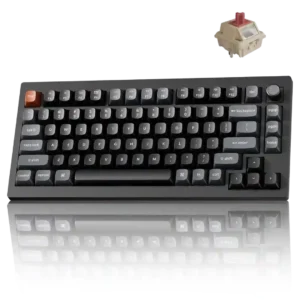
The browser-based Keychron Launcher is widely praised as fast, clear, and feature-rich without background bloatware. It does require a compatible Chromium browser and a wired connection for changes.
Pros: gaming performance, overall satisfaction
Cons: polling rate, frame rigidity
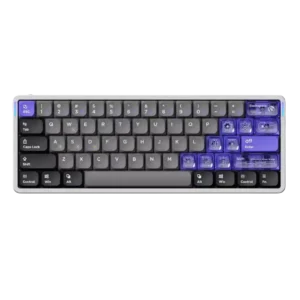
Software quality was one of the most consistently praised attributes, with reviewers liking the web app, stability, clean UI, and broad controls.
Pros: software quality, switch feel
Cons: connectivity, layout options

Software was a major upgrade over Armoury Crate, with Gear Link described as reliable, lighter, responsive, and easy to use.
Pros: switch feel, customization options
Cons: value for money, wireless performance

Software quality was broadly praised as easy, intuitive, web-based, and convenient, with caveats about wired-only use, clutter, and short-cable friction.
Pros: customization options, design aesthetics
Cons: switch options, key spacing

Software quality was broadly praised as smooth, intuitive, easy, web-based, slick, and useful for actuation and remapping.
Pros: build quality, switch feel
Cons: switch options

Software quality was mostly positive because the web launcher was easy and streamlined, though setup could take time for some users.
Pros: value for money, build quality
Cons: switch options, hot-swappable switches

Software quality was mostly praised for power, web-based convenience, and ease of use, with one review noting confusing programming and another noting a small bug.
Pros: size and form factor, typing feel
Cons: switch options, portability

Software quality was generally positive because reviewers found Keychron Launcher easy, intuitive, and strong, despite browser and customization limits.
Pros: build quality, keycap quality
Cons: switch options, portability

Software quality was mostly praised for a web-based Launcher that avoids bulky apps, though some reviewers found it less polished than competitors or dependent on USB/web access.
Pros: value for money, design aesthetics
Cons: cable quality, ergonomics
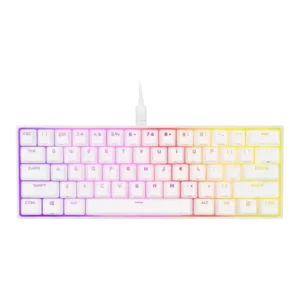
Software quality was a strong point overall, with reviewers praising iCUE's customization depth, clearer interface, and hardware/software profile support.
Pros: switch feel, size and form factor
Cons: polling rate, value for money

Software quality was broadly praised for NuPhy.io’s clean web-based interface, though one reviewer found the console merely fine and another hit beta recognition trouble.
Pros: battery life, portability
Cons: volume control, switch options
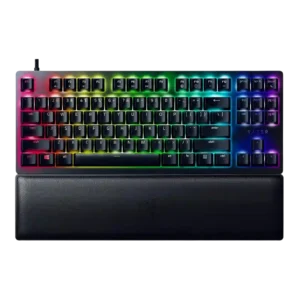
Software quality was generally strong due to Synapse control and seamless peripheral integration, though Chroma Studio and macro setup drew small complaints.
Pros: wrist rest quality, polling rate
Cons: value for money, media controls

Software quality is generally praised as simple, polished, responsive, and web-accessible, with one notable complaint about underdevelopment.
Pros: noise level, RGB lighting quality
Cons: rapid trigger support, extra gaming features

The browser-based Launcher is powerful and generally easy to use for remapping, lighting, polling, and debounce. ZMK Studio is unsupported, browser compatibility is limited, and macro mouse clicks require manual...
Pros: build quality, overall satisfaction
Cons: portability, ergonomics

Software quality was mostly praised for VIA, QMK, and the dedicated MCHOSE software, with caveats around VIA being basic and RGB customization sometimes clunky.
Pros: customization options, build quality
Cons: connectivity
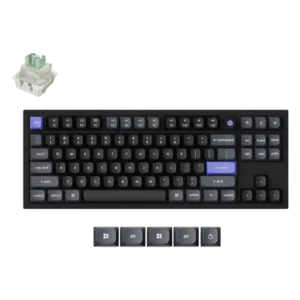
The web launcher was received positively for avoiding a separate app and enabling complex one-key actions.
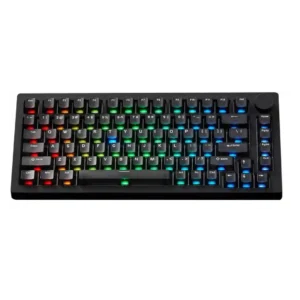
Software quality is mixed-positive: VIA and web software are powerful and accessible, but TMR software still has quirks, bugs, and plugin friction.
Pros: build quality, customization options
Cons: reliability

Software feedback was mostly positive for iCUE’s options and ease, but reviewers also cited limited dial control, hardware-profile limits, and occasional dependence on software.
Pros: software quality, switch feel
Cons: legend visibility, extra gaming features

Software quality was good overall but inconsistent: reviewers praised the interface and web option, while others reported bugs, missing refinements, or basic functionality.
Pros: sound dampening, switch feel
Cons: reliability, rapid trigger support

Software feedback leaned positive for web-based customization and ease of use, though one reviewer experienced an early stuck state.
Pros: design aesthetics, build quality

Software quality was polarizing: many found CAM clean and easy, while one reviewer reported serious bugs and another felt overwhelmed.
Pros: software quality, build quality
Cons: value for money, connectivity

Software was mostly praised for depth and polish, especially G Hub and KEYCONTROL, though some reviewers found it dense, difficult, or resource-heavy.
Pros: switch feel, battery life
Cons: volume control, media controls

iCUE was usually praised for power and depth, but a few reviewers found it complex, resource-heavy, or not ideal.
Pros: battery life, switch feel
Cons: value for money, ease of switch replacement

Software quality was generally positive, with iCUE praised for depth and control, though some reviewers found it confusing, heavy, or occasionally frustrating.
Pros: value for money, keycap quality
Cons: polling rate, acoustics

Software quality is mixed-positive: many praised Keychron Launcher as powerful, easy, and lightweight, while others reported messiness, confusing setup, or wired-only limitations.
Pros: value for money, software quality
Cons: switch options, ergonomics
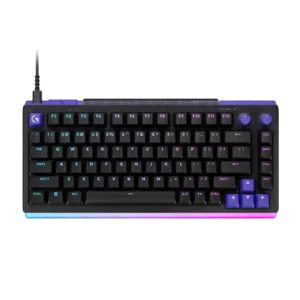
G Hub is usually described as clear, powerful, and much improved, with strong visualization for analog settings. Bugs, long onboarding, startup delays, and dependence on the app remain recurring caveats.
Pros: overall satisfaction, design aesthetics
Cons: value for money, wrist rest quality

Software quality was generally positive for ease of use and complete features, but not every reviewer found it deeply customizable.
Pros: RGB customization, keycap quality
Cons: frame rigidity, switch options
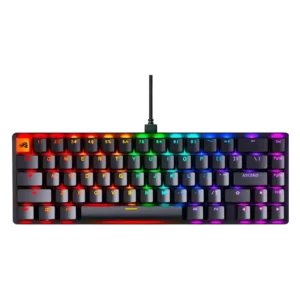
Software quality was split: reviewers liked Core's ease and flexibility, but criticized Windows-only support, bugs, and cheap-feeling polish.
Pros: switch feel, value for money
Cons: key spacing, actuation consistency
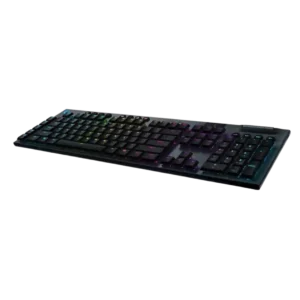
Software feedback is split: many find G Hub easy, refined, and powerful, while others call it complex, dreadful, or counterintuitive.
Pros: battery life, wireless performance
Cons: value for money, wrist rest quality
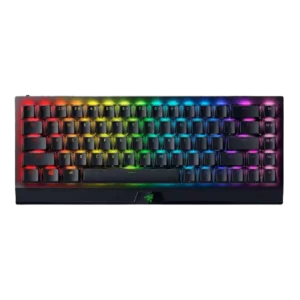
Software quality was generally good because Synapse is powerful and improved, but reviewers disliked dependence on it, navigation friction, and occasional bugs.
Pros: size and form factor, switch feel
Cons: value for money, battery life
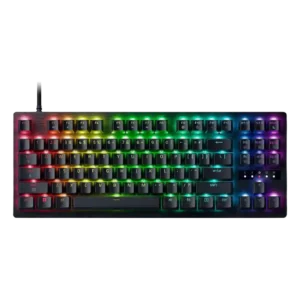
Software is powerful and mostly easy to use, with Synapse and browser-based tuning covering deep settings. A few bugs and occasional setting issues keep it from being flawless.
Pros: value for money, typing feel
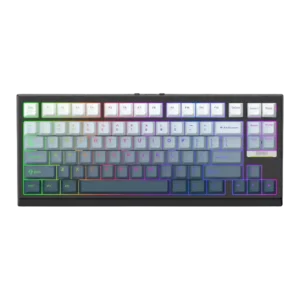
Software quality was mixed: reviewers liked the depth and serviceability, but several mentioned awkwardness or a learning curve.
Pros: gaming performance, key responsiveness
Cons: compatibility

Software opinions were split: several reviewers praised Web Hub as polished, easy, or powerful, while others found iCUE/Web Hub frustrating, dense, sluggish, or limited.
Pros: typing feel, build quality
Cons: value for money, wireless performance

Software quality was sharply mixed: Gear Link was praised as lightweight and easy, while Armoury Crate drew complaints about bloat, crashes, and setup friction.
Pros: typing feel, design aesthetics
Cons: value for money, materials quality

Software quality was mixed: GG offered deep, useful tools, but several reviewers called it cluttered, bloated, or inconsistent.
Pros: value for money, rapid trigger support
Cons: media controls, stabilizer quality

Software quality was mixed: G Hub is powerful and often easy to use, but some reviewers found it clunky, unfriendly, or unreliable with profiles.
Pros: build quality, gaming performance
Cons: typing feel, typing comfort
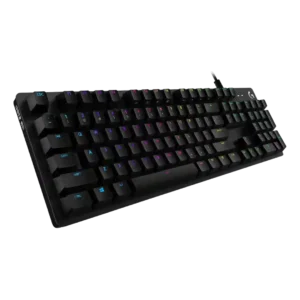
Software quality is mixed-positive overall: several found it easy or intuitive, while one reported bugs and another disliked vague icons.
Pros: value for money, design aesthetics
Cons: passthrough features, noise level

Software quality was mixed: reviewers liked Synapse's growing Mac support and clearer layout, but some encountered availability or dependency frustrations.
Pros: portability, build quality
Cons: value for money, ergonomics

VIA itself is powerful and clean, but onboarding varies sharply: some reviewers loaded the JSON file in under a minute, while others struggled with recognition and vague instructions.
Pros: overall satisfaction, build quality
Cons: portability, reliability

Software quality was polarizing: several reviewers found iCUE powerful, clear, or easy enough, while others called it messy or harder than it should be.
Pros: customization options, gaming performance
Cons: value for money, noise level
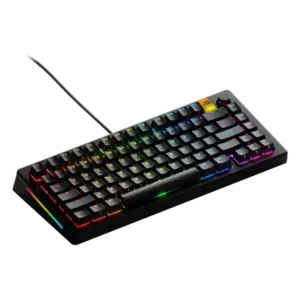
Software quality was highly mixed: some found Core easy or lightweight, while others reported unintuitive controls, bugs, or polling/profile issues.
Pros: customization options, software quality
Cons: value for money, materials quality

Software quality was split: reviewers liked clean, easy web configuration, but some wanted offline access and deeper macro tools.
Pros: typing feel, design aesthetics

Software reactions were mixed, ranging from clean and easy iCUE setup to clunky behavior, crashes, complexity, and frequent-update complaints.
Pros: sound dampening, value for money
Cons: ergonomics, polling rate

Software quality was highly mixed: some reviewers liked G Hub's interface and power, while others called it awful, convoluted, unintuitive, or limited.
Pros: value for money, battery life
Cons: hot-swappable switches, noise level

Software quality was mixed: iCUE was powerful and sometimes easy, but several reviewers called it convoluted, complicated, or difficult for newcomers.
Pros: value for money, typing feel
Cons: wrist rest quality, media controls
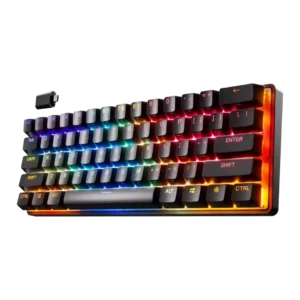
Software quality was powerful but imperfect: reviewers praised expansive tuning and intuitive customization, while also noting learning curves, confusing firmware updates, bugs, and complexity.
Pros: gaming performance, key responsiveness
Cons: value for money, extra gaming features
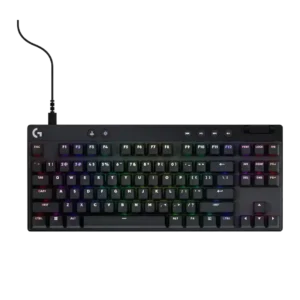
Software quality is polarizing: G Hub can be powerful and polished, but also mediocre, tedious, buggy, or unintuitive depending on reviewer and version.
Pros: build quality, software quality
Cons: value for money, hot-swappable switches
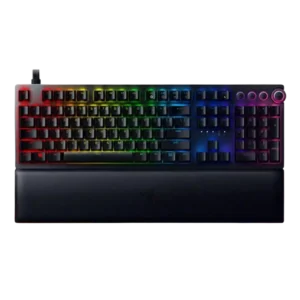
Software quality was mixed: Synapse enabled powerful customization and was sometimes easy, but reviewers also called setup complicated, frustrating, messy, or unintuitive.
Pros: analog input support, wrist rest quality
Cons: value for money, cable quality

Software quality was the most inconsistent area, ranging from easy and useful to unreliable, janky, basic, or feature-light.
Pros: gaming performance, switch feel
Cons: value for money, extra gaming features