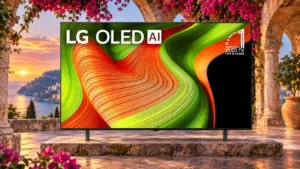
Overall: 4.2/5
Navigation and app switching are usually smooth and quick, although performance is not always flagship-fast.
Pros: value for money, color accuracy
Cons: HDR brightness, reflection handling

Overall: 4.2/5
Navigation and app switching are usually smooth and quick, although performance is not always flagship-fast.
Pros: value for money, color accuracy
Cons: HDR brightness, reflection handling
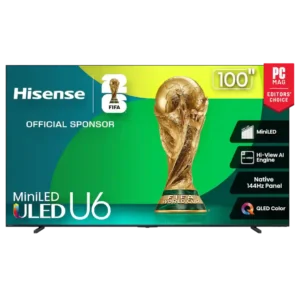
Overall: 4.2/5
Where menu responsiveness is tested directly, navigation and app switching feel quick and smooth.
Pros: overall satisfaction, value for money
Cons: smart TV platform, blooming control
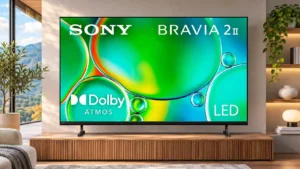
Overall: 3.6/5
Some owners and demonstrations report quick menus and a responsive operating system, a welcome strength for daily navigation.
Pros: picture quality, overall satisfaction
Cons: sound quality, reliability

Overall: 4.2/5
Most reviewers find navigation fluid, but interactions with webOS and the pointer remote are not universally smooth.
Pros: overall satisfaction, picture quality
Cons: banding control, remote control quality
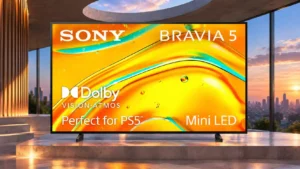
Overall: 4.0/5
Settings and shortcuts appear quickly and keep on-the-fly changes convenient.
Pros: picture quality, black levels
Cons: HDR brightness, value for money

Overall: 3.9/5
Menus are generally easy to navigate, but some deeper settings can feel slower and less responsive than the best rival interfaces.
Pros: gaming performance, peak brightness
Cons: HDMI 2.1 support, HDMI 2.1 port count

Overall: 3.4/5
Google TV is mostly quick and smooth for a budget set, with occasional hesitation during scrolling and app navigation.
Pros: picture quality, value for money
Cons: viewing angles, HDR performance
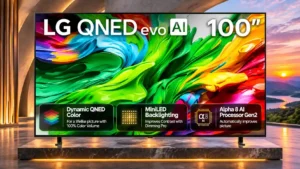
Overall: 3.7/5
The home interface generally feels fluid, and the remote scroll wheel makes long menus quicker to navigate.
Pros: picture quality, maximum volume
Cons: sound quality, bass performance
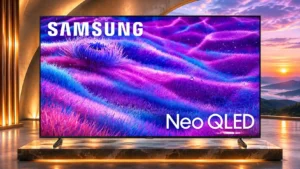
Overall: 3.8/5
Quick menus and gaming controls generally react promptly and avoid obscuring too much of the picture.
Pros: overall satisfaction, picture quality
Cons: value for money, local dimming performance

Overall: 4.0/5
Menus and picture settings are reasonably easy to navigate, especially with useful shortcuts, though not every operation feels equally snappy.
Pros: peak brightness, picture quality
Cons: HDMI 2.1 port count, reflection handling

Overall: 3.9/5
The TV generally responds quickly to commands and settings changes, making daily navigation easy.
Pros: peak brightness, value for money
Cons: reflection handling, glare resistance
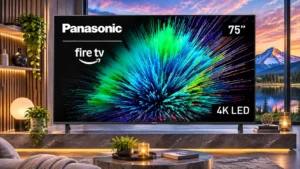
Overall: 3.3/5
Everyday menu operation can be smooth, and some find app switching quick, though the broader platform sometimes feels slow.
Pros: picture quality, motion handling
Cons: HDR performance, HDR brightness
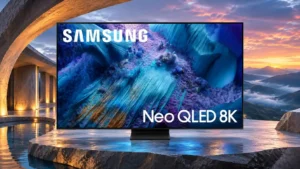
Overall: 3.8/5
Menu interaction is fast and fluid, even if Tizen presents more options and promotions than some users want.
Pros: glare resistance, overall satisfaction
Cons: input lag, value for money
Overall: 3.9/5
Most navigation is responsive, and picture settings are easy to reach, but occasional freezes and long initial configuration can frustrate.
Pros: peak brightness, overall satisfaction
Cons: value for money, shadow detail
Overall: 4.2/5
The reorganized home screen and quick settings make many tasks easier. Not every option is intuitive, and the picture controls can still feel buried.
Pros: high-refresh-rate gaming, gaming performance
Cons: value for money, bass performance
Overall: 4.0/5
Menus are generally smooth but some nested settings and transitions feel less immediate than they should.
Pros: reflection handling, overall satisfaction
Cons: Dolby Vision support, bass performance
Overall: 4.2/5
Some find Tizen quick and polished; others report laggy navigation or unnecessary steps before reaching key picture controls.
Pros: picture quality, glare resistance
Cons: value for money, bass performance
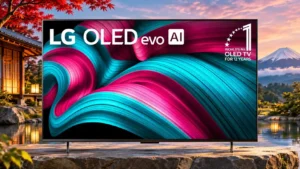
Overall: 4.0/5
Quick settings help, though menu and boot responsiveness can feel slow to some users.
Pros: value for money, overall satisfaction
Cons: Remote control usability, sound quality
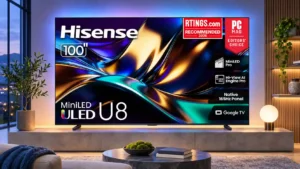
Overall: 4.1/5
Google TV navigation usually feels brisk, although settings button response and deeper menus can be slow or awkward.
Pros: peak brightness, HDR brightness
Cons: sound quality, viewing angles
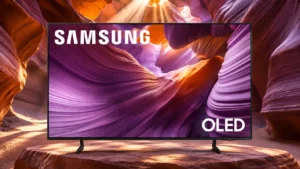
Overall: 3.9/5
Navigation often feels fluid, but intermittent interface unresponsiveness is a potential annoyance.
Pros: color volume, black levels
Cons: Inconsistent panel and coating by size, sound quality
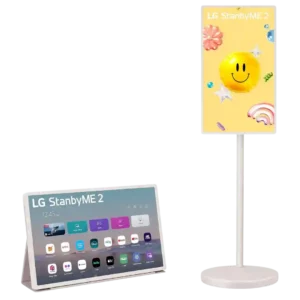
Overall: 3.8/5
The touchscreen hardware often feels responsive, but the experience varies dramatically by app and unit. Many users praise smooth touch navigation, while others report app-specific lag, missing touch support, or...
Pros: overall satisfaction, portability and versatility
Cons: value for money, menu responsiveness

Overall: 3.6/5
Menus remain manageable despite occasional sluggish reactions; the experience is not consistently instant.
Pros: black levels, picture quality
Cons: HDR performance, blooming control
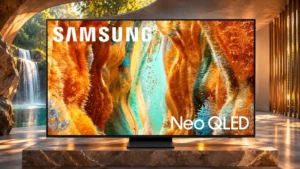
Overall: 3.8/5
Settings navigation is often convenient, although startup delays and occasional pauses detract from the experience.
Pros: picture quality, 4K at 144 Hz support
Cons: sound quality, value for money
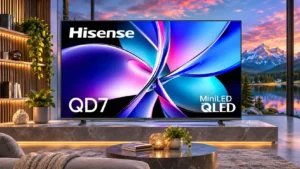
Overall: 3.9/5
The control interface is logically arranged, yet actual response times range from frustratingly slow to smooth.
Pros: picture quality, contrast ratio
Cons: HDR performance, motion handling
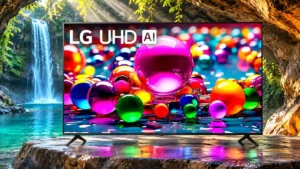
Overall: 3.0/5
Most accounts find webOS somewhat slow and delayed, while another reports smooth, fast app navigation.
Pros: viewing angles, smart TV platform
Cons: overall satisfaction, refresh rate

Overall: 4.0/5
Menu speed is generally good, but a few owners report very laggy navigation or irritating input-switching delays.
Pros: overall satisfaction, picture quality
Cons: reliability, build quality
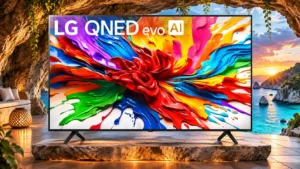
Overall: 3.9/5
The input-selection dashboard may take noticeably longer to load than expected.
Pros: gaming performance, overall satisfaction
Cons: sound quality, value for money
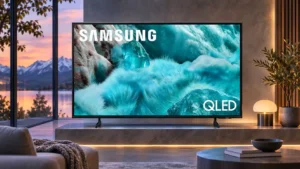
Overall: 3.0/5
Menus received sharply different reactions: several users called them snappy, but others faced delayed button responses and extra steps.
Pros: color gamut, smart TV platform
Cons: value for money, overall satisfaction
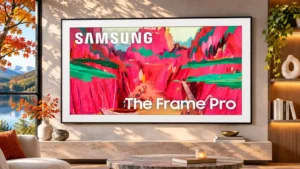
Overall: 3.8/5
Menus have ranged from reasonably smooth after updates to severe delays and freezes in problematic units.
Pros: Wireless One Connect compatibility, art display mode
Cons: value for money, input lag
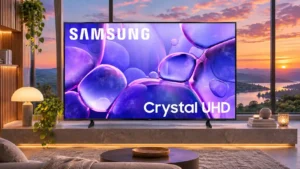
Overall: 3.3/5
Settings can be easy to locate, although delayed responses and sluggish navigation frustrate some users.
Pros: color accuracy, upscaling quality
Cons: picture quality, sound quality
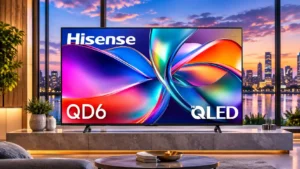
Overall: 3.0/5
Fire TV may feel less responsive than a premium smart TV or a dedicated streaming box.
Pros: color accuracy, Picture detail
Cons: HDR performance, motion clarity