Best for menu responsiveness
Samsung S90H
5.0 attribute score
Highest scored product for this attribute based on supporting review evidence.

Highest scored product for this attribute based on supporting review evidence.
Balances the attribute score, supporting reviews, and overall product strength.
Has the broadest review evidence for this attribute.
Strongest overall product among items with scored evidence for this attribute.
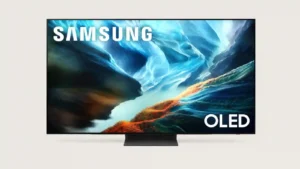
Menus and settings generally respond quickly, making inputs, apps and gaming controls easy to reach.
Pros: glare resistance, black levels
Cons: Dolby Vision support, color gamut
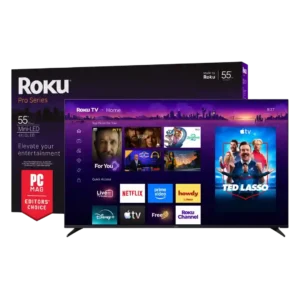
Menus, channel changes, and app switching feel immediate, with reviewers repeatedly praising seamless navigation and quick command execution.
Pros: overall satisfaction, picture quality
Cons: reliability, portability and versatility
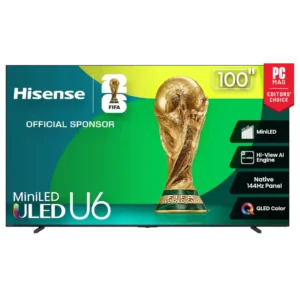
Where menu responsiveness is tested directly, navigation and app switching feel quick and smooth.
Pros: overall satisfaction, value for money
Cons: smart TV platform, blooming control
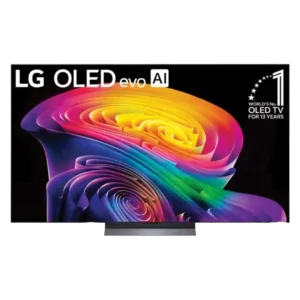
The faster processor makes settings and navigation feel snappy, with useful quick menus that avoid interrupting playback.
Pros: picture quality, gaming performance
Cons: value for money, sound quality

webOS is usually intuitive and quick, especially with the pointer remote, though occasional settings-menu sluggishness remains.
Pros: picture quality, peak brightness
Cons: value for money, sound quality

Quick settings, picture controls, and inputs are easy to reach without interrupting content for long.
Pros: peak brightness, picture quality
Cons: color accuracy, viewing angles
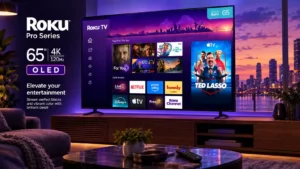
Menus operate quickly, helping the interface feel responsive during ordinary use.
Pros: contrast ratio, value for money
Cons: peak brightness, HDR brightness
Quick settings make common adjustments easy without leaving the program. A few deeper settings add extra steps, but general navigation is responsive.
Pros: picture quality, value for money
Cons: stand quality, judder handling

Menus are generally easy to navigate, but some deeper settings can feel slower and less responsive than the best rival interfaces.
Pros: gaming performance, peak brightness
Cons: HDMI 2.1 support, HDMI 2.1 port count
Menus feel smooth and easier to navigate after the webOS 26 layout changes.
Pros: picture quality, value for money
Cons: stand quality, daytime viewing performance
Quick Settings and My Cinema make common adjustments easy to reach, although deeper picture controls can feel layered or confusing.
Pros: overall satisfaction, picture quality
Cons: HDMI 2.1 port count, reflection handling
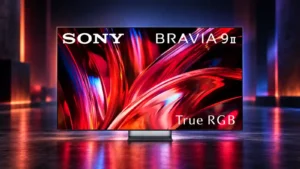
The menu layout is generally intuitive and easy to work through once the picture-mode structure is understood.
Pros: overall satisfaction, overall image accuracy
Cons: value for money, bass performance
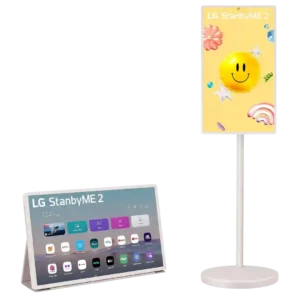
The touchscreen hardware often feels responsive, but the experience varies dramatically by app and unit. Many users praise smooth touch navigation, while others report app-specific lag, missing touch support, or...
Pros: overall satisfaction, portability and versatility
Cons: value for money, menu responsiveness
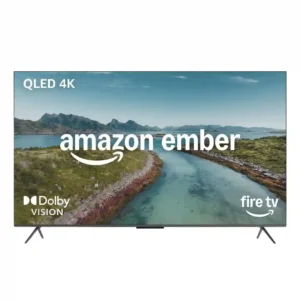
Menu response is inconsistent across owners. Some units feel fast and high-end, while others need repeated clicks or pause for several seconds before reacting.
Pros: picture quality, overall satisfaction
Cons: value for money, reliability

Menu speed is generally good, but a few owners report very laggy navigation or irritating input-switching delays.
Pros: overall satisfaction, picture quality
Cons: reliability, build quality